







Question: How to solve Bob: I worked with a local web design firm to develop my site. And I ' m not sure if they installed
How to solve
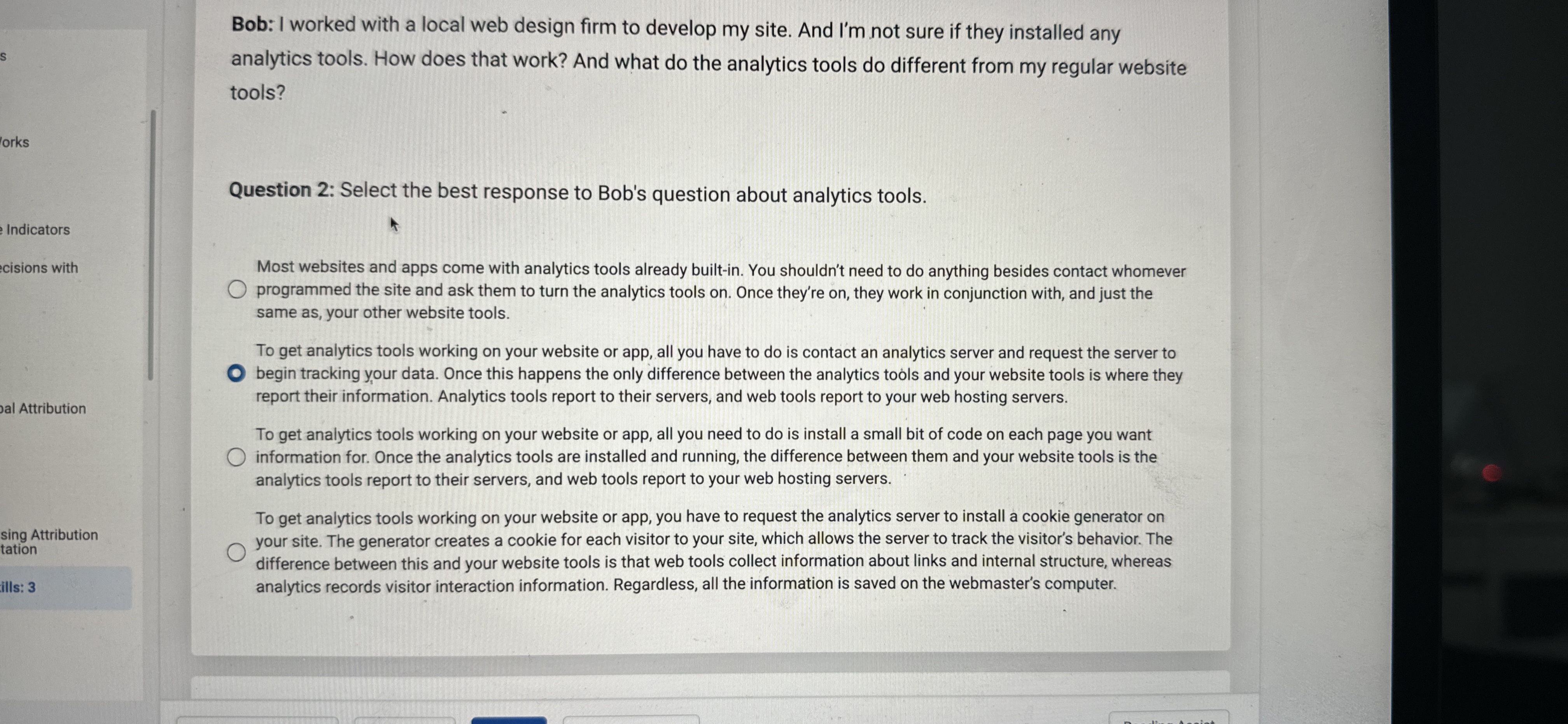
Bob: I worked with a local web design firm to develop my site. And Im not sure if they installed any
analytics tools. How does that work? And what do the analytics tools do different from my regular website
tools?
Question : Select the best response to Bob's question about analytics tools.
Most websites and apps come with analytics tools already builtin You shouldn't need to do anything besides contact whomever
programmed the site and ask them to turn the analytics tools on Once they're on they work in conjunction with, and just the
same as your other website tools.
To get analytics tools working on your website or app, all you have to do is contact an analytics server and request the server to
begin tracking your data. Once this happens the only difference between the analytics tools and your website tools is where they
report their information. Analytics tools report to their servers, and web tools report to your web hosting servers.
To get analytics tools working on your website or app, all you need to do is install a small bit of code on each page you want
information for. Once the analytics tools are installed and running, the difference between them and your website tools is the
analytics tools report to their servers, and web tools report to your web hosting servers.
To get analytics tools working on your website or app, you have to request the analytics server to install a cookie generator on
your site. The generator creates a cookie for each visitor to your site, which allows the server to track the visitor's behavior. The
difference between this and your website tools is that web tools collect information about links and internal structure, whereas
analytics records visitor interaction information. Regardless, all the information is saved on the webmaster's computer.
Step by Step Solution
There are 3 Steps involved in it
1 Expert Approved Answer
Step: 1 Unlock

Question Has Been Solved by an Expert!
Get step-by-step solutions from verified subject matter experts
Step: 2 Unlock
Step: 3 Unlock
 Study Help