







Question: how to solve this please explain this in details login.html () launch.json wscode > 0) launch.json > ... 1 2 // Use IntelliSense to learn
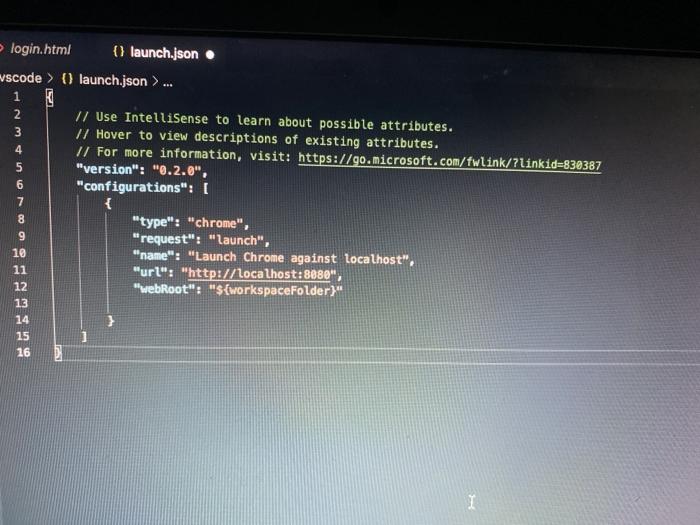
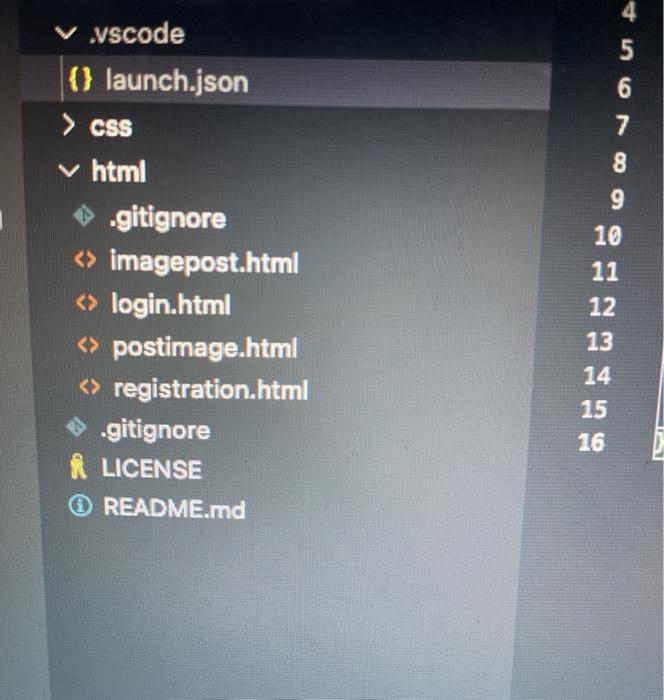
login.html () launch.json wscode > 0) launch.json > ... 1 2 // Use IntelliSense to learn about possible attributes. 3 // Hover to view descriptions of existing attributes. // For more information, visit: https://go.microsoft.com/fwlink/?linkid=830387 5 "version": "0.2.0", 6 "configurations": [ 7 { 8 "type": "chrome", 9 "request": "launch", 10 "name": "Launch Chrome against localhost", 11 "url": "http://localhost:8880", 12 "webRoot": "${workspaceFolder)" 13 14 15 16 V vscode (} launch.json > CSS v html .gitignore imagepost.html login.html postimage.html registration.html ! .gitignore LICENSE README.md 4 5 6 7 8 9 10 11 12 13 14 15 16
Step by Step Solution
There are 3 Steps involved in it

Get step-by-step solutions from verified subject matter experts
 Study Help