



Question: How to write your report: Solve the questions in Matlab and produce a neat commented code. Prepare your report in MS Word or similar. Fully
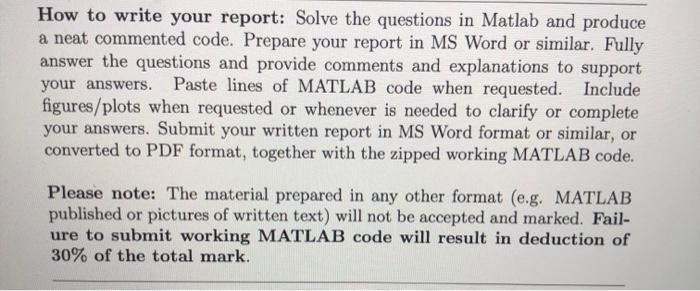
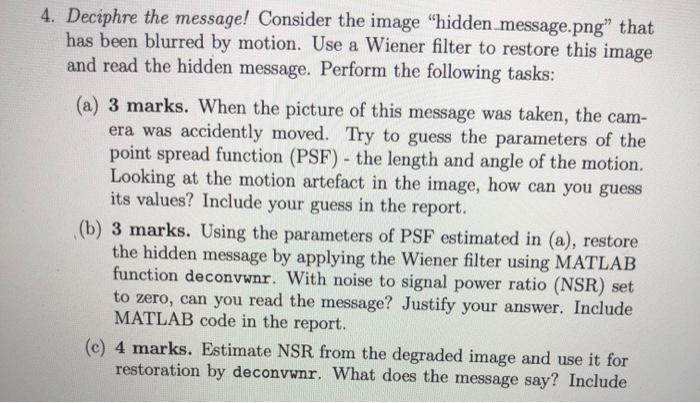

How to write your report: Solve the questions in Matlab and produce a neat commented code. Prepare your report in MS Word or similar. Fully answer the questions and provide comments and explanations to support your answers. Paste lines of MATLAB code when requested. Include figures/plots when requested or whenever is needed to clarify or complete your answers. Submit your written report in MS Word format or similar, or converted to PDF format, together with the zipped working MATLAB code. Please note: The material prepared in any other format (e.g. MATLAB published or pictures of written text) will not be accepted and marked. Fail- ure to submit working MATLAB code will result in deduction of 30% of the total mark. 4. Deciphre the message! Consider the image "hidden message.png" that has been blurred by motion. Use a Wiener filter to restore this image and read the hidden message. Perform the following tasks: (a) 3 marks. When the picture of this message was taken, the cam- era was accidently moved. Try to guess the parameters of the point spread function (PSF) - the length and angle of the motion. Looking at the motion artefact in the image, how can you guess its values? Include your guess in the report. (b) 3 marks. Using the parameters of PSF estimated in (a), restore the hidden message by applying the Wiener filter using MATLAB function deconvwnr. With noise to signal power ratio (NSR) set to zero, can you read the message? Justify your answer. Include MATLAB code in the report. (c) 4 marks. Estimate NSR from the degraded image and use it for restoration by deconvwnr. What does the message say? Include well commented MATLAB code for restoration, estimated NSR and the restored image in your report
Step by Step Solution
There are 3 Steps involved in it

Get step-by-step solutions from verified subject matter experts