







Question: https://ophysics.com/l12.html Lenses Lab oPhysics: Interactive Physics Simulations Kmemises Forces Open the Concave and Convex Lens Simulation. Concave and Convex Lenses Convex Lens: do > 2f
https://ophysics.com/l12.html
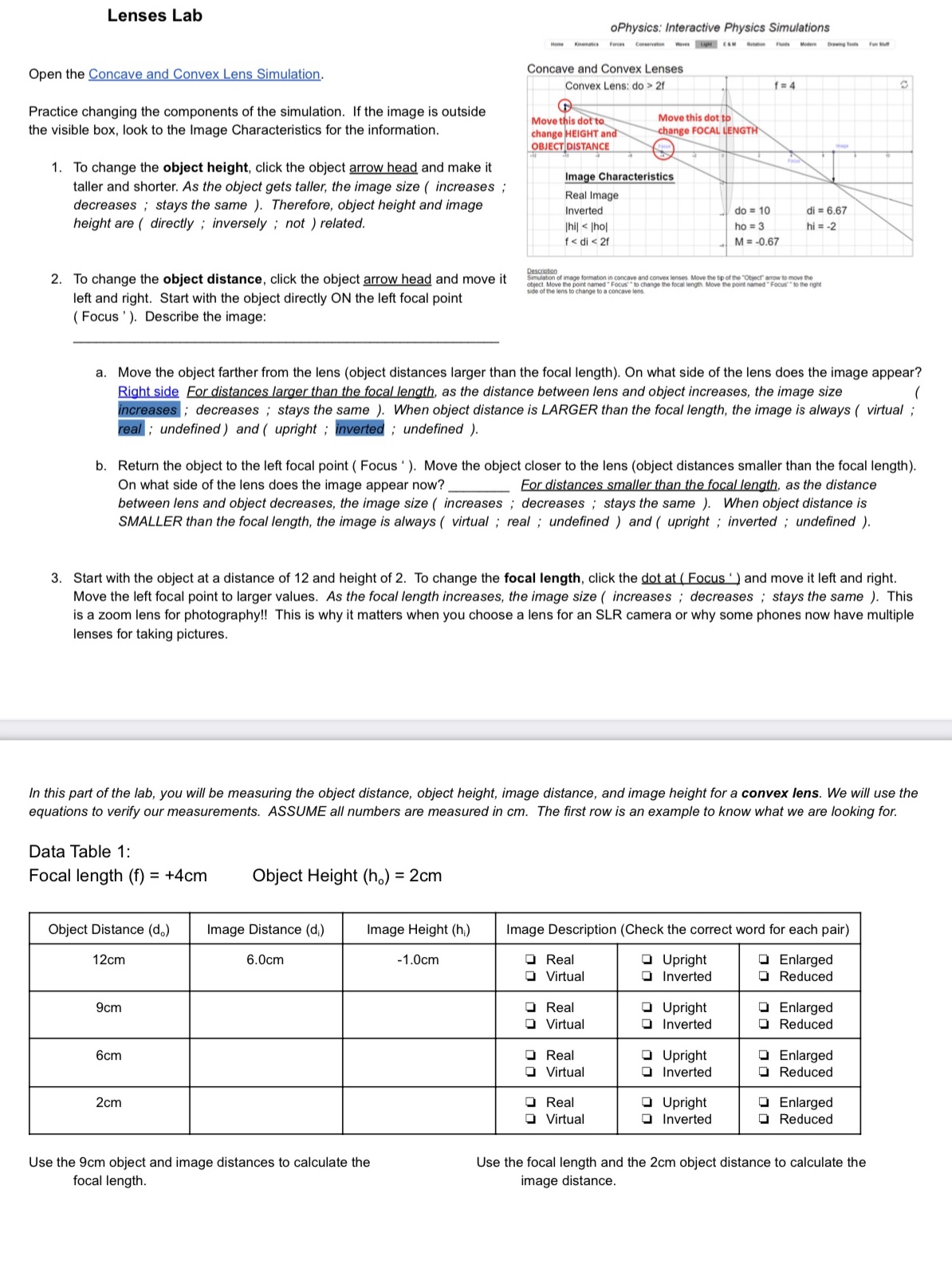
Lenses Lab oPhysics: Interactive Physics Simulations Kmemises Forces Open the Concave and Convex Lens Simulation. Concave and Convex Lenses Convex Lens: do > 2f f =4 Practice changing the components of the simulation. If the image is outside Move this dot to Move this dot to the visible box, look to the Image Characteristics for the information change HEIGHT and change FOCAL LENGTH OBJECT DISTANCE 1. To change the object height, click the object arrow head and make it taller and shorter. As the object gets taller, the image size ( increases ; Image Characteristics Real Image decreases ; stays the same ). Therefore, object height and image Inverted do = 10 di = 6.67 height are ( directly ; inversely ; not ) related. hil
Step by Step Solution
There are 3 Steps involved in it

Get step-by-step solutions from verified subject matter experts
 Study Help