







Question: https://www2.... MET CS 520 O... Begin: Quiz 1 R... Bb https://learn-U... Content Bb Module 1 Yuzu: Absolute... MInbox (2,477) -... W Create a class called
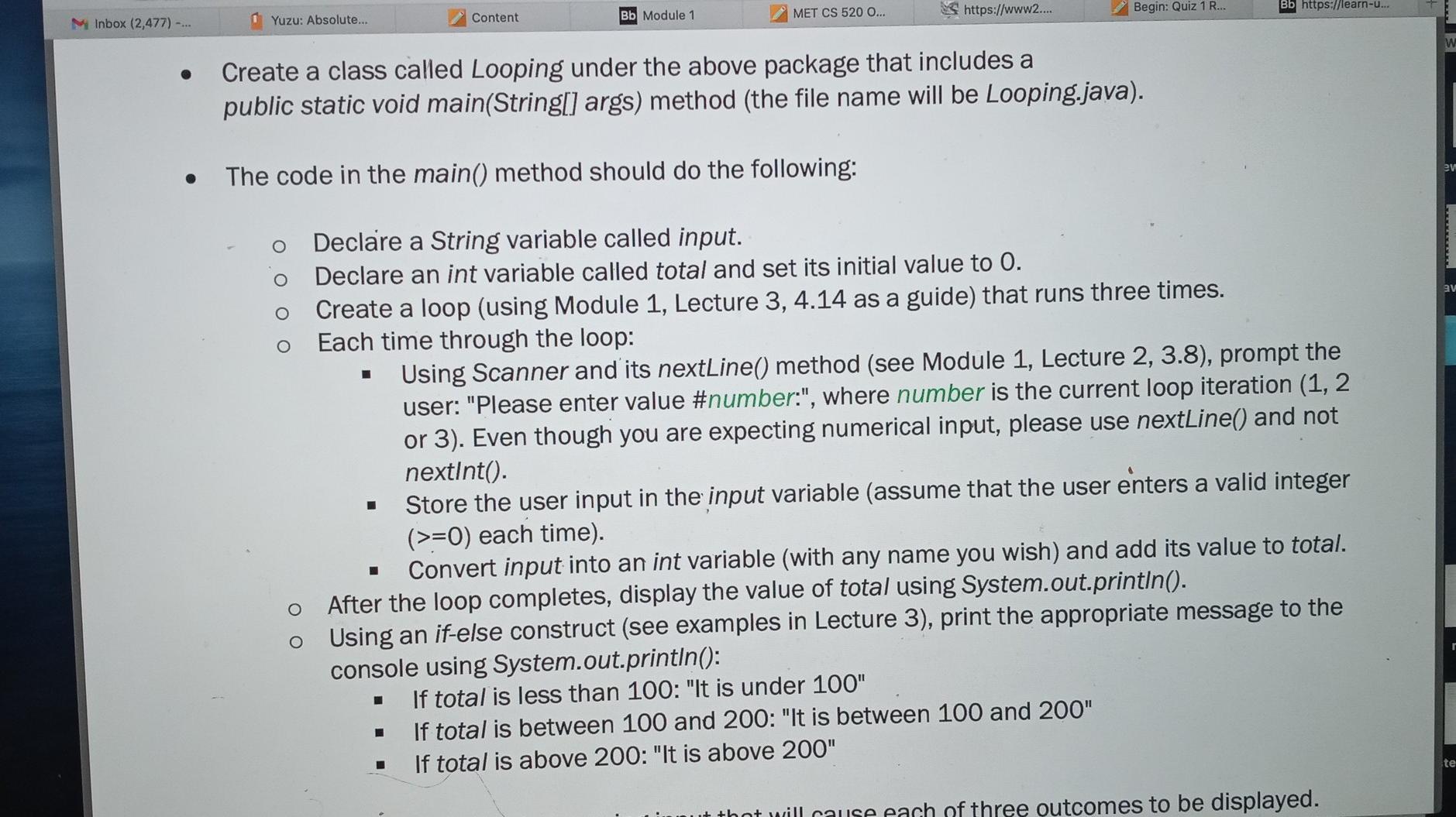
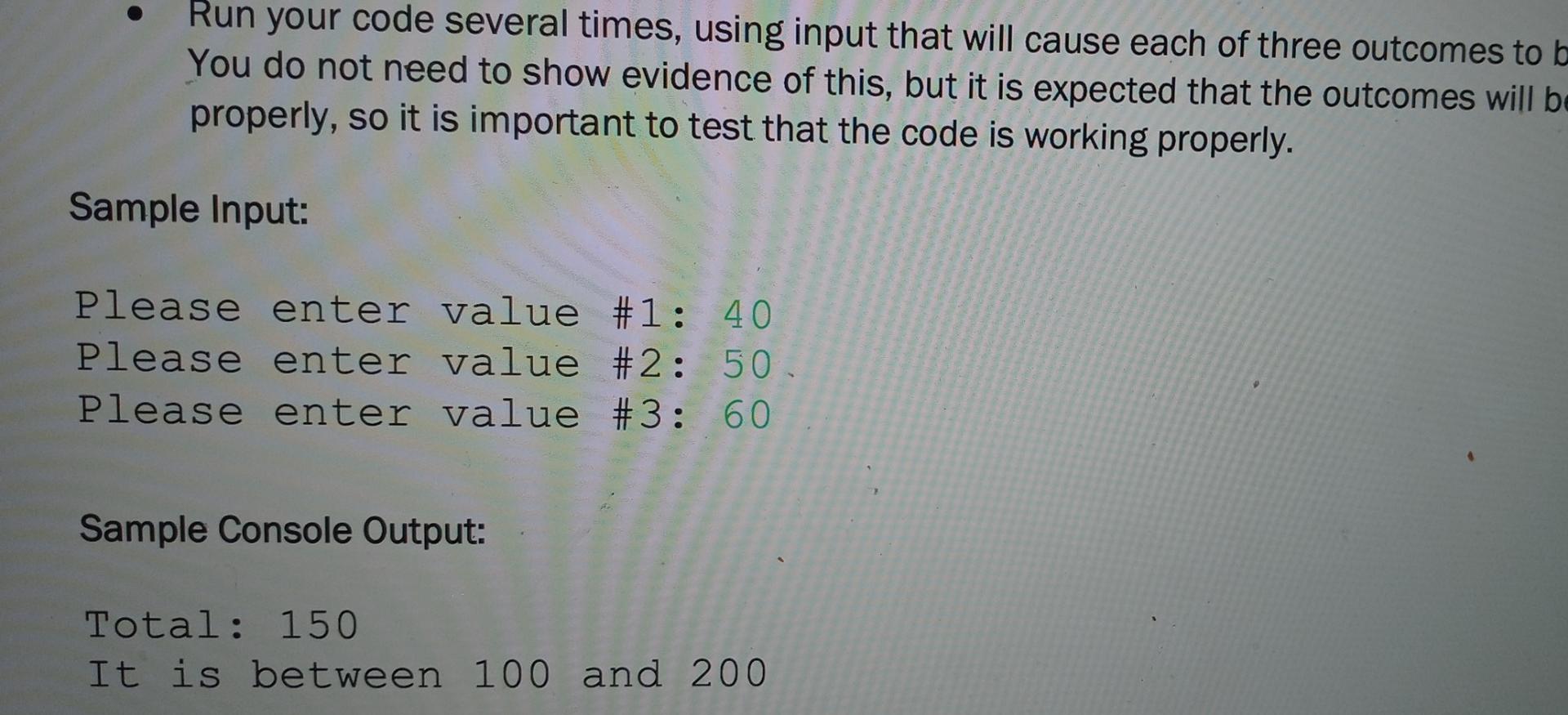
https://www2.... MET CS 520 O... Begin: Quiz 1 R... Bb https://learn-U... Content Bb Module 1 Yuzu: Absolute... MInbox (2,477) -... W Create a class called Looping under the above package that includes a public static void main(String[] args) method (the file name will be Looping.java). S The code in the main() method should do the following: 9V Declare a String variable called input. Declare an int variable called total and set its initial value to 0. Create a loop (using Module 1, Lecture 3, 4.14 as a guide) that runs three times. Each time through the loop: Using Scanner and its nextLine() method (see Module 1, Lecture 2, 3.8), prompt the user: "Please enter value #number:", where number is the current loop iteration (1,2 or 3). Even though you are expecting numerical input, please use nextLine() and not nextInt(). Store the user input in the input variable (assume that the user enters a valid integer (>=0) each time). Convert input into an int variable (with any name you wish) and add its value to total. After the loop completes, display the value of total using System.out.println(). Using an if-else construct (see examples in Lecture 3), print the appropriate message to the console using System.out.println(): If total is less than 100: "It is under 100" If total is between 100 and 200: "It is between 100 and 200" If total is above 200: "It is above 200" O O te nt will cause each of three outcomes to be displayed. Run your code several times, using input that will cause each of three outcomes to b You do not need to show evidence of this, but it is expected that the outcomes will be properly, so it is important to test that the code is working properly. Sample Input: Please enter value #1: 40 Please enter value #2: 50 Please enter value #3: 60 Sample Console Output: Total: 150 It is between 100 and 200
Step by Step Solution
There are 3 Steps involved in it

Get step-by-step solutions from verified subject matter experts
 Study Help