



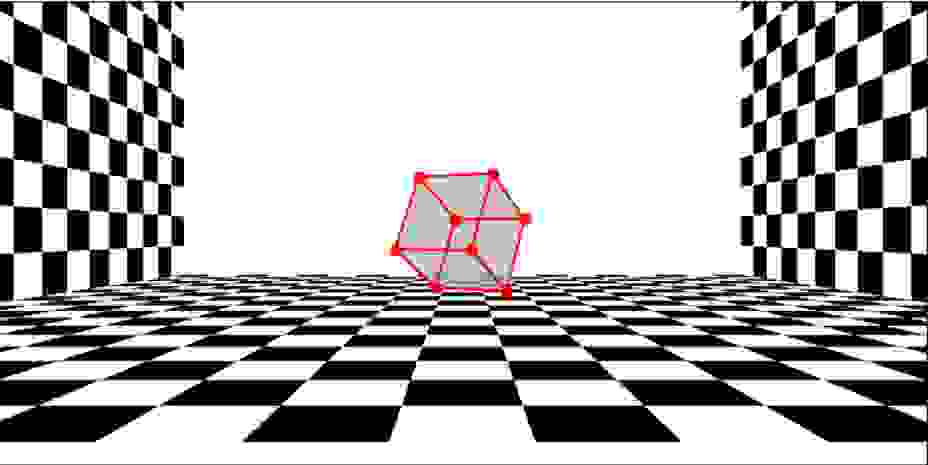
Question: I am having trouble showing the back _ plane. All the other plances work without an issue. The output shows an image and not an
I am having trouble showing the backplane. All the other plances work without an issue. The output shows an image and not an animation. Please help
We will use a scene dictionary with keys as object names
Each object will have its own keys containing objectspecific points and transformation matrix"""
# D unitcube homogenous coordinates
cube nparray
# make length of the cube meters
cube: : cube: :
cube: : cube: :
#scenebackplane'transform nparrayheight Zstart height
scenebackplane'transform nparrayheight Zstart
# create and transform the cube
scenecubepoints cube
scenecubetransform nparray Zstart
Perform the dolly of the entire scene, save images as a single gif
## TODO Create the Z values for the dolly animation
## store Z values in a numpy array object of size steps
Tzs nplinspaceZstart, Zend, steps
## TODO Compute the focal length to keep the cube of same size
## store the f values for each Z step in a numpy array object of size steps
## this f value should be adjusted to keep the cube the same size throughout the animation
#fs fstart Tzs Tzs
# visualize the scene
plotimg visualizesceneprojectedscene, gridcount
# write the current image in the gif
gifwriter.appenddataplotimg
gifwriter.close
Step by Step Solution
There are 3 Steps involved in it
1 Expert Approved Answer
Step: 1 Unlock

Question Has Been Solved by an Expert!
Get step-by-step solutions from verified subject matter experts
Step: 2 Unlock
Step: 3 Unlock