







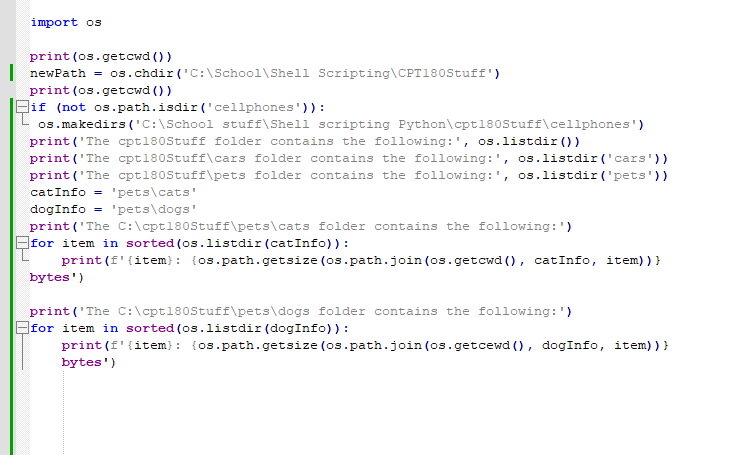
Question: I am not sure where I am going wrong and I am not understanding it CPT 180 Chapter 9 Assignment 1 Directions Using the following
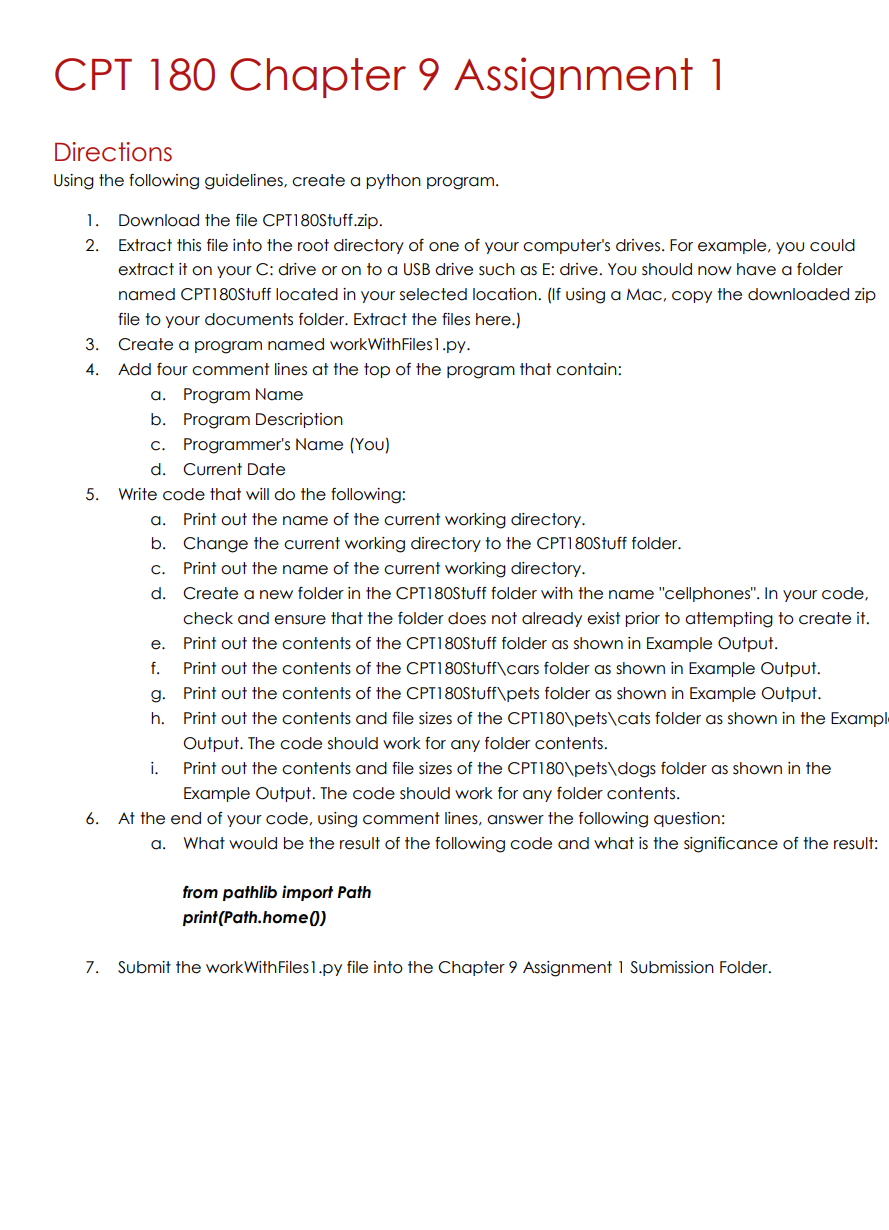
CPT 180 Chapter 9 Assignment 1 Directions Using the following guidelines, create a python program. 1. Download the file CPT180Stuff.zip. 2. Extract this file into the root directory of one of your computer's drives. For example, you could extract it on your C: drive or on to a USB drive such as E: drive. You should now have a folder named CPT180Stuff located in your selected location. (If using a Mac, copy the downloaded zip file to your documents folder. Extract the files here.) Create a program named workWithFiles1.py. Add four comment lines at the top of the program that contain: 3. 4. 5. a. Program Name b. Program Description c. Programmer's Name (You) d. Current Date Write code that will do the following: a. b. c. Print out the name of the current working directory. d. e. f. g. h. Print out the name of the current working directory. Change the current working directory to the CPT180Stuff folder. i. Create a new folder in the CPT180Stuff folder with the name "cellphones". In your code, check and ensure that the folder does not already exist prior to attempting to create it. Print out the contents of the CPT180Stuff folder as shown in Example Output. Print out the contents of the CPT180Stuff\cars folder as shown in Example Output. Print out the contents of the CPT180Stuff\pets folder as shown in Example Output. Print out the contents and file sizes of the CPT180\pets\cats folder as shown in the Exampl Output. The code should work for any folder contents. Print out the contents and file sizes of the CPT180\pets\dogs folder as shown in the Example Output. The code should work for any folder contents. 6. At the end of your code, using comment lines, answer the following question: a. What would be the result of the following code and what is the significance of the result: from pathlib import Path print(Path.home()) 7. Submit the workWithFiles1.py file into the Chapter 9 Assignment 1 Submission Folder.
Step by Step Solution
There are 3 Steps involved in it

Get step-by-step solutions from verified subject matter experts
 Study Help