







Question: I am required to develop a swim-lane flowchart for the process described in the attached file. Your flowchart should be drawn using a decent drawing
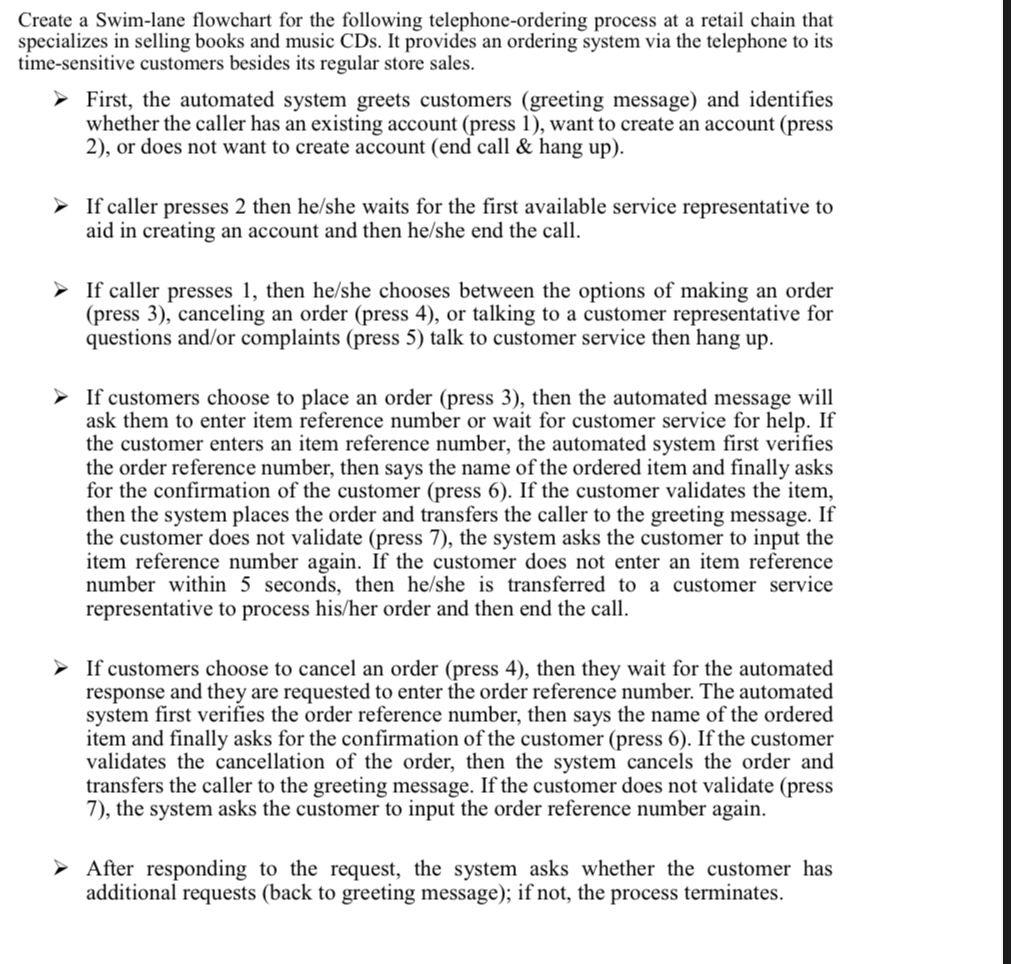
I am required to develop a swim-lane flowchart for the process described in the attached file.
Your flowchart should be drawn using a decent drawing tool. No hand drawing is accepted.
Create a Swim-lane flowchart for the following telephone-ordering process at a retail chain that specializes in selling books and music CDs. It provides an ordering system via the telephone to its time-sensitive customers besides its regular store sales. First, the automated system greets customers (greeting message) and identifies whether the caller has an existing account (press 1), want to create an account (press 2 ), or does not want to create account (end call \& hang up). If caller presses 2 then he/she waits for the first available service representative to aid in creating an account and then he/she end the call. If caller presses 1 , then he/she chooses between the options of making an order (press 3), canceling an order (press 4), or talking to a customer representative for questions and/or complaints (press 5) talk to customer service then hang up. If customers choose to place an order (press 3 ), then the automated message will ask them to enter item reference number or wait for customer service for help. If the customer enters an item reference number, the automated system first verifies the order reference number, then says the name of the ordered item and finally asks for the confirmation of the customer (press 6). If the customer validates the item, then the system places the order and transfers the caller to the greeting message. If the customer does not validate (press 7), the system asks the customer to input the item reference number again. If the customer does not enter an item reference number within 5 seconds, then he/she is transferred to a customer service representative to process his/her order and then end the call. If customers choose to cancel an order (press 4), then they wait for the automated response and they are requested to enter the order reference number. The automated system first verifies the order reference number, then says the name of the ordered item and finally asks for the confirmation of the customer (press 6). If the customer validates the cancellation of the order, then the system cancels the order and transfers the caller to the greeting message. If the customer does not validate (press 7), the system asks the customer to input the order reference number again. After responding to the request, the system asks whether the customer has additional requests (back to greeting message); if not, the process terminatesStep by Step Solution
There are 3 Steps involved in it
1 Expert Approved Answer
Step: 1 Unlock

Question Has Been Solved by an Expert!
Get step-by-step solutions from verified subject matter experts
Step: 2 Unlock
Step: 3 Unlock
 Study Help