







Question: I am working in CSS within a Flexbox layout. I cannot get my image links to display in the mobile layout. I am including a
I am working in CSS within a Flexbox layout. I cannot get my image links to display in the mobile layout. I am including a photo of what it should look like when coded correctly. Here is what I am trying that isn't working:
nav#top ul li:nth-of-type(1) {
background: url("cw_image01.png");
background-repeat: no-repeat;
background-size: cover;
background-position: center;
}
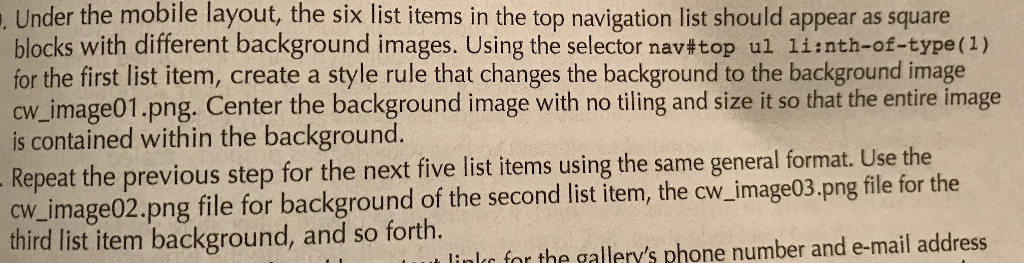
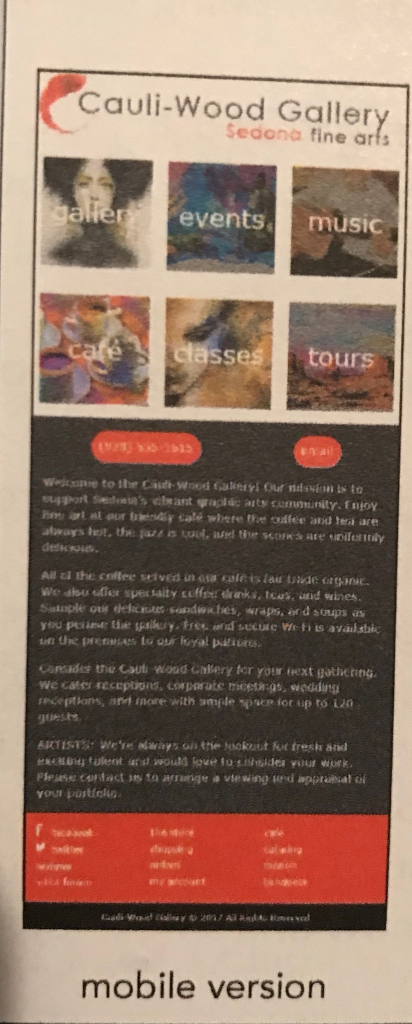
Under the mobile layout, the six list items in the top navigation list should appear as square blocks with different background images. Using the selector nav#top ul li:nth-of-type(1) for the first list item, create a style rule that changes the background to the background image cw_image01.png. Center the background image with no tiling and size it so is contained within the background. - Repeat the previous step for the next five list items using the same general format. Use the cw_image02.png file for background of the second list item, the cw_image03.png file for the third list item background, and so forth. ul. tor the gallery's phone number and e-mail address
Step by Step Solution
There are 3 Steps involved in it

Get step-by-step solutions from verified subject matter experts
 Study Help