







Question: I. Display the Sales Data worksheet. Insert the GETPIVOTDATA function in cell F 1 to display the overall average selling price from the PivotTable on
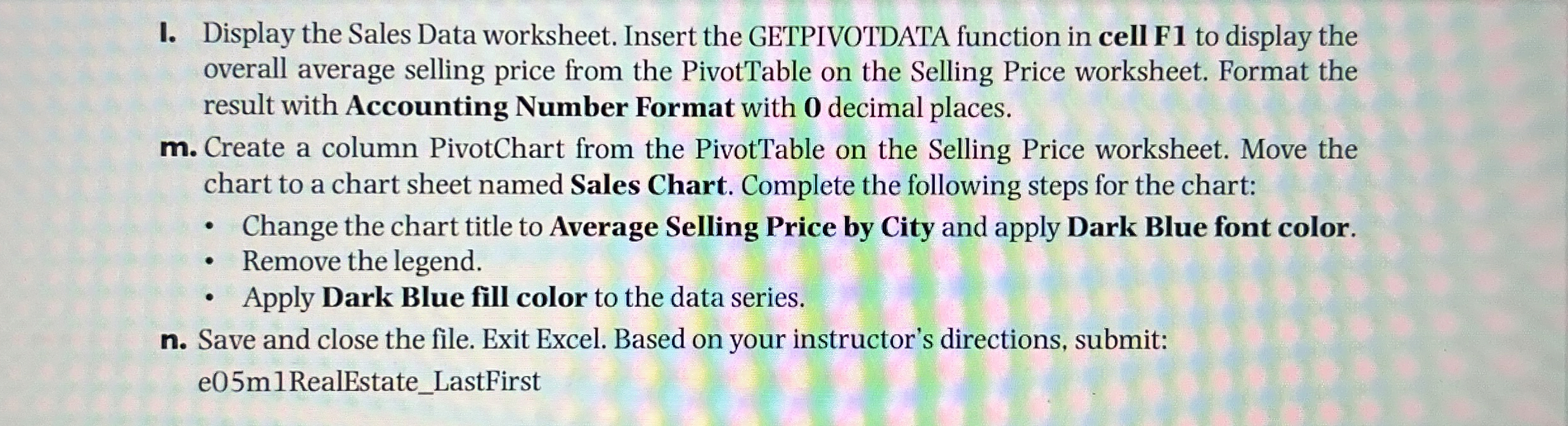
I. Display the Sales Data worksheet. Insert the GETPIVOTDATA function in cell F to display the
overall average selling price from the PivotTable on the Selling Price worksheet. Format the
result with Accounting Number Format with decimal places.
m Create a column PivotChart from the PivotTable on the Selling Price worksheet. Move the
chart to a chart sheet named Sales Chart. Complete the following steps for the chart:
Change the chart title to Average Selling Price by City and apply Dark Blue font color.
Remove the legend.
Apply Dark Blue fill color to the data series.
n Save and close the file. Exit Excel. Based on your instructor's directions, submit:
emRealEstateLastFirst
Step by Step Solution
There are 3 Steps involved in it
1 Expert Approved Answer
Step: 1 Unlock

Question Has Been Solved by an Expert!
Get step-by-step solutions from verified subject matter experts
Step: 2 Unlock
Step: 3 Unlock
 Study Help