







Question: I don't know how to do everything from question 8 down. And if possible the questions before that so I can check my programs thanks
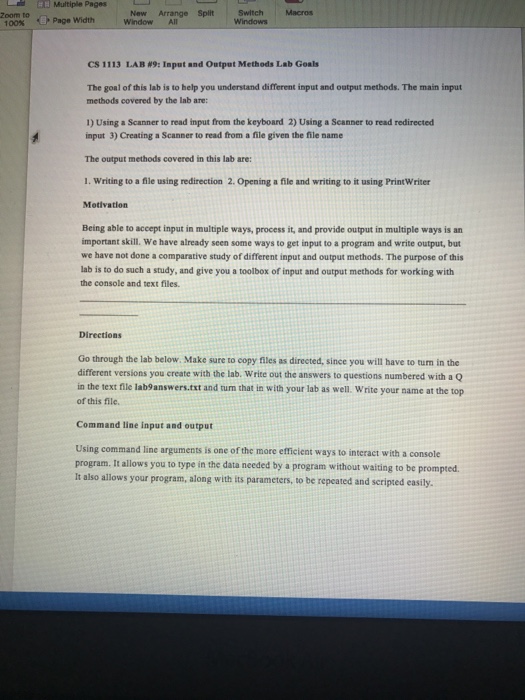
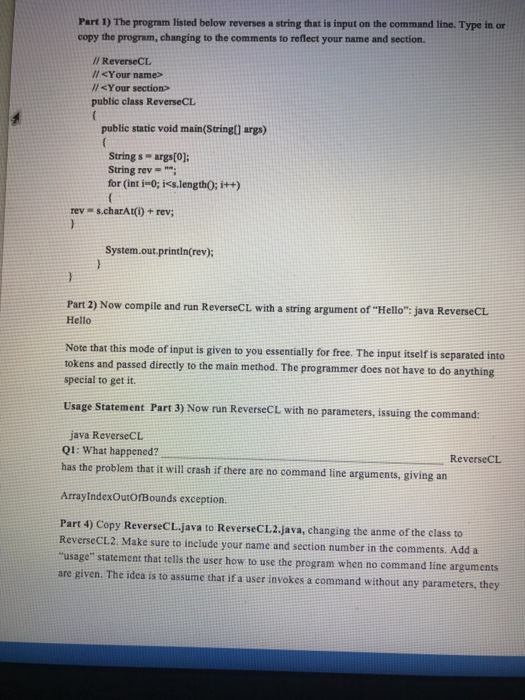
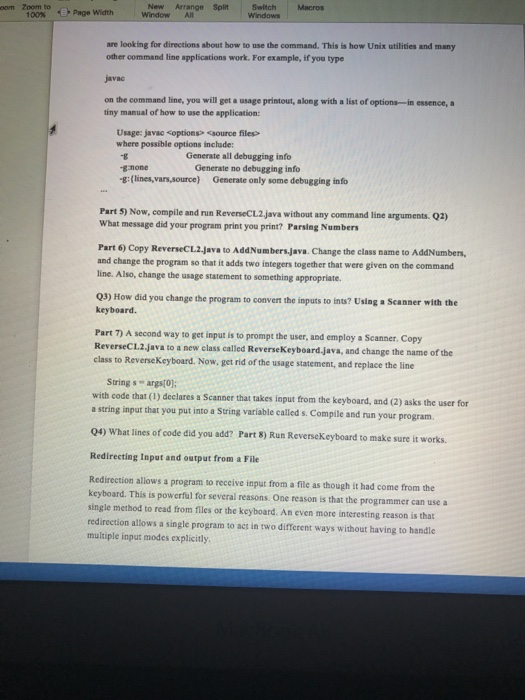
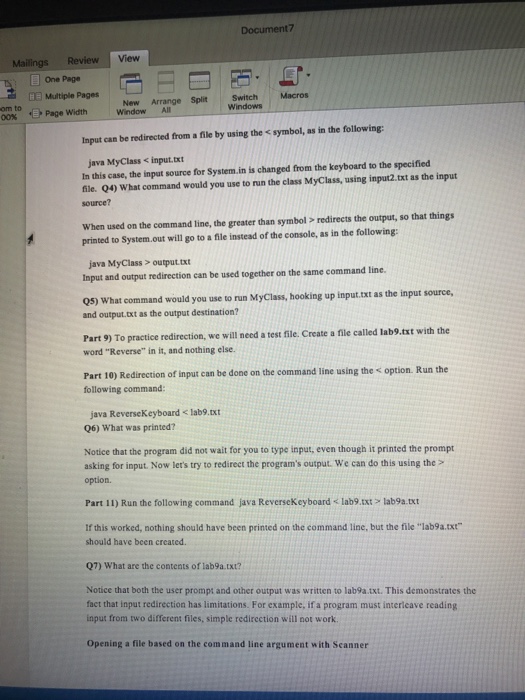
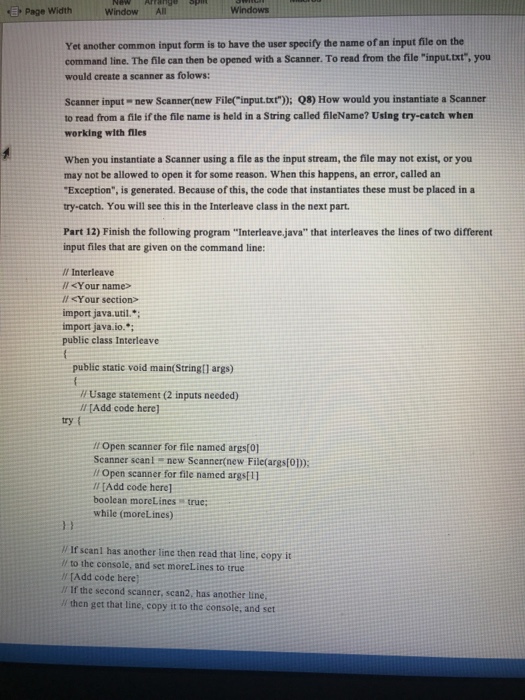
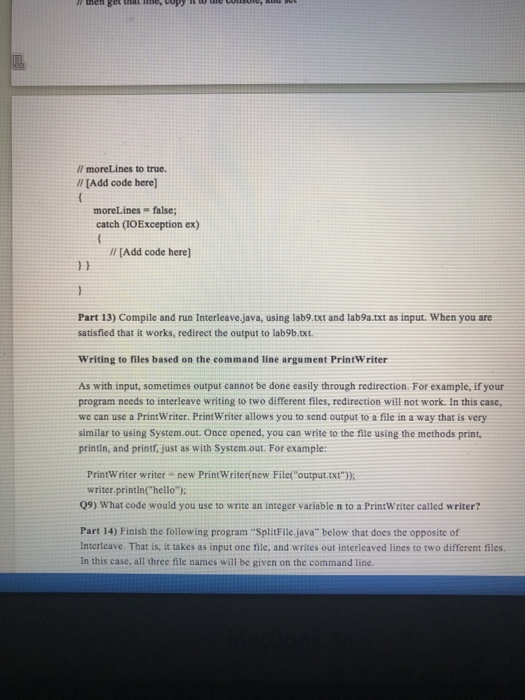
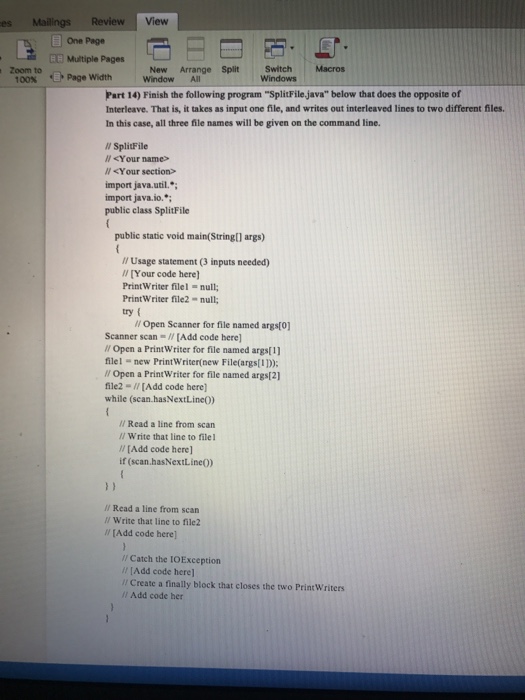
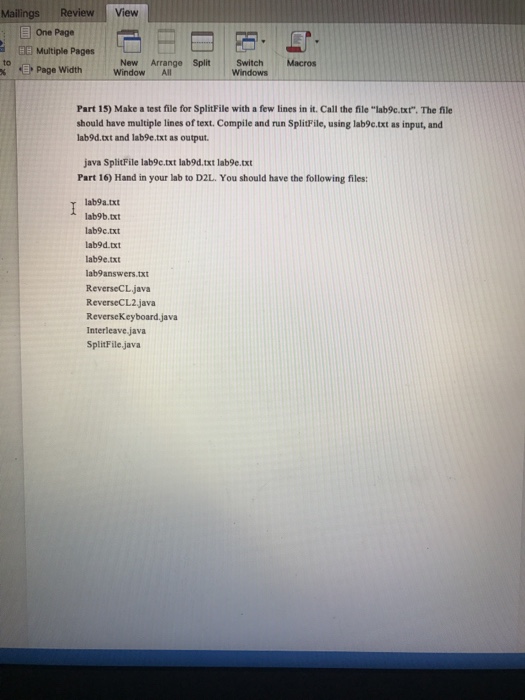
L Multiple Pages Arrange Split Page width window CS 1113 LAB N9: In t and output Methods Lab Goals The goal of this lab is to help you understand different input and output methods. The main input methods covered by the lab are: 1) Using a Scanner to read input from the keyboard 2)Using a Scanner to read redirected The output methods covered in this lab are: 1. writing to a file using redirection 2. opening a file and writing to it using Printwriter Motivation Being able to accept input in multiple ways, process it, and provide output in multiple ways is an important skill. We have already seen some ways to get input to a program and write output, but we have not done a comparative study of different input and output methods. The purpose of this lab is to do such a study, and give you a toolbox of input and output methods for working with the console and text files. Directions Go through the lab below. Make sure to copy files as directed, since you will have to tum in the different versions you create with the lab, write out the answers to questions numbered with a Q in the text file lab9answers.txt and tum that in with your lab as well. Write your name at the top of this file. Command line input and output Using command line arguments is one of the more efficient ways to interact with a console program. It allows you to type in the data needed by a program without waiting to be prompted. It also allows your program, along with its parameters, to be repeated and scripted easily. L Multiple Pages Arrange Split Page width window CS 1113 LAB N9: In t and output Methods Lab Goals The goal of this lab is to help you understand different input and output methods. The main input methods covered by the lab are: 1) Using a Scanner to read input from the keyboard 2)Using a Scanner to read redirected The output methods covered in this lab are: 1. writing to a file using redirection 2. opening a file and writing to it using Printwriter Motivation Being able to accept input in multiple ways, process it, and provide output in multiple ways is an important skill. We have already seen some ways to get input to a program and write output, but we have not done a comparative study of different input and output methods. The purpose of this lab is to do such a study, and give you a toolbox of input and output methods for working with the console and text files. Directions Go through the lab below. Make sure to copy files as directed, since you will have to tum in the different versions you create with the lab, write out the answers to questions numbered with a Q in the text file lab9answers.txt and tum that in with your lab as well. Write your name at the top of this file. Command line input and output Using command line arguments is one of the more efficient ways to interact with a console program. It allows you to type in the data needed by a program without waiting to be prompted. It also allows your program, along with its parameters, to be repeated and scripted easily
Step by Step Solution
There are 3 Steps involved in it

Get step-by-step solutions from verified subject matter experts
 Study Help