







Question: i. In the tmp directory, create a new directory, called Assignment1. ii. List the contents of the new directory you created. Take a screenshot of
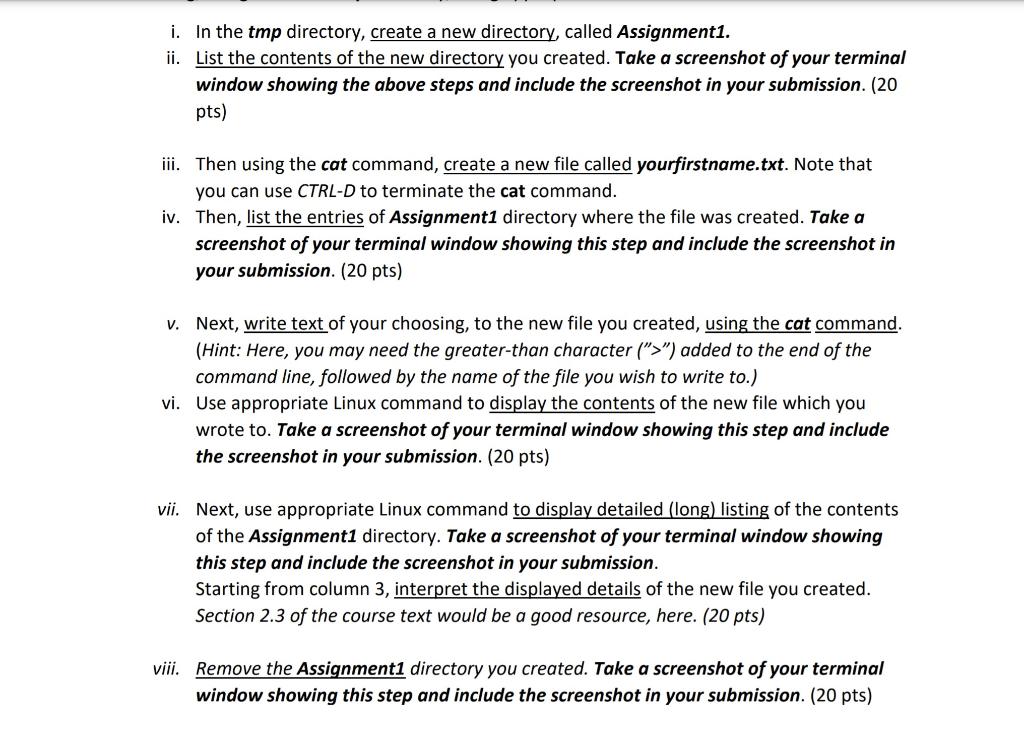
i. In the tmp directory, create a new directory, called Assignment1. ii. List the contents of the new directory you created. Take a screenshot of your terminal window showing the above steps and include the screenshot in your submission. (20 pts) iii. Then using the cat command, create a new file called yourfirstname.txt. Note that you can use CTRL-D to terminate the cat command. iv. Then, list the entries of Assignment1 directory where the file was created. Take a screenshot of your terminal window showing this step and include the screenshot in your submission. (20 pts) v. Next, write text of your choosing, to the new file you created, using the cat command. (Hint: Here, you may need the greater-than character (">") added to the end of the command line, followed by the name of the file you wish to write to.) vi. Use appropriate Linux command to display the contents of the new file which you wrote to. Take a screenshot of your terminal window showing this step and include the screenshot in your submission. (20 pts) vii. Next, use appropriate Linux command to display detailed (long) listing of the contents of the Assignment1 directory. Take a screenshot of your terminal window showing this step and include the screenshot in your submission. Starting from column 3, interpret the displayed details of the new file you created. Section 2.3 of the course text would be a good resource, here. (20 pts) viii. Remove the Assignment1 directory you created. Take a screenshot of your terminal window showing this step and include the screenshot in your submission. (20 pts)
Step by Step Solution
There are 3 Steps involved in it

Get step-by-step solutions from verified subject matter experts
 Study Help