







Question: I just need help knowing how to copy the formulas without copying the formatting and just how to give multiple defined names to a range

I just need help knowing how to copy the formulas without copying the formatting and just how to give multiple defined names to a range at one time.
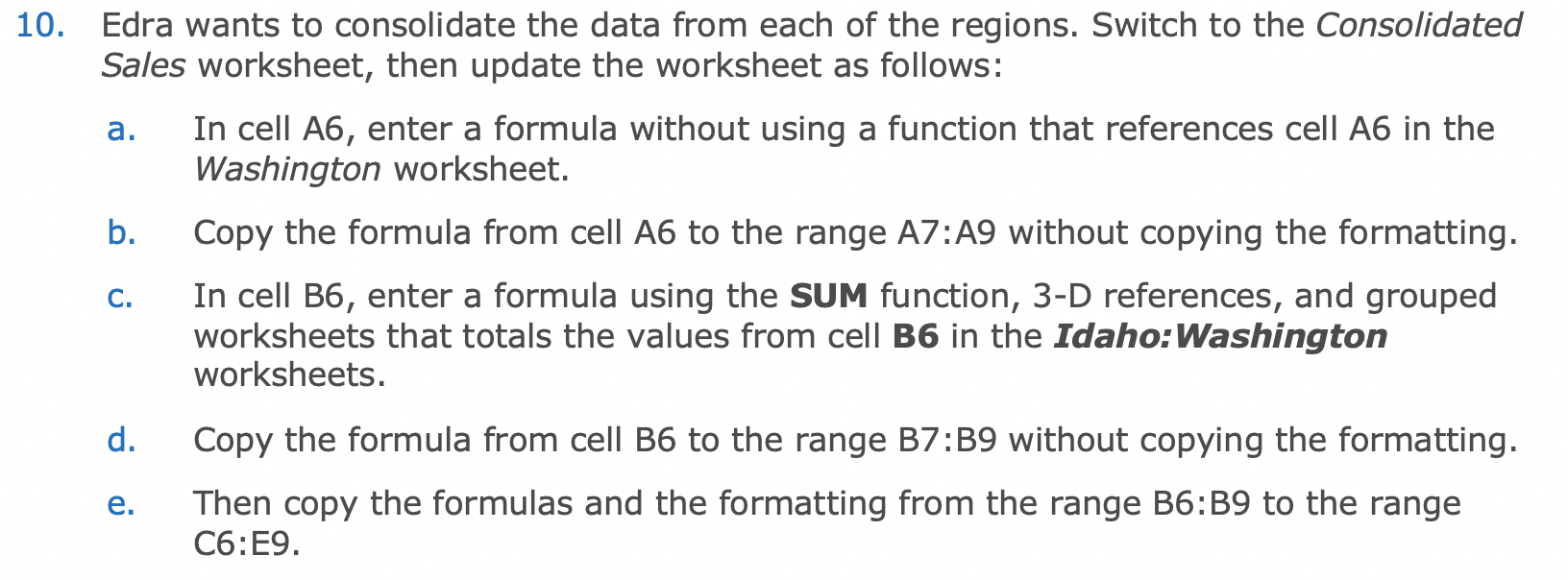
a. 10. Edra wants to consolidate the data from each of the regions. Switch to the Consolidated Sales worksheet, then update the worksheet as follows: In cell A6, enter a formula without using a function that references cell A6 in the Washington worksheet. b. Copy the formula from cell A6 to the range AZ:A9 without copying the formatting. In cell B6, enter a formula using the SUM function, 3-D references, and grouped worksheets that totals the values from cell B6 in the Idaho:Washington worksheets. d. Copy the formula from cell B6 to the range B7:B9 without copying the formatting. Then copy the formulas and the formatting from the range B6:B9 to the range C6:E9. C. e. 13. Apply the defined names Q1_Sales, Q2_Sales, Q3_Sales, and Q4_Sales to the formulas in the range B10:E10 in the Consolidated Sales worksheet
Step by Step Solution
There are 3 Steps involved in it

Get step-by-step solutions from verified subject matter experts
 Study Help