



Question: I need help in these formulas i just neeed formulas sp that i put in correspondence columns and cell and i get values its need
I need help in these formulas i just neeed formulas sp that i put in correspondence columns and cell and i get values its need urgent
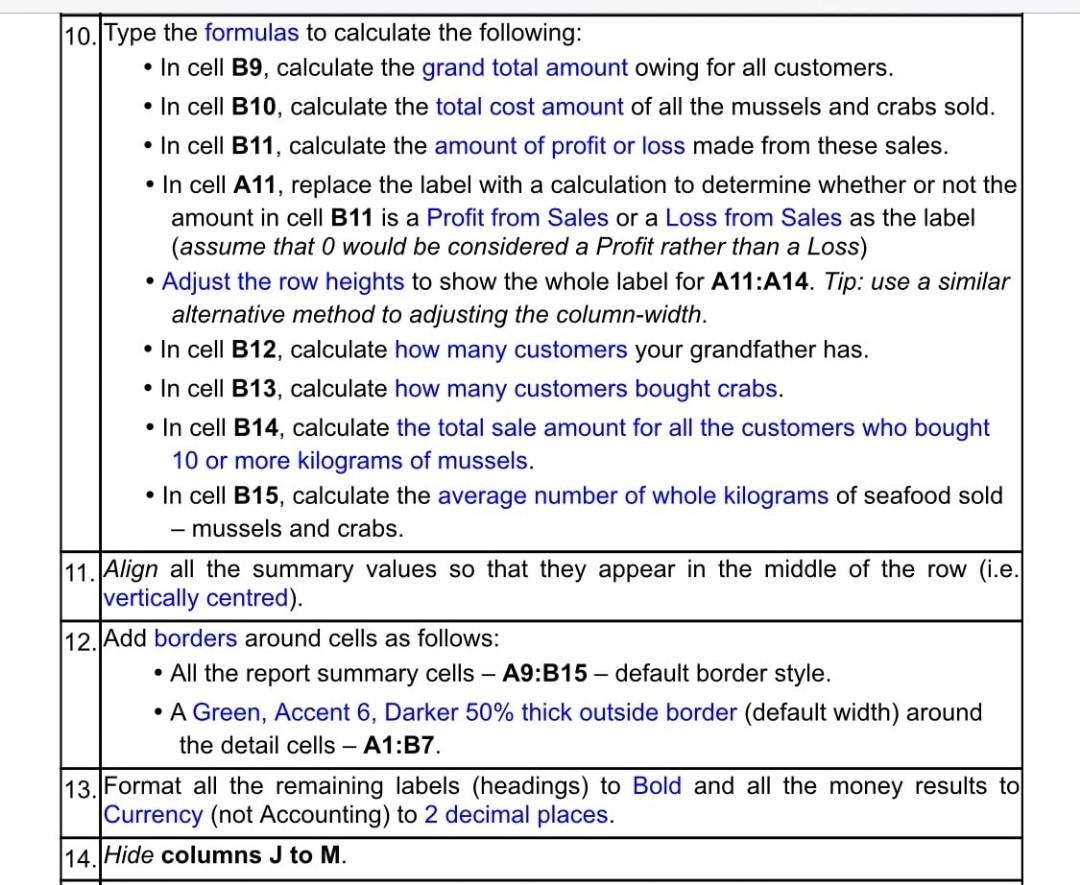
10.Type the formulas to calculate the following: In cell B9, calculate the grand total amount owing for all customers. In cell B10, calculate the total cost amount of all the mussels and crabs sold. In cell B11, calculate the amount of profit or loss made from these sales. In cell A11, replace the label with a calculation to determine whether or not the amount in cell B11 is a Profit from Sales or a Loss from Sales as the label (assume that would be considered a Profit rather than a Loss) Adjust the row heights to show the whole label for A11:A14. Tip: use a similar alternative method to adjusting the column-width. In cell B12, calculate how many customers your grandfather has. In cell B13, calculate how many customers bought crabs. In cell B14, calculate the total sale amount for all the customers who bought 10 or more kilograms of mussels. In cell B15, calculate the average number of whole kilograms of seafood sold - mussels and crabs. 11. Align all the summary values so that they appear in the middle of the row (i.e. vertically centred). 112. Add borders around cells as follows: All the report summary cells - A9:B15 - default border style. A Green, Accent 6, Darker 50% thick outside border (default width) around the detail cells A1:B7. 13. Format all the remaining labels (headings) to Bold and all the money results to Currency (not Accounting) to 2 decimal places. 114. Hide columns J to M. 10.Type the formulas to calculate the following: In cell B9, calculate the grand total amount owing for all customers. In cell B10, calculate the total cost amount of all the mussels and crabs sold. In cell B11, calculate the amount of profit or loss made from these sales. In cell A11, replace the label with a calculation to determine whether or not the amount in cell B11 is a Profit from Sales or a Loss from Sales as the label (assume that would be considered a Profit rather than a Loss) Adjust the row heights to show the whole label for A11:A14. Tip: use a similar alternative method to adjusting the column-width. In cell B12, calculate how many customers your grandfather has. In cell B13, calculate how many customers bought crabs. In cell B14, calculate the total sale amount for all the customers who bought 10 or more kilograms of mussels. In cell B15, calculate the average number of whole kilograms of seafood sold - mussels and crabs. 11. Align all the summary values so that they appear in the middle of the row (i.e. vertically centred). 112. Add borders around cells as follows: All the report summary cells - A9:B15 - default border style. A Green, Accent 6, Darker 50% thick outside border (default width) around the detail cells A1:B7. 13. Format all the remaining labels (headings) to Bold and all the money results to Currency (not Accounting) to 2 decimal places. 114. Hide columns J to M
Step by Step Solution
There are 3 Steps involved in it

Get step-by-step solutions from verified subject matter experts