







Question: I need help to solve these two question step by step by output. Please 3. Display the permissions of /bin/bash. Who owns the file? To
I need help to solve these two question step by step by output. Please
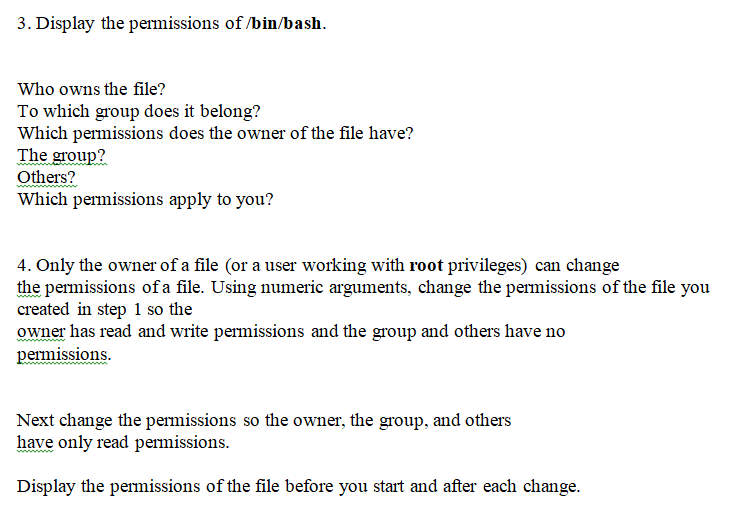
3. Display the permissions of /bin/bash. Who owns the file? To which group does it belong? Which permissions does the owner of the file have? The group? ies? Which permissions apply to you? 4. Only the owner of a file (or a user working with root privileges) can change the permissions of a file. Using numeric arguments, change the permissions of the file you created in step 1 so the owner has read and write permissions and the group and others have no peimissions Next change the permissions so the owner, the group, and others have only read permissions. Display the permissions of the file before you start and after each change
Step by Step Solution
There are 3 Steps involved in it

Get step-by-step solutions from verified subject matter experts
 Study Help