







Question: I need help with my project the instructions are down below with the table structures and data. I need step by step instructions on how
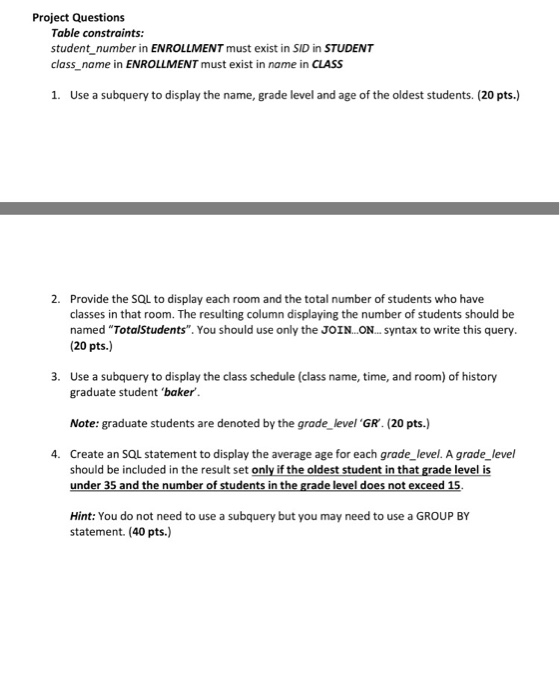
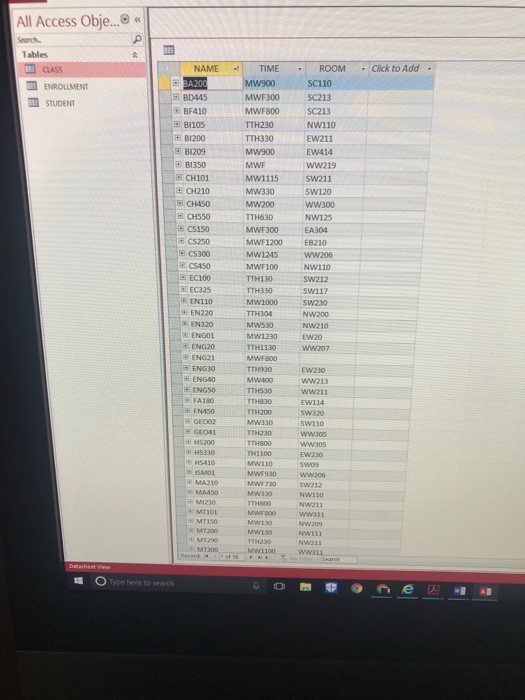
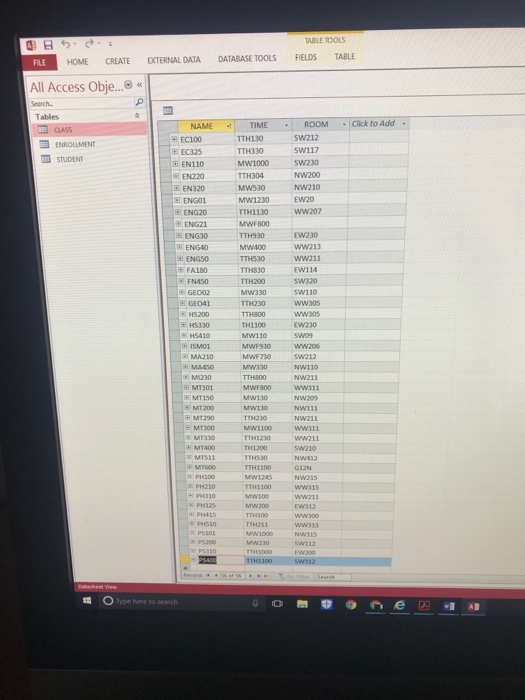
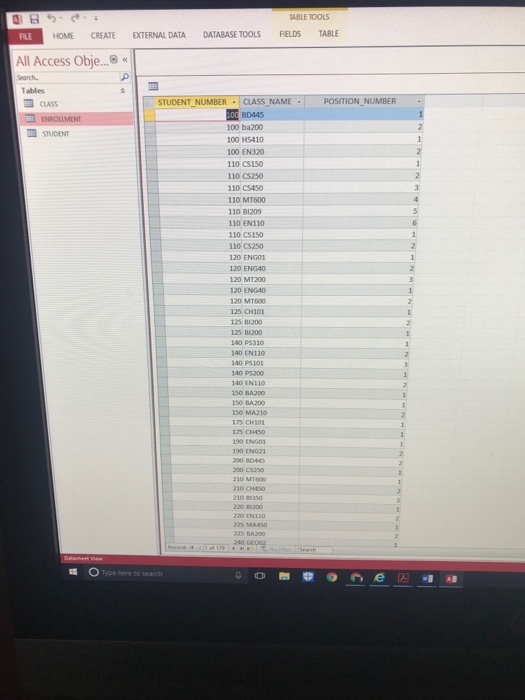
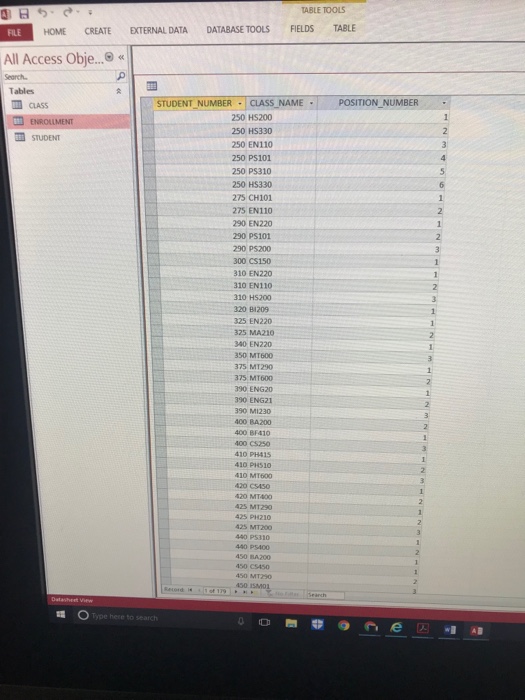
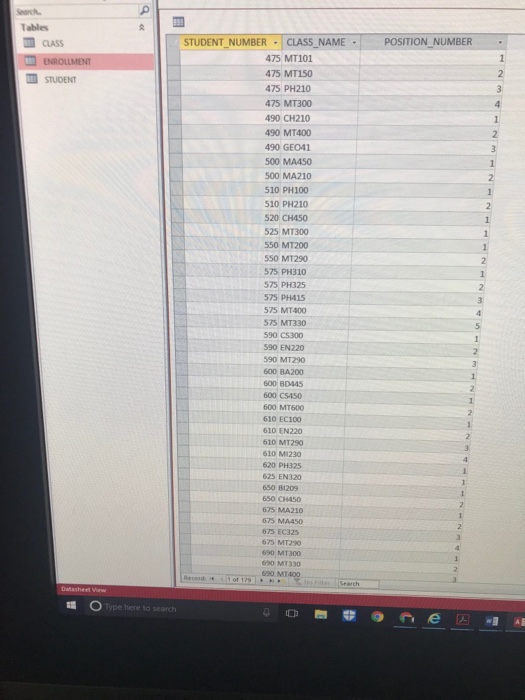
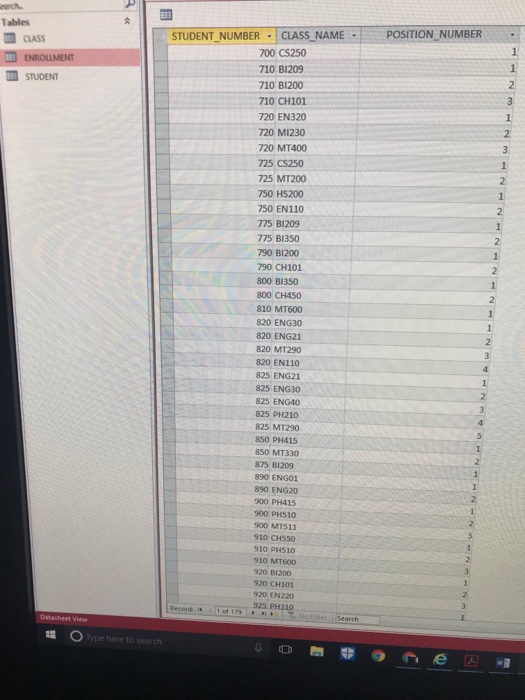
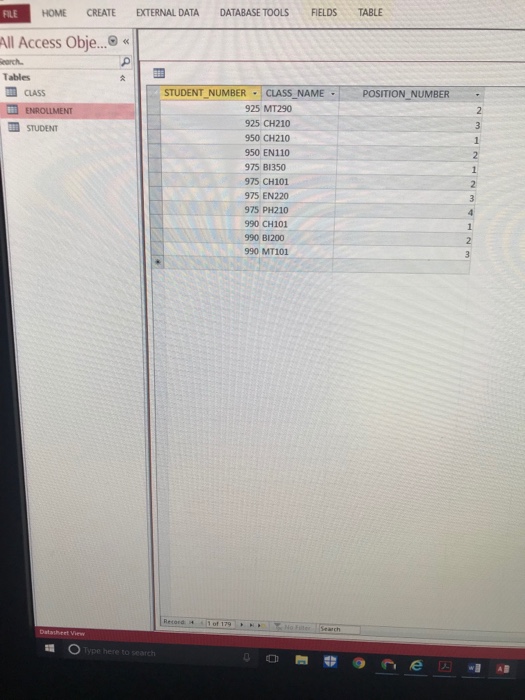
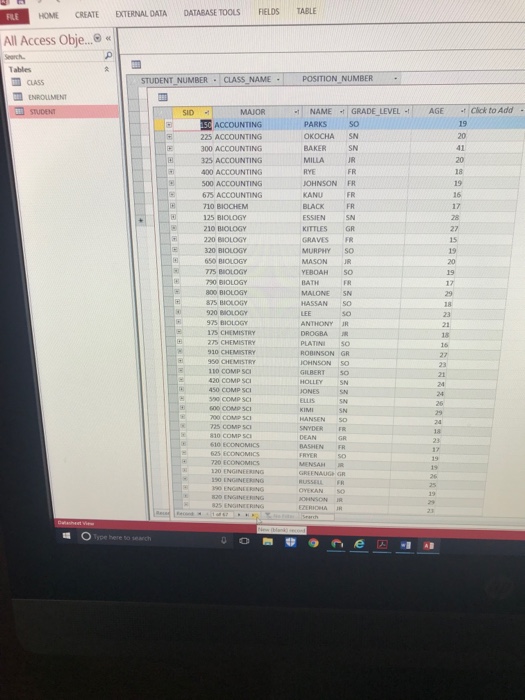
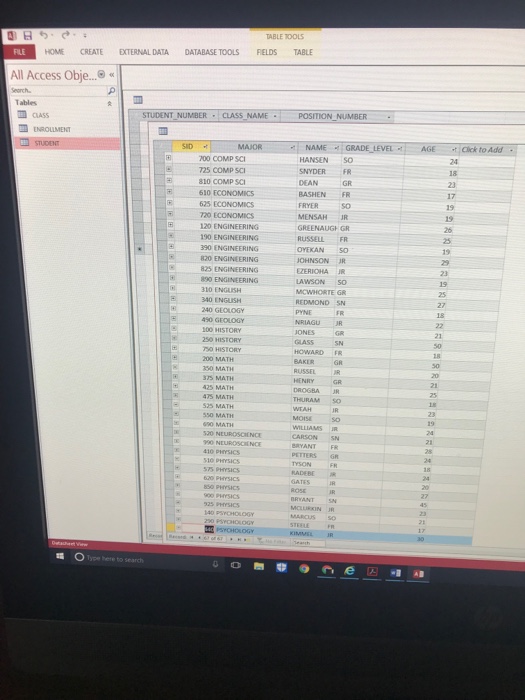
Project Questions Table constraints student_number in ENROLLMENT must exist in SID in STUDENT class name in ENROLLMENT must exist in name in CLASS 1 Use a subquery to display the name, grade level and age of the oldest students. (20 pts.) 2. Provide the SQL to display each room and the total number of students who have classes in that room. The resulting column displaying the number of students should be named "TotalStudents". You should use only the JOIN...ON.. syntax to write this query. (20 pts.) 3. Use a subquery to display the class schedule (class name, time, and room) of history graduate student 'bakr. Note: graduate students are denoted by the grade-level GR. (20 pts.) 4. Create an SQL statement to display the average age for each grade_level. A grade_level should be included in the result set only if the oldest student in that grade level is under 35 and the number of students in the grade level does not exceed 15 Hint: You do not need to use a subquery but you may need to use a GROUP BY statement. (40 pts.)
Step by Step Solution
There are 3 Steps involved in it

Get step-by-step solutions from verified subject matter experts
 Study Help