







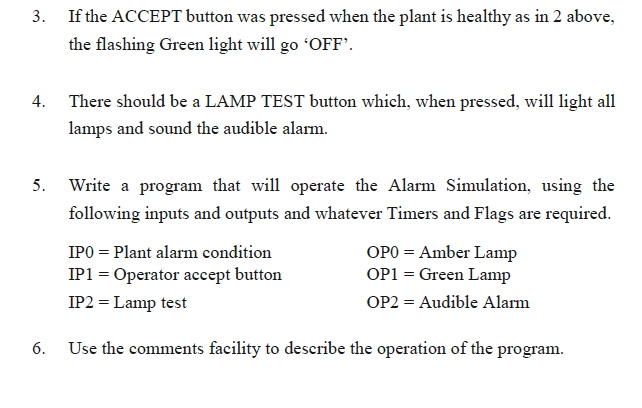
Question: I need help with no. 5) especially.... Write a program that will operate the alarm simulation, using the following inputs and outputs, and describe the
I need help with no. 5) especially.... Write a program that will operate the alarm simulation, using the following inputs and outputs, and describe the operation of the program.
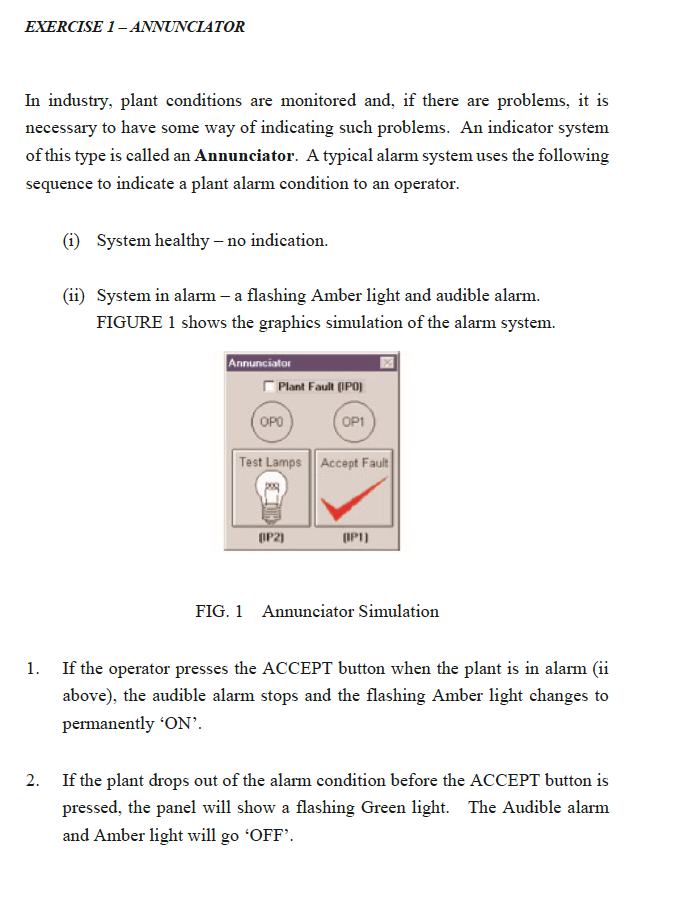
EXERCISE 1- ANNUNCLATOR In industry, plant conditions are monitored and, if there are problems, it is necessary to have some way of indicating such problems. An indicator system of this type is called an Annunciator. Atypical alarm system uses the following sequence to indicate a plant alarm condition to an operator. (i) System healthy no indication. 11 System in alarm a flashing Amber light and audible alarm. FIGURE 1 shows the graphics simulation of the alarm system. Annunciator Plant Fault (IPO) OPO OP1 Test Lamps Accept Fault IIP20 IIP1] FIG. 1 Annunciator Simulation 1. If the operator presses the ACCEPT button when the plant is in alarm Gi above), the audible alarm stops and the flashing Amber light changes to permanently 'ON'. 2. If the plant drops out of the alarm condition before the ACCEPT button is pressed, the panel will show a flashing Green light. The Audible alarm and Amber light will go 'OFF EXERCISE 1- ANNUNCLATOR In industry, plant conditions are monitored and, if there are problems, it is necessary to have some way of indicating such problems. An indicator system of this type is called an Annunciator. Atypical alarm system uses the following sequence to indicate a plant alarm condition to an operator. (i) System healthy no indication. 11 System in alarm a flashing Amber light and audible alarm. FIGURE 1 shows the graphics simulation of the alarm system. Annunciator Plant Fault (IPO) OPO OP1 Test Lamps Accept Fault IIP20 IIP1] FIG. 1 Annunciator Simulation 1. If the operator presses the ACCEPT button when the plant is in alarm Gi above), the audible alarm stops and the flashing Amber light changes to permanently 'ON'. 2. If the plant drops out of the alarm condition before the ACCEPT button is pressed, the panel will show a flashing Green light. The Audible alarm and Amber light will go 'OFF
Step by Step Solution
There are 3 Steps involved in it

Get step-by-step solutions from verified subject matter experts
 Study Help