







Question: I NEED HELP WITH THIS AND THE CODE IS BOTTOM PLEASE!!! Python C19-Lab Sounds and Images 1. Read Chapter 19 2 Based on the information
I NEED HELP WITH THIS AND THE CODE IS BOTTOM PLEASE!!!

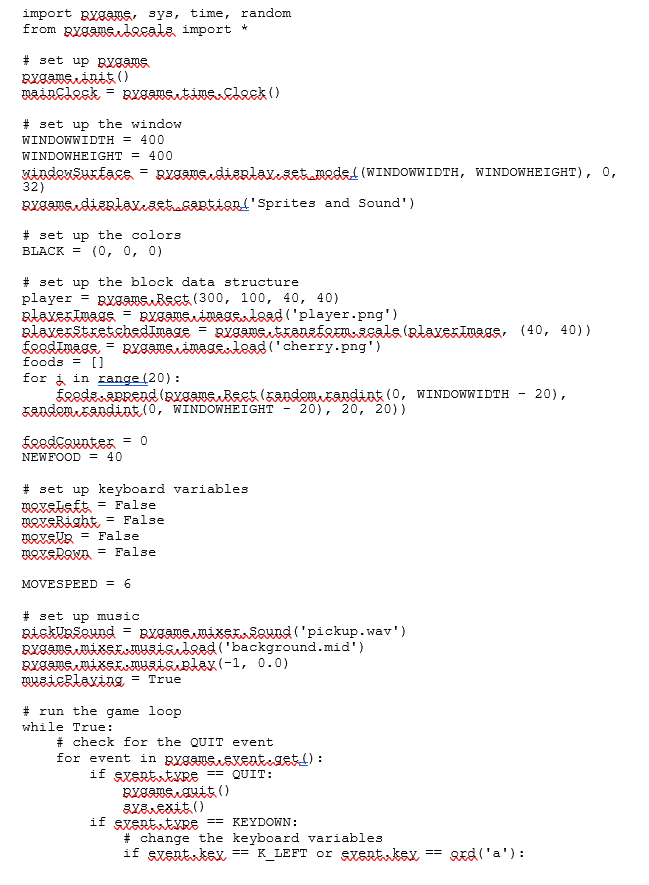
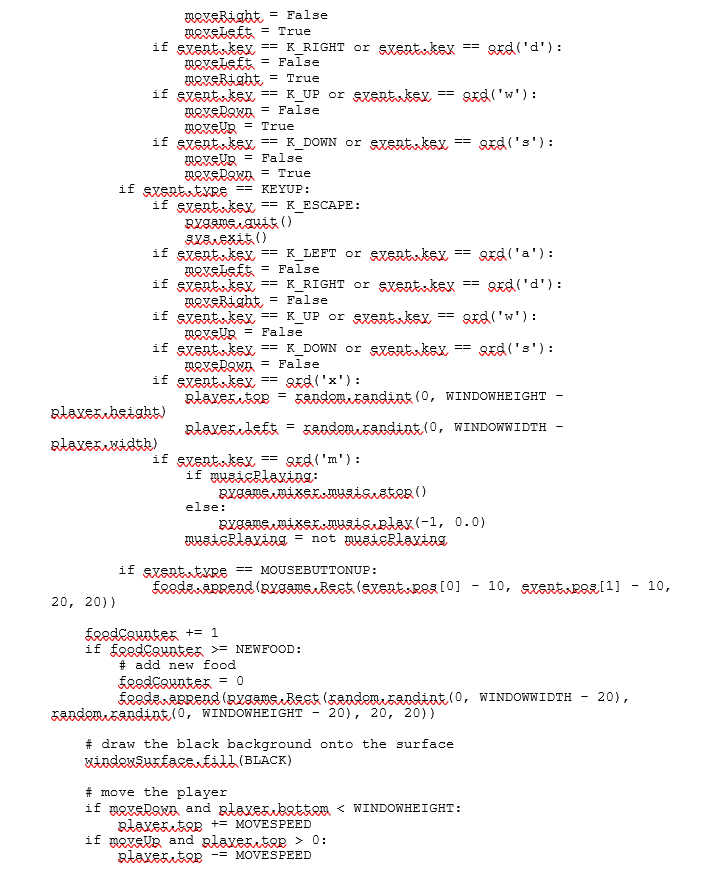
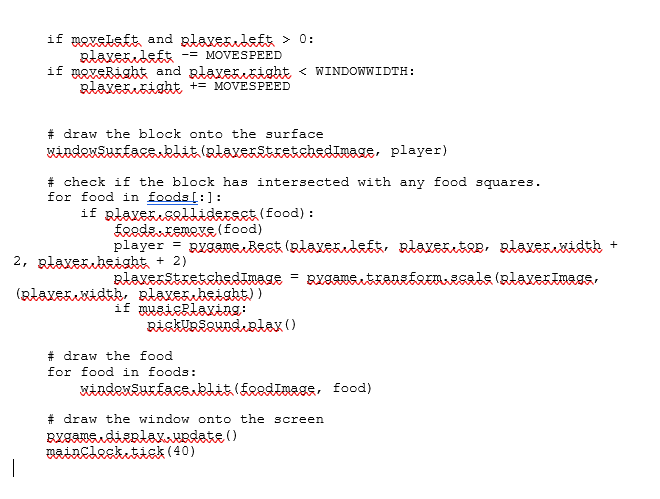
Python C19-Lab Sounds and Images 1. Read Chapter 19 2 Based on the information in Chapter 19 o Create a Chapter 19 Lab document and add your screen prints and changes list to it. Make sure you have a 32bit python and Pygame loader to complete these graphics assignments!-10 points o Download spritesAndSounds.py to your computer. o Download the sound and picture files: pickup.wav, gameover.wav, background.mid, baddie.png, cherry.png & player.png Make sure you are able to run the program as is by taking a screen shot of it running-10 points o Find some new pictures and sounds on internet. o Save spritesAnd Sounds.py program to a new name and change both player and food images to new ones, as well as, changing out both sound files with new ones.-10 points o Take a screen print of your final running version and list of what you changed in the source. 10 points o Include a listing of your modified program to show the changes 3. To get credit for this assignment submit your Chapter 19 document that should contain all the requested information. Python C19-Lab Sounds and Images 1. Read Chapter 19 2 Based on the information in Chapter 19 o Create a Chapter 19 Lab document and add your screen prints and changes list to it. Make sure you have a 32bit python and Pygame loader to complete these graphics assignments!-10 points o Download spritesAndSounds.py to your computer. o Download the sound and picture files: pickup.wav, gameover.wav, background.mid, baddie.png, cherry.png & player.png Make sure you are able to run the program as is by taking a screen shot of it running-10 points o Find some new pictures and sounds on internet. o Save spritesAnd Sounds.py program to a new name and change both player and food images to new ones, as well as, changing out both sound files with new ones.-10 points o Take a screen print of your final running version and list of what you changed in the source. 10 points o Include a listing of your modified program to show the changes 3. To get credit for this assignment submit your Chapter 19 document that should contain all the requested information
Step by Step Solution
There are 3 Steps involved in it

Get step-by-step solutions from verified subject matter experts
 Study Help