







Question: I need help with this how would I finish the class DiePanel class? Ch 6 Activity 4: Die Class GUI 1. Download Die.java, DieGUI.java and
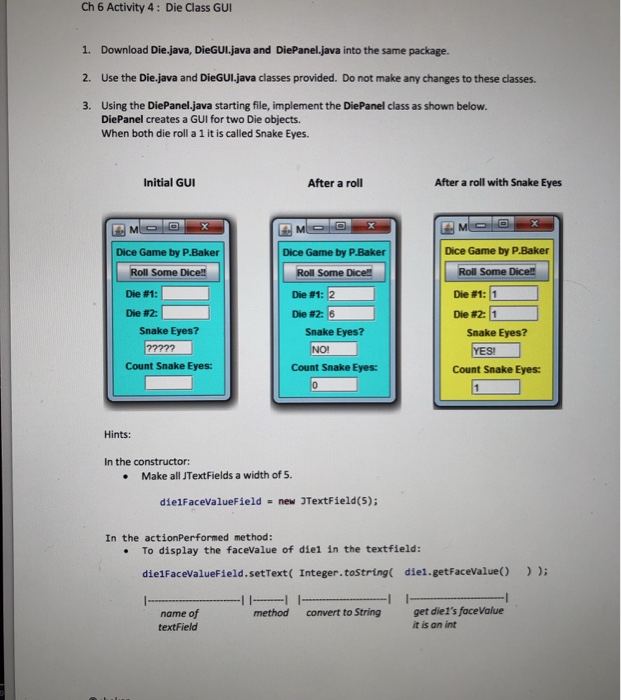
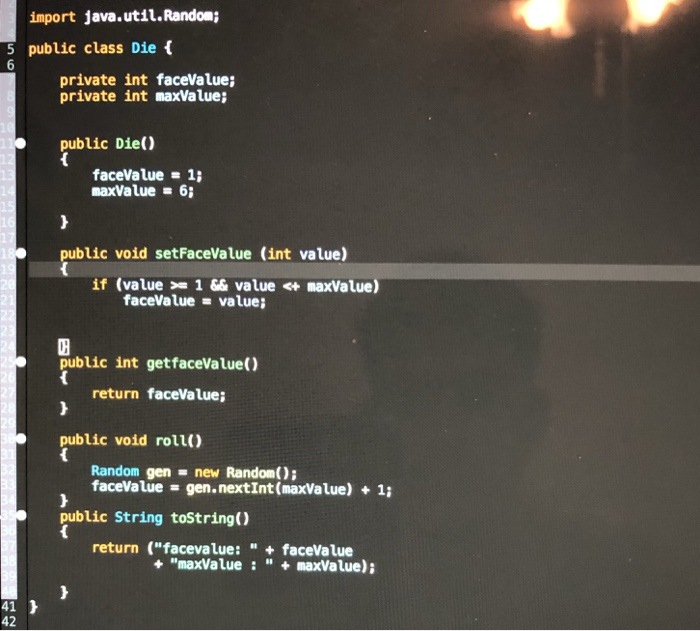
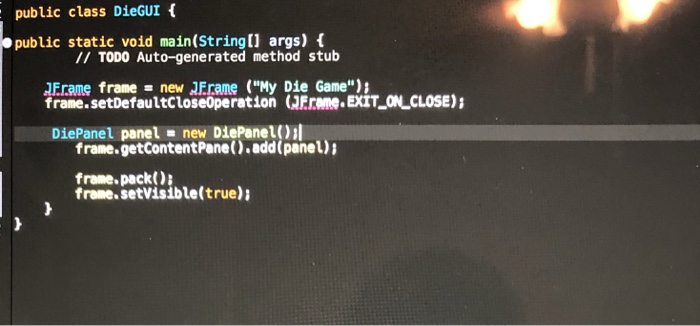
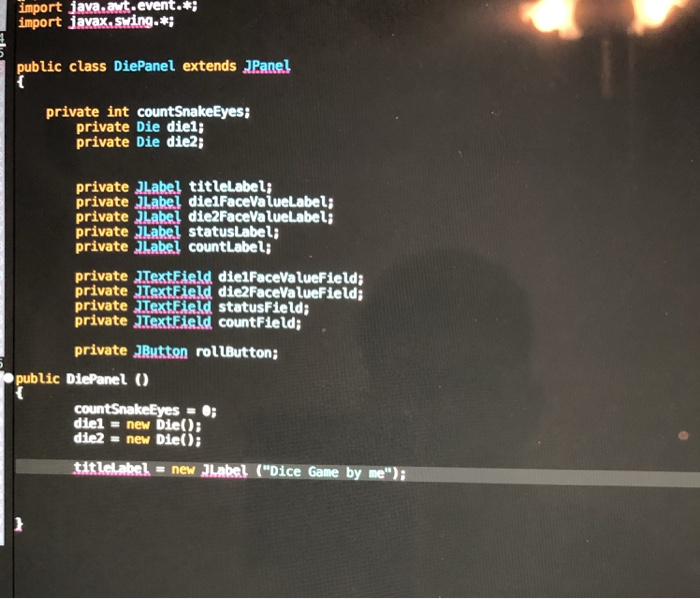
Ch 6 Activity 4: Die Class GUI 1. Download Die.java, DieGUI.java and DiePanel.java into the same package. 2. Use the Die.java and DieGUI.java classes provided. Do not make any changes to these classes 3. Using the DiePanel.java starting file, implement the DiePanel class as shown below. DiePanel creates a GUI for two Die objects. When both die roll a 1 it is called Snake Eyes. Initial GUI After a roll After a roll with Snake Eyes Dice Game by P.Baker Dice Game by P.Baker Dice Game by PBaker Roll Some Dice! Roll Some Dice!! Die #1 Die#2: | Roll Some Dicel Die #1: Die #26 De #1: 11 Die #2: 11 Snake Eyes? Snake Eyes? Snake Eyes? SI Count Snake Eyes: Count Snake Eyes: Count Snake Eyes: Hints: In the constructor . Make all JTextFields a width of 5. dielFacevalueField new TextField(5); = In the actionPerformed method: .To display the faceValue of diel in the textfield: die1FacevalueField.setText( Integer.tostring die1.getFaceValue() method convert to Stringget diel's faceValue name of textField it is an int
Step by Step Solution
There are 3 Steps involved in it

Get step-by-step solutions from verified subject matter experts
 Study Help