







Question: I need Java code help with already an existing code to add 2 more options in the Choice List. Page 2 of 6 1. The
I need Java code help with already an existing code to add 2 more options in the Choice List.
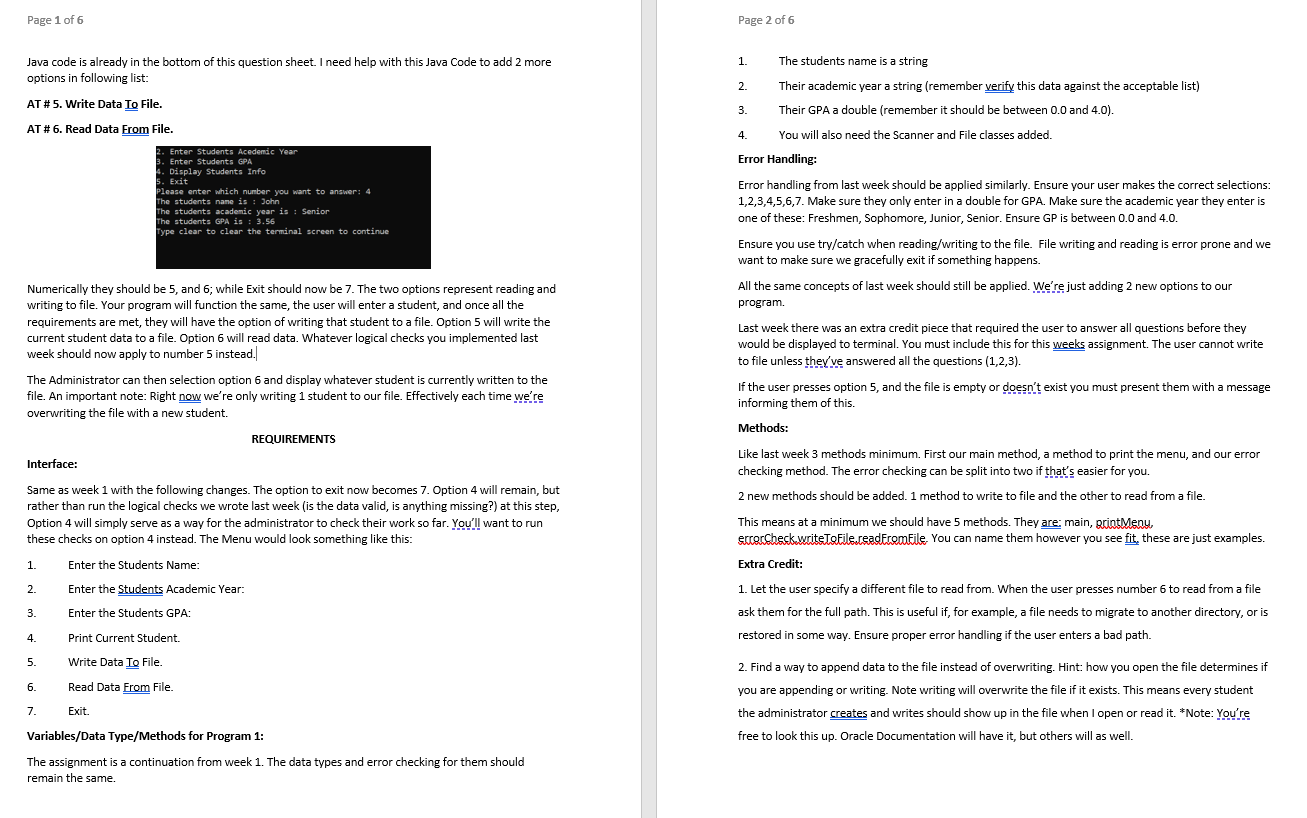
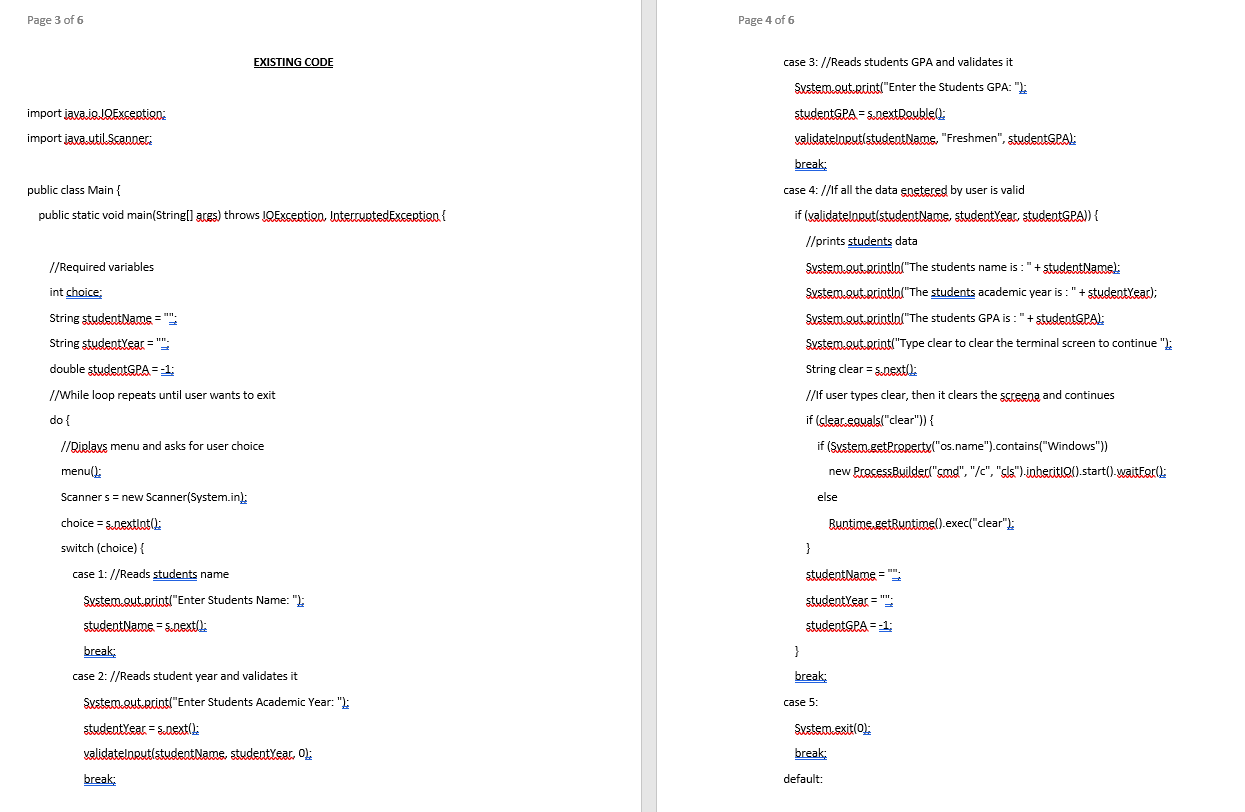
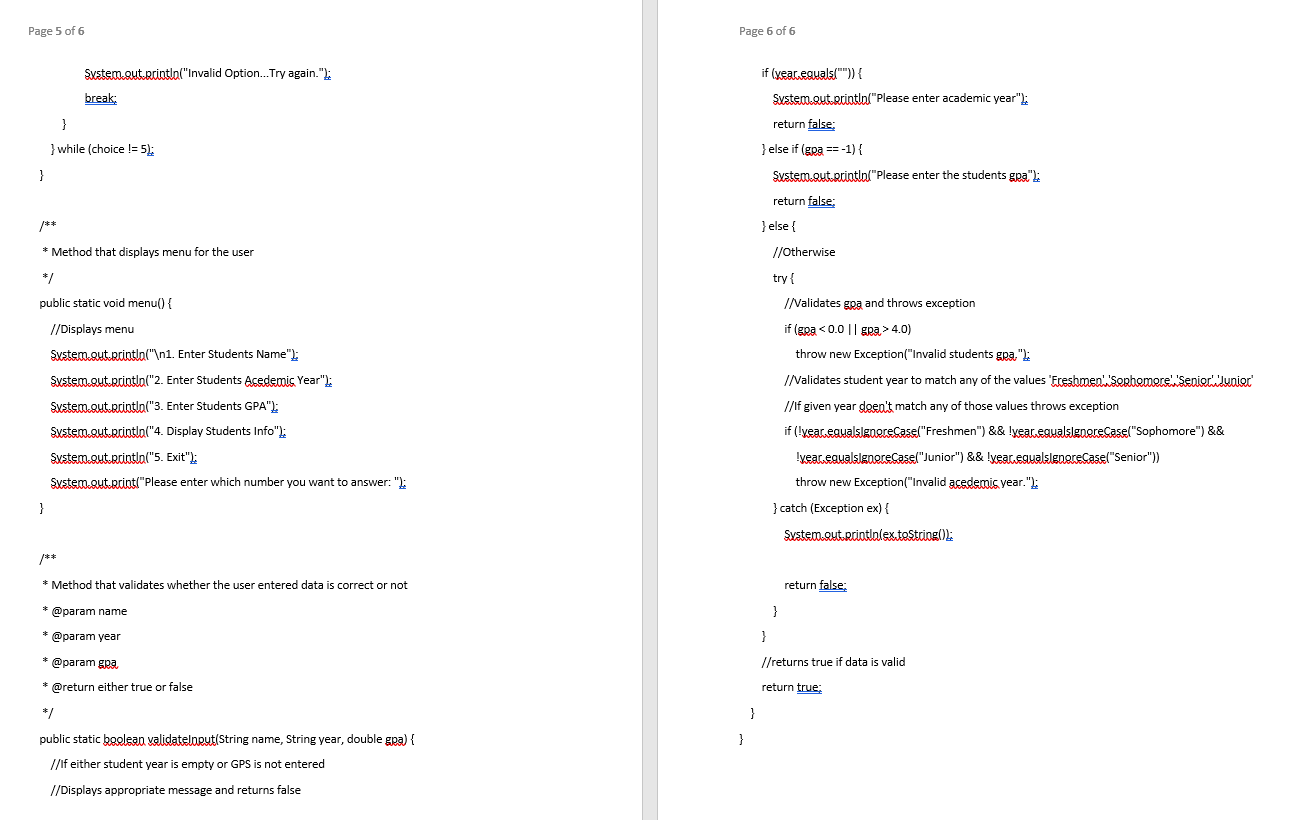
Page 2 of 6 1. The students name is a string 2. Their academic year a string (remember verify this data against the acceptable list) Their GPA a double (remember it should be between 0.0 and 4.0). 3. B. Enter Students GPA Year Page 1 of 6 Java code is already in the bottom of this question sheet. I need help with this Java Code to add 2 more options in following list: AT #5. Write Data To File. AT #6. Read Data From File. 2. Enter Students Acedemic Year 4. Display Students Info 5. Exit Please enter which number you want to answer: 4 The students name is : John The students academic year is : Senior The students GPA is : 3.56 Type clear to clear the terminal screen to continue 4. You will also need the Scanner and File classes added. Error Handling: Error handling from last week should be applied similarly. Ensure your user makes the correct selections: 1,2,3,4,5,6,7. Make sure they only enter in a double for GPA. Make sure the academic year they enter is one of these: Freshmen, Sophomore, Junior, Senior. Ensure GP is between 0.0 and 4.0. Numerically they should be 5, and 6; while Exit should now be 7. The two options represent reading and writing to file. Your program will function the same, the user will enter a student, and once all the requirements are met, they will have the option of writing that student to a file. Option 5 will write the current student data to a file. Option 6 will read data. Whatever logical checks you implemented last week should now apply to number 5 instead. Ensure you use try/catch when reading/writing to the file. File writing and reading is error prone and we want to make sure we gracefully exit if something happens. All the same concepts of last week should still be applied. We're just adding 2 new options to our program. Last week there was an extra credit piece that required the user to answer all questions before they would be displayed to terminal. You must include this for this weeks assignment. The user cannot write to file unless they've answered all the questions (1,2,3). If the user presses option 5, and the file is empty or doesn't exist you must present them with a message informing them of this. The Administrator can then selection option 6 and display whatever student is currently written to the file. An important note: Right now we're only writing 1 student to our file. Effectively each time we're overwriting the file with a new student. Methods: REQUIREMENTS Interface: Same as week 1 with the following changes. The option to exit now becomes 7. Option 4 will remain, but rather than run the logical checks we wrote last week (is the data valid, is anything missing?) at this step, Option 4 will simply serve as a way for the administrator to check their work so far. You'll want to run these checks on option 4 instead. The Menu would look something like this: Like last week 3 methods minimum. First our main method, a method to print the menu, and our error checking method. The error checking can be split into two if that's easier for you. 2 new methods should be added. 1 method to write to file and the other to read from a file. This means at a minimum we should have 5 methods. They are: main, arintMeny, eccerCheckwriteToFile.ceadFromFile. You can name them however you see fit. these are just examples. Extra Credit: 1. Let the user specify a different file to read from. When the user presses number 6 to read from a file ask them for the full path. This is useful if, for example, a file needs to migrate to another directory, or is restored in some way. Ensure proper error handling if the user enters a bad path. 1. Enter the Students Name: Enter the Students Academic Year: 2. 3. Enter the Students GPA: 4. Print Current Student. 5. Write Data To File. 6. Read Data From File. 2. Find a way to append data to the file instead of overwriting. Hint: how you open the file determines if you are appending or writing. Note writing will overwrite the file if it exists. This means every student the administrator creates and writes should show up in the file when I open or read it. *Note: You're free to look this up. Oracle Documentation will have it, but others will as well. 7. Exit. Variables/Data Type/Methods for Program 1: The assignment is a continuation from week 1. The data types and error checking for them should remain the same. Page 3 of 6 Page 4 of 6 EXISTING CODE case 3: //Reads students GPA and validates it import java.io.IOException: System.out.print("Enter the Students GPA: "); studentGPAs.nextDoublel: validatelaput studentName, "Freshmen", studentGPAL: break; import java.util.Scanner: public class Main case 4://If all the data enetered by user is valid public static void main(String[] args) throws IOException, InterruptedException { if (validatelarut studentNams, studentyear studentGPA)) { //prints students data System.out orintln("The students name is : " + studentName): //Required variables int choice: String studentNams": String studentYear " System.out.println("The students academic year is : " + studentYeac); System.out.println("The students GPA is : " + studentGPAL: System.out.print("Type clear to clear the terminal screen to continue"); String clear=s.Dext: double studentGPA=-1; //If user types clear, then it clears the screena and continues //While loop repeats until user wants to exit do { //Diplays menu and asks for user choice menu(: if (clear.eguals("clear")) { if (System.getProperty("os.name").contains("Windows")) new ProcessBuilder("smo", "/", "cls").inhecit100).start().waitfor(: Scanner s = new Scanner(System.in.: else Runtims.getRuntime().exec("clear"); choice = s.nextinti switch (choice) { } case 1: //Reads students name studentName" System.out.print("Enter Students Name: "); studentYear = "; studentName = s.nextl.: break; studentGPA=-1; } break; case 2: //Reads student year and validates it System.out.print("Enter Students Academic Year: "); case 5: studentYear = s next(): System.exition: break; validatelarut studentName, studentYear, 01: break; default: Page 5 of 6 Page 6 of 6 System.out.println("Invalid Option... Try again."); if (year.eguals("")) { System.out.println("Please enter academic year"); break; } } while (choice != 5): return false; } else if (gpa == -1) { System.out.println("Please enter the students gra"): return false; } else { /** * Method that displays menu for the user */ public static void menu() { //Displays menu System.out.println(" 1. Enter Students Name"); System.out.println("2. Enter Students Acedemis Year": System.out.println("3. Enter Students GPA"): System.guterintln("4. Display Students Info"): System.out.println("5. Exit"); System.out.print("Please enter which number you want to answer: "); //Otherwise try { INValidates gra and throws exception if (gpa 4.0) throw new Exception("Invalid students gra"): I/Validates student year to match any of the values 'Freshmen Sophomore', 'Senior' Junior //if given year deen't match any of those values throws exception if (!year.egualslaneceasel"Freshmen") && !yeacegualsigngreCase("Sophomore") && yeacegualslggleCase("Junior") && !year egualslengreCasel"Senior")) throw new Exception("Invalid academic year."); } catch (Exception ex) { System.out.printlnlex.toString(): /** * Method that validates whether the user entered data is correct or not return false; * @param name } * @param year } * @param gra //returns true if data is valid * @return either true or false return true; */ } } public static boolean validatelogut(String name, String year, double gra) { //If either student year is empty or GPS is not entered //Displays appropriate message and returns false
Step by Step Solution
There are 3 Steps involved in it

Get step-by-step solutions from verified subject matter experts
 Study Help