







Question: I need the PYTHON3 code for this assignment! Thanks 1. Accept and parse the HTTP request 2. Get the requested file from the server's file
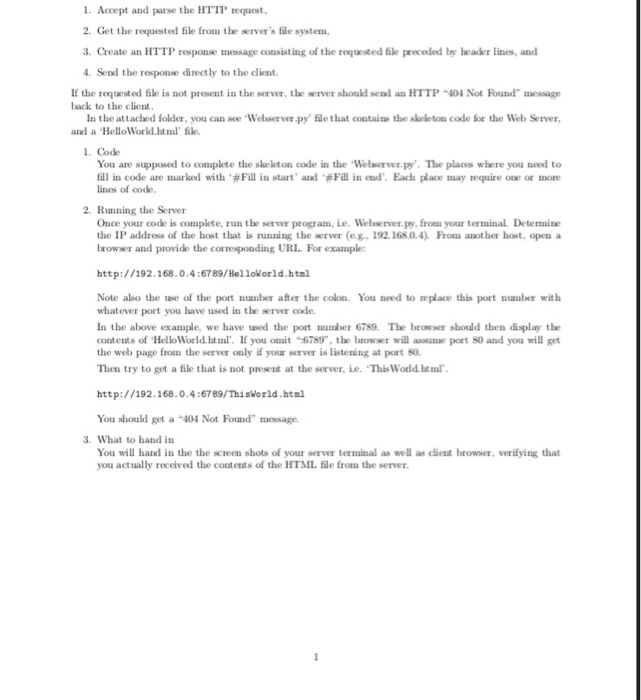
1. Accept and parse the HTTP request 2. Get the requested file from the server's file system, 3. Create an HTTP response message consisting of the requested file preceded by beader lines, and Send the response directly to the dlient If the reuested file is not present in the server, the server should send an HTTP-404 Not Found" message back to the client In the attached folder, you can see Webser py' fle that contains the skeleton code for the Web Server, and a HelloWorld.html' ile 1. Code You are supposed to complete the skekton code in the Welserver.py. The plaos where you need to fill in code are marked with .#Fill in start, and .#Fill in end. Each place may tequire one or more lines of code 2. Running the Server Once your code is complete, run the server program, e. Webserver.py, from your terminal Determine the IP address of the host that is running the server (e.g. 192.168.0.4) From another host, open a browser and provide the corresponding URL. For example: http://192.168.0.4:6789/HelloWorld.html Note also the use of the port number after the colon. You need to replace this port number with whatever port you have used in the server code In the above example, we have used the port mmber 6789. The browser should then display the contents of HelloWorld htm. If you omit 6789, the brower will assume port 80 and you will get the web page from the server only if your server is listening at port so. Then try to get a file that is not present at the server, ie. ThisWorld htm http://192.168.0.4:6789/Thisworld.htal You shoud get a 404 Not Found" message 3. What to hand in You will hand in the the screen shots of your server terminal as well as client browser, verifying that you actually received the contents of the HTML file from the server 1. Accept and parse the HTTP request 2. Get the requested file from the server's file system, 3. Create an HTTP response message consisting of the requested file preceded by beader lines, and Send the response directly to the dlient If the reuested file is not present in the server, the server should send an HTTP-404 Not Found" message back to the client In the attached folder, you can see Webser py' fle that contains the skeleton code for the Web Server, and a HelloWorld.html' ile 1. Code You are supposed to complete the skekton code in the Welserver.py. The plaos where you need to fill in code are marked with .#Fill in start, and .#Fill in end. Each place may tequire one or more lines of code 2. Running the Server Once your code is complete, run the server program, e. Webserver.py, from your terminal Determine the IP address of the host that is running the server (e.g. 192.168.0.4) From another host, open a browser and provide the corresponding URL. For example: http://192.168.0.4:6789/HelloWorld.html Note also the use of the port number after the colon. You need to replace this port number with whatever port you have used in the server code In the above example, we have used the port mmber 6789. The browser should then display the contents of HelloWorld htm. If you omit 6789, the brower will assume port 80 and you will get the web page from the server only if your server is listening at port so. Then try to get a file that is not present at the server, ie. ThisWorld htm http://192.168.0.4:6789/Thisworld.htal You shoud get a 404 Not Found" message 3. What to hand in You will hand in the the screen shots of your server terminal as well as client browser, verifying that you actually received the contents of the HTML file from the server
Step by Step Solution
There are 3 Steps involved in it

Get step-by-step solutions from verified subject matter experts
 Study Help