





Question: I started with doing this, how would I Instantiate a jar file? Create a class fully-qualified as edu.udc.cs2.Person Tracker Create an instance method in the
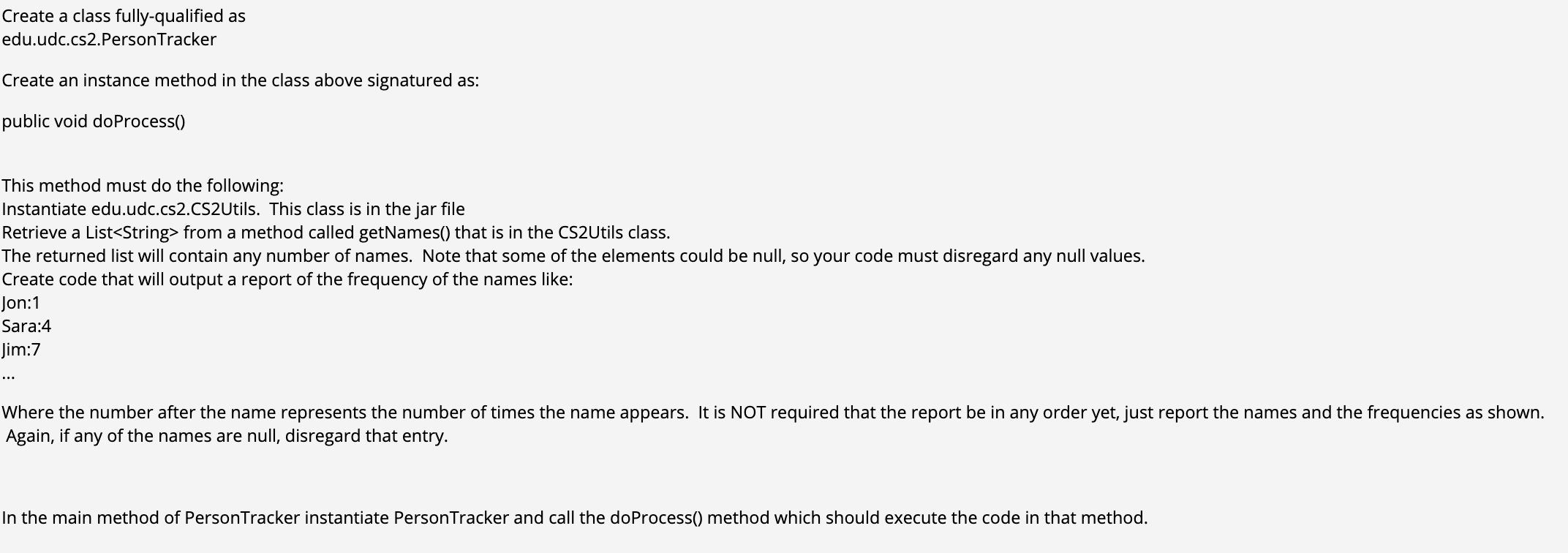
 I started with doing this, how would I Instantiate a jar

I started with doing this, how would I Instantiate a jar file?
file? Create a class fully-qualified as edu.udc.cs2.Person Tracker Create an instance method

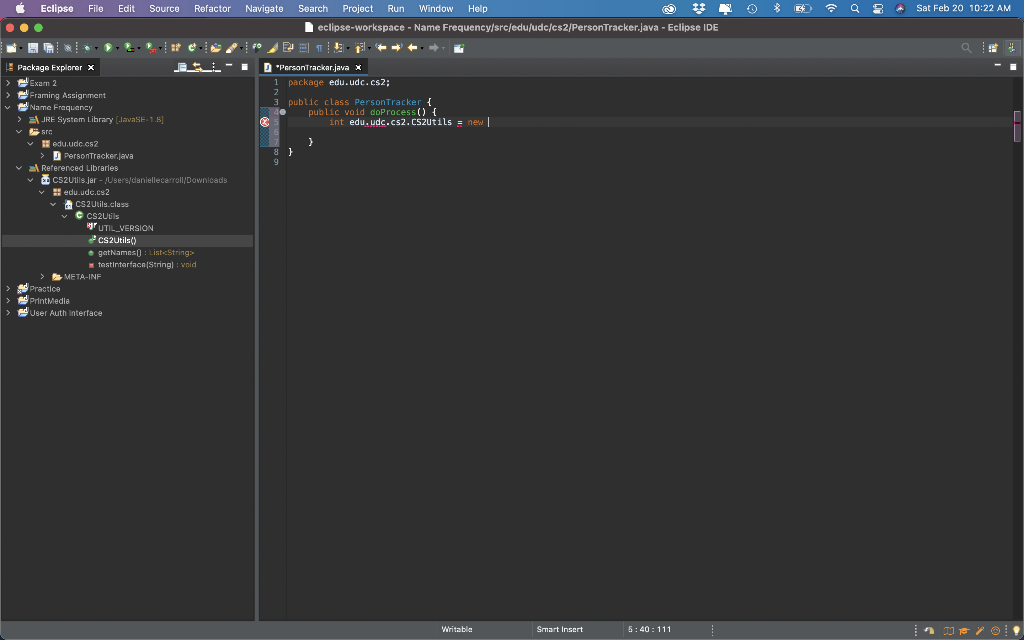
Create a class fully-qualified as edu.udc.cs2.Person Tracker Create an instance method in the class above signatured as: public void do Process() This method must do the following: Instantiate edu.udc.cs2.CS2Utils. This class is in the jar file Retrieve a List from a method called getNames() that is in the CS2Utils class. The returned list will contain any number of names. Note that some of the elements could be null, so your code must disregard any null values. Create code that will output a report of the frequency of the names like: Jon:1 Sara:4 Jim:7 Where the number after the name represents the number of times the name appears. It is NOT required that the report be in any order yet, just report the names and the frequencies as shown. Again, if any of the names are null, disregard that entry. In the main method of PersonTracker instantiate Person Tracker and call the do Process() method which should execute the code in that method. File Edit Source Refactor * Sat Feb 20 10:22 AM Eclipse ... Navigate Search Project Run Window Help eclipse-workspace - Name Frequency/src/edu/ude/cs2/PersonTracker.java - Eclipse IDE PersonTracker.java x 1 package edu.udc.cs2; 3 public class PersonTracker { public void doProcess() { int edu.udc.cs2.cs2utils = new 9 Package Explorer x E! Exam 2 Framing Assignment Name Frequency EJRE System Library JavaSE- 1.5] SIC edu.udc.es > PersonTrackerjeva Referenced Libraries C52Utilsjer - /Users/daniellecarroll/Downloads edu.ude.cs2 CS2Utils.class Ccs2Utils UTIL_VERSION 2cs2Utils() gatNames: List testinterface (String) : void > META-INF Practice PrintMedle ed user Auth interface Wiritable Smart Insert 5:40: 111

Step by Step Solution

There are 3 Steps involved in it

1 Expert Approved Answer
Step: 1 Unlock blur-text-image
Question Has Been Solved by an Expert!

Get step-by-step solutions from verified subject matter experts

Step: 2 Unlock
Step: 3 Unlock

Students Have Also Explored These Related Databases Questions!