







Question: I use Centos 9 . Please help step by step and all the command need for this Lab 7 . 1 1 . Set up
I use Centos Please help step by step and all the command need for this Lab
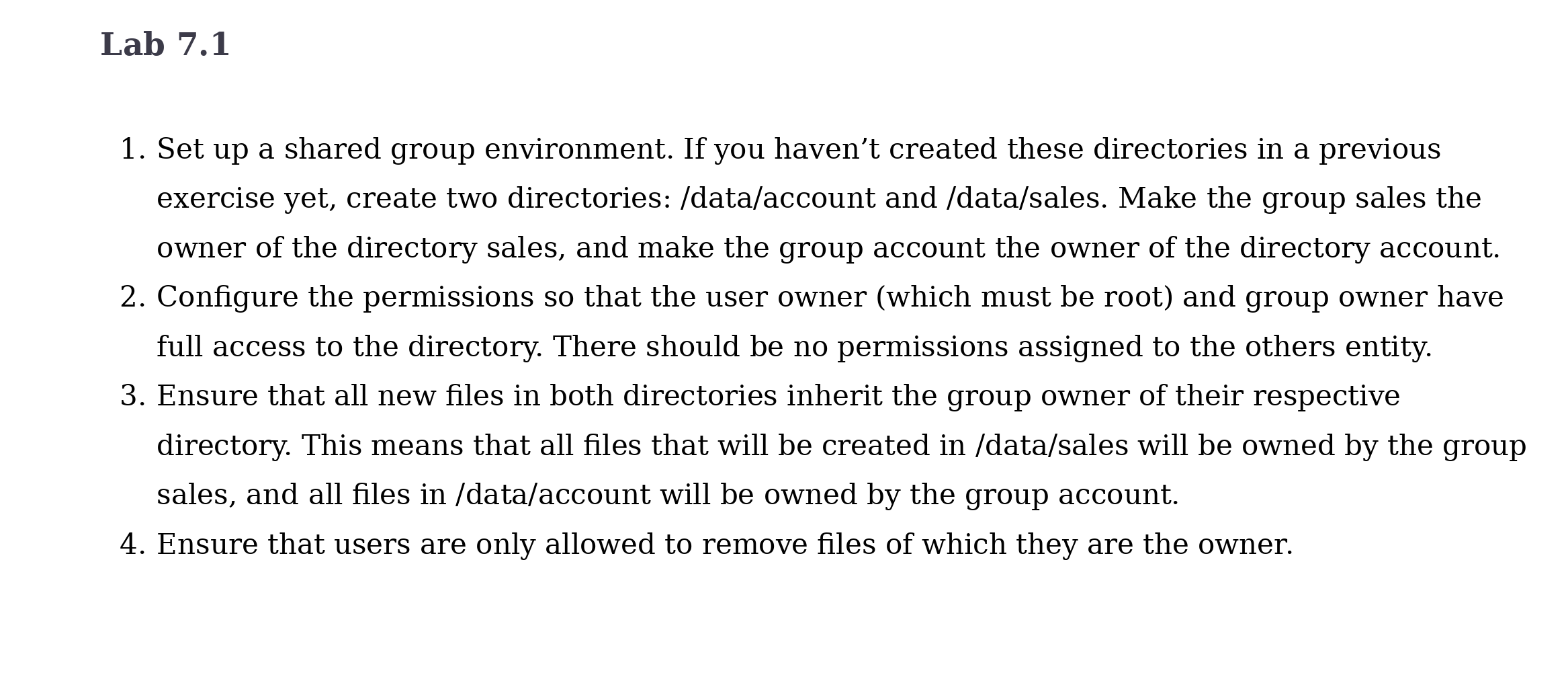
Set up a shared group environment. If you haven't created these directories in a previous
exercise yet, create two directories: dataaccount and datasales Make the group sales the
owner of the directory sales, and make the group account the owner of the directory account.
Configure the permissions so that the user owner which must be root and group owner have
full access to the directory. There should be no permissions assigned to the others entity.
Ensure that all new files in both directories inherit the group owner of their respective
directory. This means that all files that will be created in datasales will be owned by the group
sales, and all files in dataaccount will be owned by the group account.
Ensure that users are only allowed to remove files of which they are the owner.
Step by Step Solution
There are 3 Steps involved in it
1 Expert Approved Answer
Step: 1 Unlock

Question Has Been Solved by an Expert!
Get step-by-step solutions from verified subject matter experts
Step: 2 Unlock
Step: 3 Unlock
 Study Help