







Question: I use Centos 9 . Please help me with Lab 1 0 . 1 1 . Launch the command d d if = / dev
I use Centos Please help me with Lab
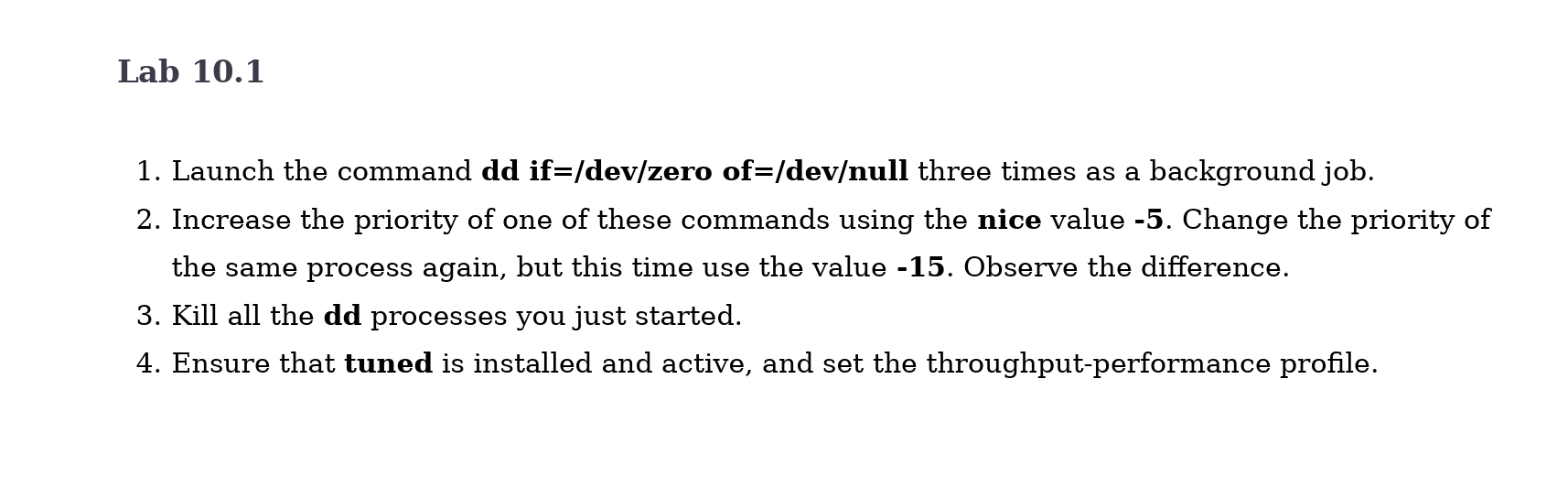
Launch the command ifdevzero ofdevnull three times as a background job.
Increase the priority of one of these commands using the nice value Change the priority of
the same process again, but this time use the value Observe the difference.
Kill all the dd processes you just started.
Ensure that tuned is installed and active, and set the throughputperformance profile.
Step by Step Solution
There are 3 Steps involved in it
1 Expert Approved Answer
Step: 1 Unlock

Question Has Been Solved by an Expert!
Get step-by-step solutions from verified subject matter experts
Step: 2 Unlock
Step: 3 Unlock
 Study Help