







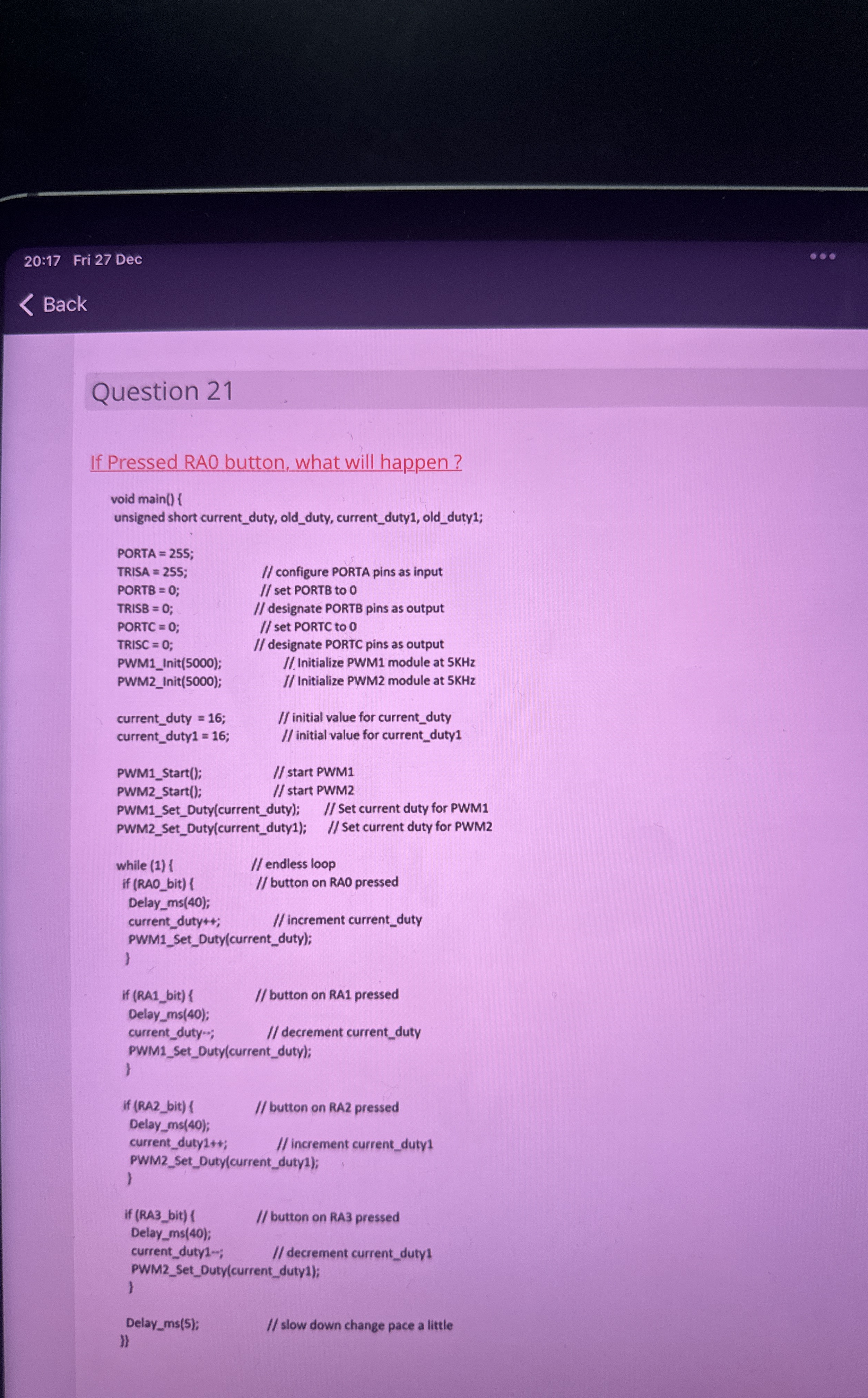
Question: If Pressed RAO button, what will happen? void main ( ) { unsigned short current _ duty, old _ duty, current _ duty 1 ,
If Pressed RAO button, what will happen?
void main
unsigned short currentduty, oldduty, currentduty oldduty;
PORTA ;
TRISA S; configure PORTA pins as input
PORTB ; set PORTB to
TRISB ; designate PORTB pins as output
PORTC ; set PORTC to
TRISC ; designate PORTC pins as output
PWMInit; Initialize PWM module at KHz
PWMInit; Initialize PWM module at KHz
currentduty ; initial value for currentduty
currentduty; initial value for currentduty
PWMStart; start PWM
PWMStart; start PWM
PWMSetDutycurrentduty; Set current duty for PWM
PWMSetDutycurrentduty; Set current duty for PWM
while endless loop
if RAObit button on RAO pressed
Delayms;
currentduty; increment currentduty
PWMSetDutycurrentduty;
If RAbit button on RA pressed
Delayms;
currentduty; decrement currentduty
PWMSetDutycurrentduty;
If RAbit button on RA pressed
Delayms;
currentduty; increment currentduty
PWMSetDutycurrentduty;
if RAbit button on RA pressed
Delayms;
currentduty; decrement currentduty
PWMSetDutycurrentduty;
Delayms; slow down change pace a little
II
Step by Step Solution
There are 3 Steps involved in it
1 Expert Approved Answer
Step: 1 Unlock

Question Has Been Solved by an Expert!
Get step-by-step solutions from verified subject matter experts
Step: 2 Unlock
Step: 3 Unlock
 Study Help