







Question: Form elements will be used to accept user input which will be assigned to variables. These variable values will make up the content of
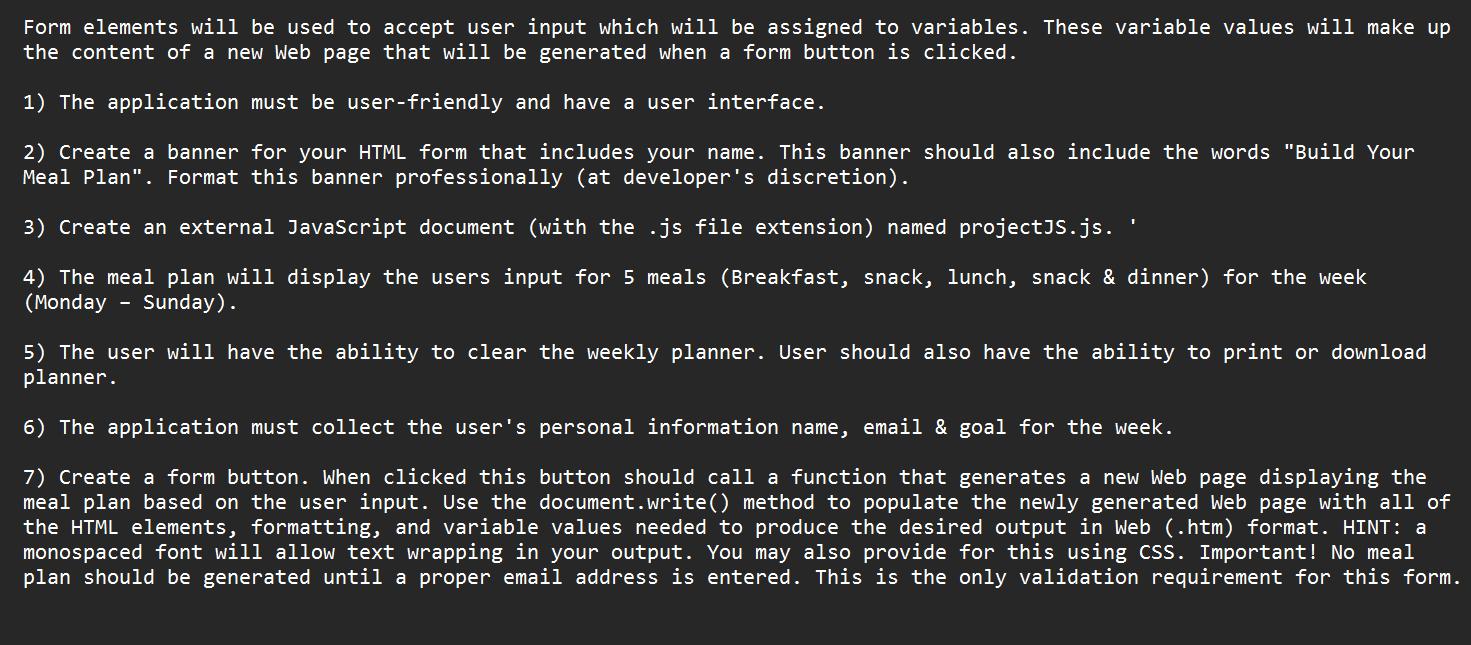
Form elements will be used to accept user input which will be assigned to variables. These variable values will make up the content of a new Web page that will be generated when a form button is clicked. 1) The application must be user-friendly and have a user interface. 2) Create a banner for your HTML form that includes your name. This banner should also include the words "Build Your Meal Plan". Format this banner professionally (at developer's discretion). 3) Create an external JavaScript document (with the .js file extension) named projectJS.js. 4) The meal plan will display the users input for 5 meals (Breakfast, snack, lunch, snack & dinner) for the week (Monday Sunday). 5) The user will have the ability to clear the weekly planner. User should also have the ability to print or download planner. 6) The application must collect the user's personal information name, email & goal for the week. 7) Create a form button. When clicked this button should call a function that generates a new Web page displaying the meal plan based on the user input. Use the document.write() method to populate the newly generated Web page with all of the HTML elements, formatting, and variable values needed to produce the desired output in Web (.htm) format. HINT: a monospaced font will allow text wrapping in your output. You may also provide for this using CSS. Important! No meal plan should be generated until a proper email address is entered. This is the only validation requirement for this form.
Step by Step Solution
3.43 Rating (162 Votes )
There are 3 Steps involved in it
HTM... View full answer

Get step-by-step solutions from verified subject matter experts
 Study Help