







Question: Image Gallery 1. Create a page having Image gallery like this with 10 images, 2. If user clicks on any image from bottom it should
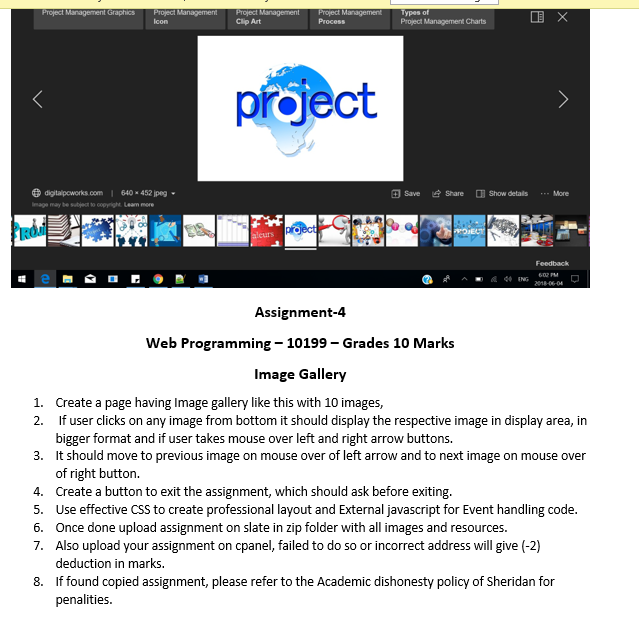
Image Gallery 1. Create a page having Image gallery like this with 10 images, 2. If user clicks on any image from bottom it should display the respective image in display area, in bigger format and if user takes mouse over left and right arrow buttons. 3. It should move to previous image on mouse over of left arrow and to next image on mouse over of right button. 4. Create a button to exit the assignment, which should ask before exiting. 5. Use effective CSS to create professional layout and External javascript for Event handling code. 6. Once done upload assignment on slate in zip folder with all images and resources. 7. Also upload your assignment on cpanel, failed to do so or incorrect address will give (-2) deduction in marks. 8. If found copied assignment, please refer to the Academic dishonesty policy of Sheridan for penalities
Step by Step Solution
There are 3 Steps involved in it

Get step-by-step solutions from verified subject matter experts
 Study Help