







Question: Implementation guidelines Place Host and Client in two separate directories: Alice and Bob. Generate the Diffie-Hellman parameters (p, g), choose a password PW for
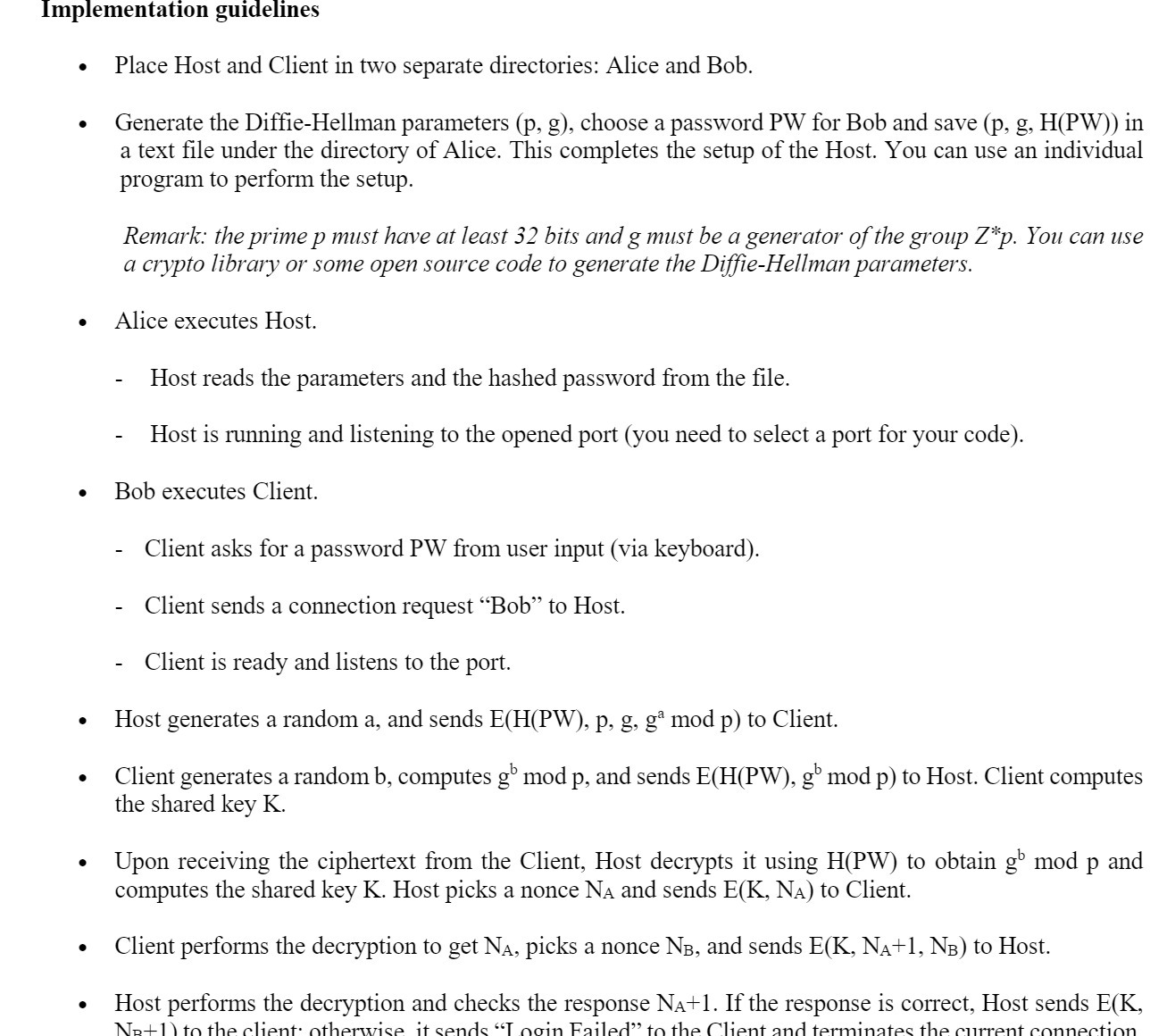
Implementation guidelines Place Host and Client in two separate directories: Alice and Bob. Generate the Diffie-Hellman parameters (p, g), choose a password PW for Bob and save (p, g, H(PW)) in a text file under the directory of Alice. This completes the setup of the Host. You can use an individual program to perform the setup. Remark: the prime p must have at least 32 bits and g must be a generator of the group Z*p. You can use a crypto library or some open source code to generate the Diffie-Hellman parameters. Alice executes Host. Host reads the parameters and the hashed password from the file. Host is running and listening to the opened port (you need to select a port for your code). Bob executes Client. Client asks for a password PW from user input (via keyboard). Client sends a connection request "Bob" to Host. Client is ready and listens to the port. Host generates a random a, and sends E(H(PW), p, g, g mod p) to Client. Client generates a random b, computes gb mod p, and sends E(H(PW), gb mod p) to Host. Client computes the shared key K. - Upon receiving the ciphertext from the Client, Host decrypts it using H(PW) to obtain gb mod p and computes the shared key K. Host picks a nonce NA and sends E(K, NA) to Client. Client performs the decryption to get N, picks a nonce NB, and sends E(K, N+1, NB) to Host. Host performs the decryption and checks the response N+1. If the response is correct, Host sends E(K, NR+1) to the client otherwise it sends "Login Failed" to the Client and terminates the current connection
Step by Step Solution
There are 3 Steps involved in it

Get step-by-step solutions from verified subject matter experts
 Study Help