







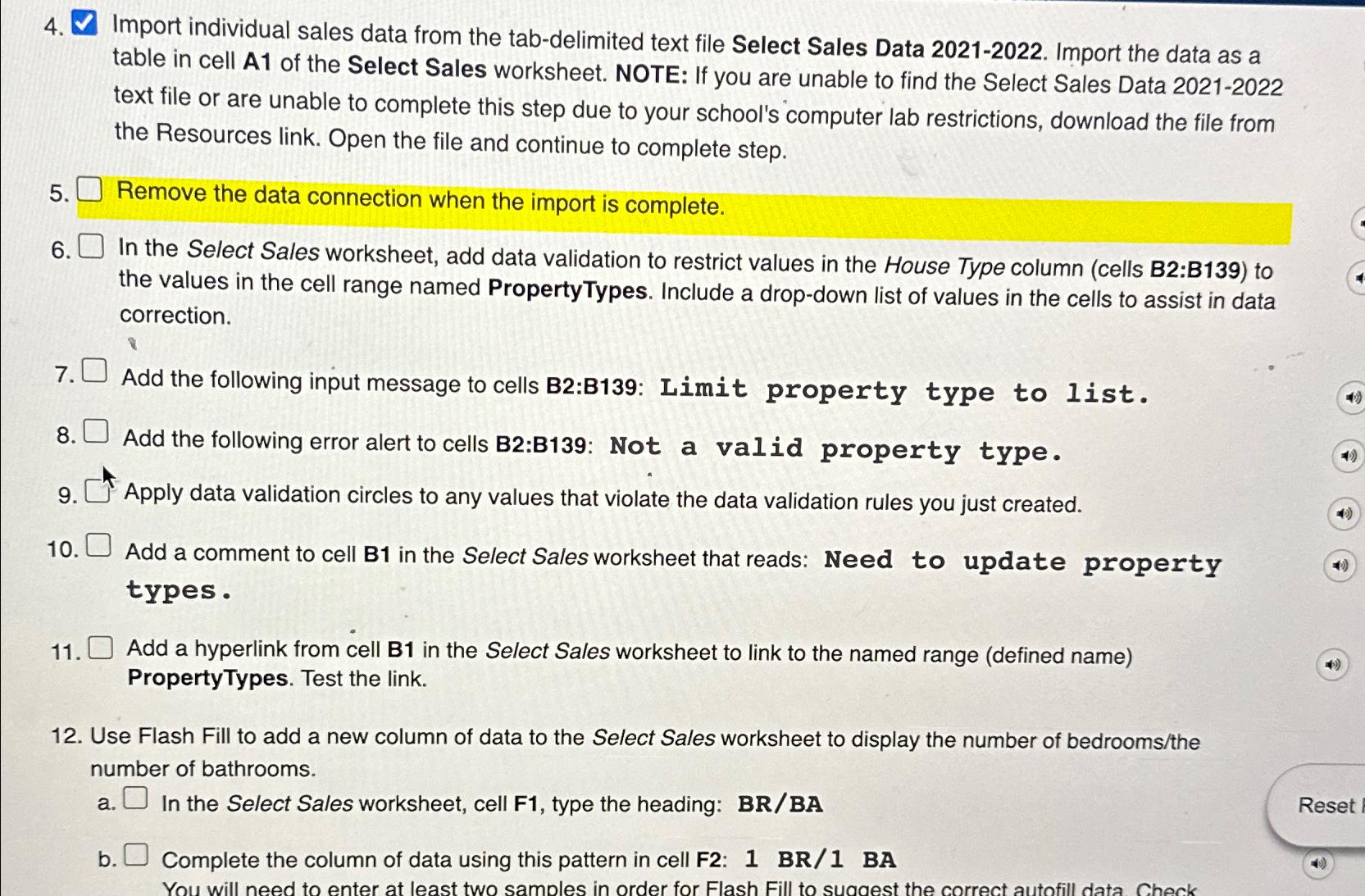
Question: Import individual sales data from the tab - delimited text file Select Sales Data 2 0 2 1 - 2 0 2 2 . Import
Import individual sales data from the tabdelimited text file Select Sales Data Import the data as a table in cell of the Select Sales worksheet. NOTE: If you are unable to find the Select Sales Data text file or are unable to complete this step due to your school's computer lab restrictions, download the file from the Resources link. Open the file and continue to complete step.
Remove the data connection when the import is complete.
In the Select Sales worksheet, add data validation to restrict values in the House Type column cells B:B to the values in the cell range named PropertyTypes. Include a dropdown list of values in the cells to assist in data correction.
Add the following input message to cells B:B: Limit property type to list.
Add the following error alert to cells B:B: Not a valid property type.
Apply data validation circles to any values that violate the data validation rules you just created.
Add a comment to cell B in the Select Sales worksheet that reads: Need to update property types.
Add a hyperlink from cell B in the Select Sales worksheet to link to the named range defined name PropertyTypes. Test the link.
Use Flash Fill to add a new column of data to the Select Sales worksheet to display the number of bedroomsthe number of bathrooms.
a In the Select Sales worksheet, cell F type the heading: BRBA
b Complete the column of data using this pattern in cell F: BR BA
Step by Step Solution
There are 3 Steps involved in it
1 Expert Approved Answer
Step: 1 Unlock

Question Has Been Solved by an Expert!
Get step-by-step solutions from verified subject matter experts
Step: 2 Unlock
Step: 3 Unlock
 Study Help