







Question: Import the graphics library to your python file at the top of the lab file. Function 1: The main function Inside the main function of
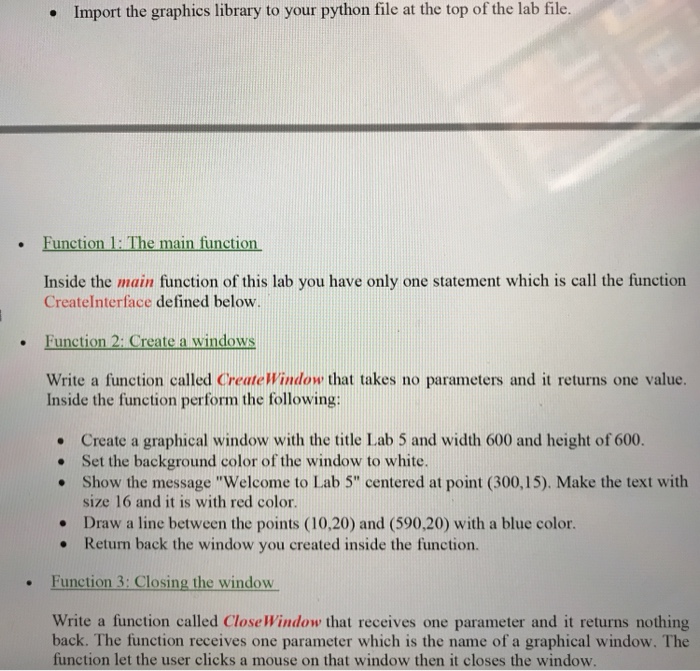
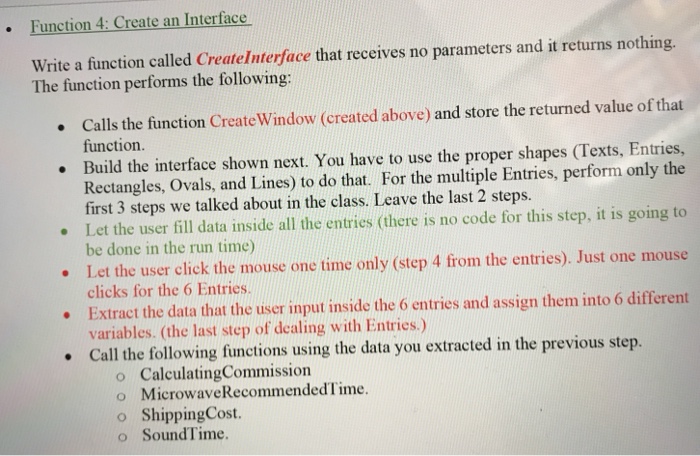
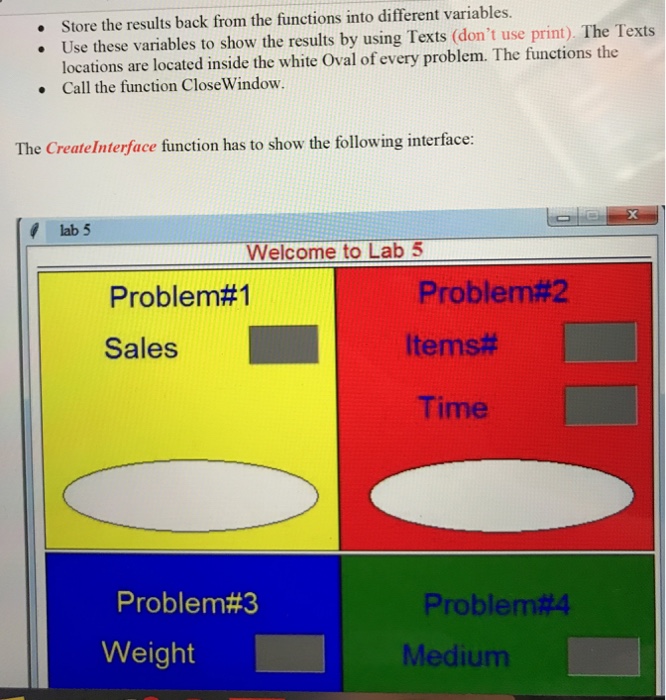
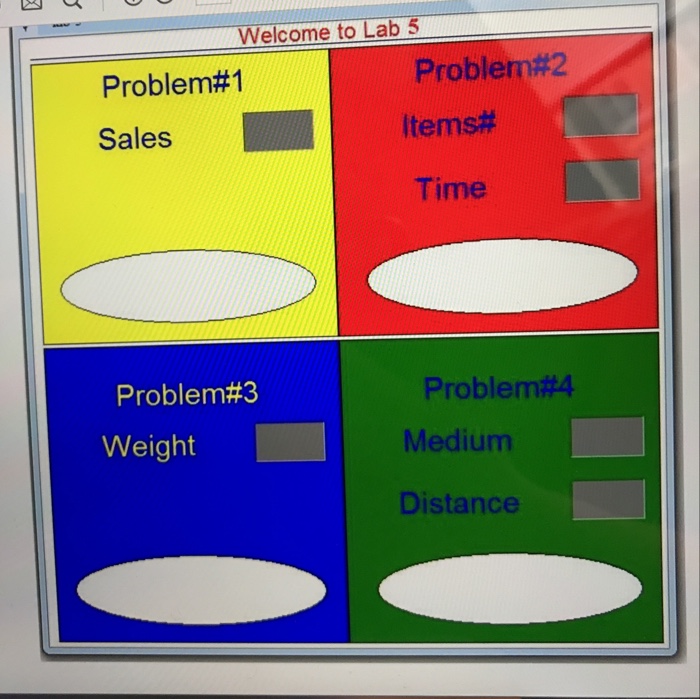
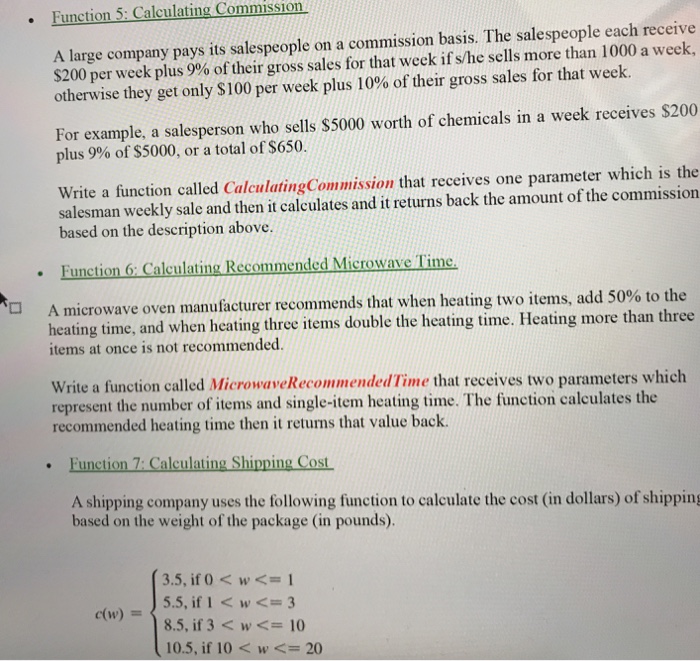
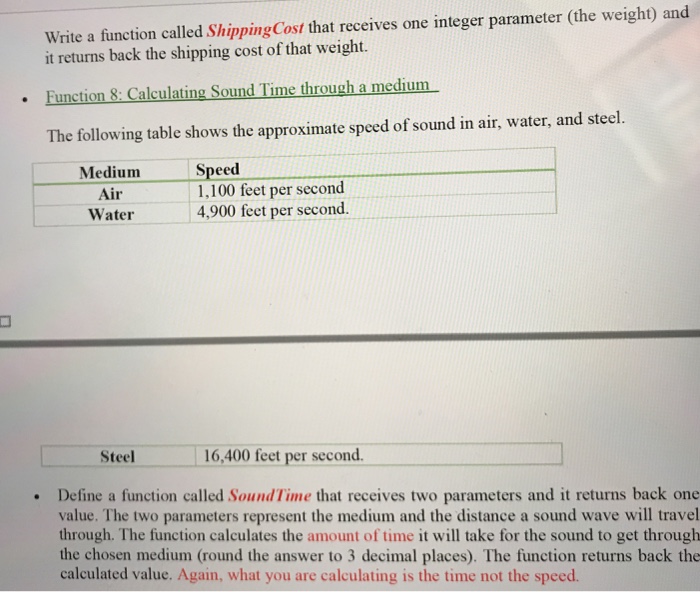
Import the graphics library to your python file at the top of the lab file. Function 1: The main function Inside the main function of this lab you have only one statement which is call the function Createlnterface defined below Function 2: Create a windows Write a function called CreateWindow that takes no parameters and it returns one value. Inside the function perform the following: Create a graphical window with the title Lab 5 and width 600 and height of 600. . Set the background color of the window to white. . Show the message "Welcome to Lab 5" centered at point (300,15). Make the text with size 16 and it is with red color. Draw a line between the points (10,20) and (590,20) with a blue color. Return back the window you created inside the function. e Function 3: Closing the window Write a function called Close Window that receives one parameter and it returns nothing back. The function receives one parameter which is the name of a graphical window. The function let the user clicks a mouse on that window then it closes the window. Import the graphics library to your python file at the top of the lab file. Function 1: The main function Inside the main function of this lab you have only one statement which is call the function Createlnterface defined below Function 2: Create a windows Write a function called CreateWindow that takes no parameters and it returns one value. Inside the function perform the following: Create a graphical window with the title Lab 5 and width 600 and height of 600. . Set the background color of the window to white. . Show the message "Welcome to Lab 5" centered at point (300,15). Make the text with size 16 and it is with red color. Draw a line between the points (10,20) and (590,20) with a blue color. Return back the window you created inside the function. e Function 3: Closing the window Write a function called Close Window that receives one parameter and it returns nothing back. The function receives one parameter which is the name of a graphical window. The function let the user clicks a mouse on that window then it closes the window
Step by Step Solution
There are 3 Steps involved in it

Get step-by-step solutions from verified subject matter experts
 Study Help