







Question: Important Points _ Create a folder with name Class_Activity Inside this folder create 4 folders with names Text_excercises, Text_Formatting, Links and Images Save the HTML
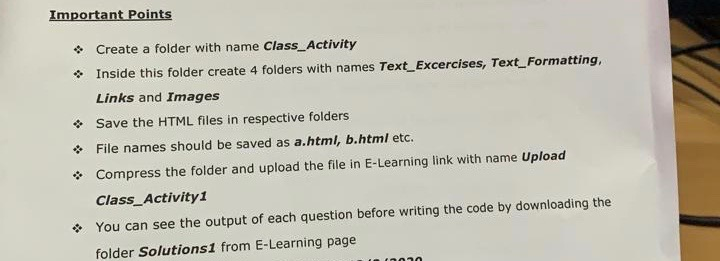
Important Points _ Create a folder with name Class_Activity Inside this folder create 4 folders with names Text_excercises, Text_Formatting, Links and Images Save the HTML files in respective folders File names should be saved as a.html, b.html etc. Compress the folder and upload the file in E-Learning link with name Upload Class_Activity 1 You can see the output of each question before writing the code by downloading the folder Solutions1 from E-Learning page Important Points _ Create a folder with name Class_Activity Inside this folder create 4 folders with names Text_excercises, Text_Formatting, Links and Images Save the HTML files in respective folders File names should be saved as a.html, b.html etc. Compress the folder and upload the file in E-Learning link with name Upload Class_Activity 1 You can see the output of each question before writing the code by downloading the folder Solutions1 from E-Learning page
Step by Step Solution
There are 3 Steps involved in it

Get step-by-step solutions from verified subject matter experts
 Study Help