







Question: in Android Studio Create an online course application using an android studio. It used by the teacher and student. The teacher can view all the
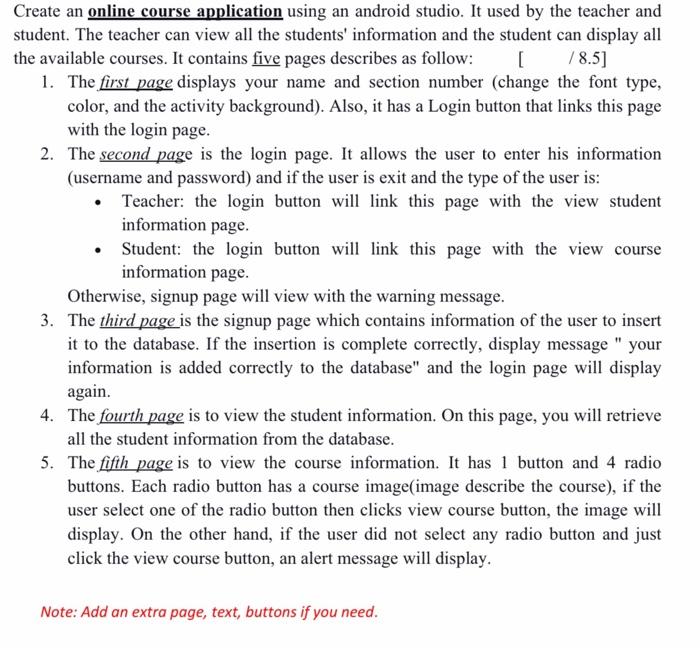
Create an online course application using an android studio. It used by the teacher and student. The teacher can view all the students' information and the student can display all the available courses. It contains five pages describes as follow: [ 78.5] 1. The first page displays your name and section number (change the font type, color, and the activity background). Also, it has a Login button that links this page with the login page. 2. The second page is the login page. It allows the user to enter his information (username and password) and if the user is exit and the type of the user is: Teacher: the login button will link this page with the view student information page. Student: the login button will link this page with the view course information page. Otherwise, signup page will view with the warning message. 3. The third page is the signup page which contains information of the user to insert it to the database. If the insertion is complete correctly, display message " your information is added correctly to the database" and the login page will display again. 4. The fourth page is to view the student information. On this page, you will retrieve all the student information from the database. 5. The fifth page is to view the course information. It has 1 button and 4 radio buttons. Each radio button has a course image image describe the course), if the user select one of the radio button then clicks view course button, the image will display. On the other hand, if the user did not select any radio button and just click the view course button, an alert message will display. Note: Add an extra page, text, buttons if you need. Create an online course application using an android studio. It used by the teacher and student. The teacher can view all the students' information and the student can display all the available courses. It contains five pages describes as follow: [ 78.5] 1. The first page displays your name and section number (change the font type, color, and the activity background). Also, it has a Login button that links this page with the login page. 2. The second page is the login page. It allows the user to enter his information (username and password) and if the user is exit and the type of the user is: Teacher: the login button will link this page with the view student information page. Student: the login button will link this page with the view course information page. Otherwise, signup page will view with the warning message. 3. The third page is the signup page which contains information of the user to insert it to the database. If the insertion is complete correctly, display message " your information is added correctly to the database" and the login page will display again. 4. The fourth page is to view the student information. On this page, you will retrieve all the student information from the database. 5. The fifth page is to view the course information. It has 1 button and 4 radio buttons. Each radio button has a course image image describe the course), if the user select one of the radio button then clicks view course button, the image will display. On the other hand, if the user did not select any radio button and just click the view course button, an alert message will display. Note: Add an extra page, text, buttons if you need
Step by Step Solution
There are 3 Steps involved in it

Get step-by-step solutions from verified subject matter experts
 Study Help