







Question: In c++ programming The record struct holding profits Program 3 manipulates data through input and output. This data is represented in a record structure with
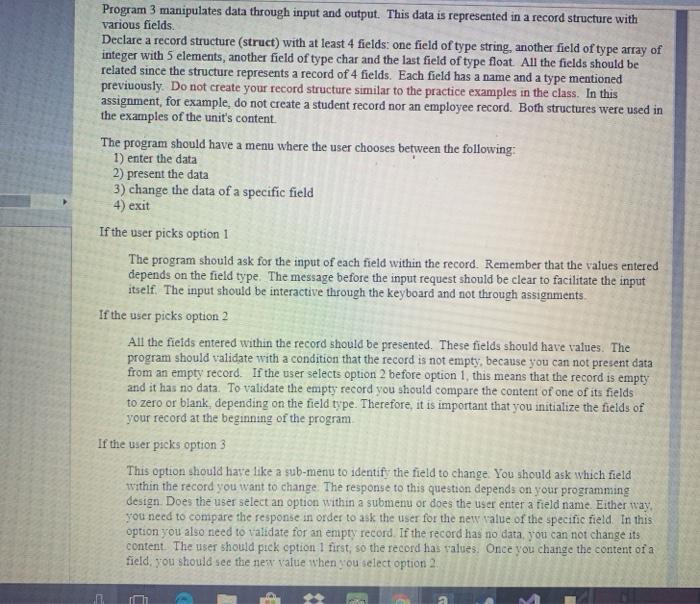
Program 3 manipulates data through input and output. This data is represented in a record structure with various fields Declare a record structure (struct) with at least 4 fields: one field of type string, another field of type array of integer with 5 elements, another field of type char and the last field of type float All the fields should be related since the structure represents a record of 4 fields. Each field has a name and a type mentioned previuously. Do not create your record structure similar to the practice examples in the class. In this assignment, for example, do not create a student record nor an employee record. Both structures were used in the examples of the unit's content. The program should have a menu where the user chooses between the following: 1) enter the data 2) present the data 3) change the data of a specific field 4) exit If the user picks option 1 The program should ask for the input of each field within the record. Remember that the values entered depends on the field type. The message before the input request should be clear to facilitate the input itself. The input should be interactive through the keyboard and not through assignments If the user picks option 2 All the fields entered within the record should be presented. These fields should have values. The program should validate with a condition that the record is not empty, because you can not present data from an empty record. If the user select option 2 before option 1, this means that the record is empty and it has no data. To validate the empty record you should compare the content of one of its fields to zero or blank, depending on the field type. Therefore, it is important that you initialize the fields of your record at the beginning of the program If the user picks option 3 This option should have like a sub-menu to identify the field to change. You should ask which field within the record you want to change. The response to this question depends on your programming design. Does the user select an option within a submenu or does the user enter a field name. Either way you need to compare the response in order to ask the user for the new value of the specific field. In this option you also need to validate for an empty record. If the record has no data, you can not change its content. The user should pick option 1 first, so the record has values. Once you change the content of a field, you should see the new value when you select option 2 Program 3 manipulates data through input and output. This data is represented in a record structure with various fields Declare a record structure (struct) with at least 4 fields: one field of type string, another field of type array of integer with 5 elements, another field of type char and the last field of type float All the fields should be related since the structure represents a record of 4 fields. Each field has a name and a type mentioned previuously. Do not create your record structure similar to the practice examples in the class. In this assignment, for example, do not create a student record nor an employee record. Both structures were used in the examples of the unit's content. The program should have a menu where the user chooses between the following: 1) enter the data 2) present the data 3) change the data of a specific field 4) exit If the user picks option 1 The program should ask for the input of each field within the record. Remember that the values entered depends on the field type. The message before the input request should be clear to facilitate the input itself. The input should be interactive through the keyboard and not through assignments If the user picks option 2 All the fields entered within the record should be presented. These fields should have values. The program should validate with a condition that the record is not empty, because you can not present data from an empty record. If the user select option 2 before option 1, this means that the record is empty and it has no data. To validate the empty record you should compare the content of one of its fields to zero or blank, depending on the field type. Therefore, it is important that you initialize the fields of your record at the beginning of the program If the user picks option 3 This option should have like a sub-menu to identify the field to change. You should ask which field within the record you want to change. The response to this question depends on your programming design. Does the user select an option within a submenu or does the user enter a field name. Either way you need to compare the response in order to ask the user for the new value of the specific field. In this option you also need to validate for an empty record. If the record has no data, you can not change its content. The user should pick option 1 first, so the record has values. Once you change the content of a field, you should see the new value when you select option 2
Step by Step Solution
There are 3 Steps involved in it

Get step-by-step solutions from verified subject matter experts
 Study Help