







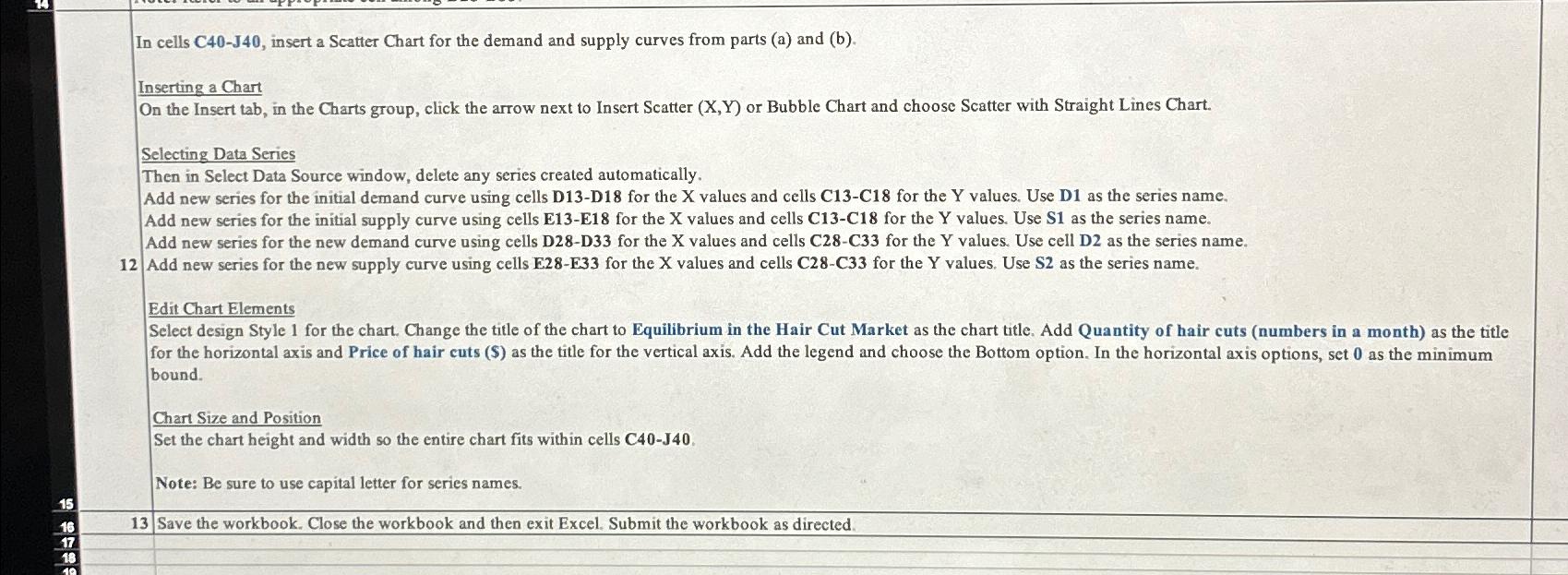
Question: In cells C 4 0 - J 4 0 , insert a Scatter Chart for the demand and supply curves from parts ( a )
In cells insert a Scatter Chart for the demand and supply curves from parts a and b
Inserting a Chart
On the Insert tab, in the Charts group, click the arrow next to Insert Scatter XY or Bubble Chart and choose Scatter with Straight Lines Chart.
Selecting Data Series
Then in Select Data Source window, delete any series created automatically.
Add new series for the initial demand curve using cells DD for the X values and cells CC for the Y values. Use D as the series name.
Add new series for the initial supply curve using cells EE for the X values and cells CC for the Y values. Use S as the series name.
Add new series for the new demand curve using cells DD for the X values and cells CC for the Y values. Use cell D as the series name.
Add new series for the new supply curve using cells EE for the X values and cells CC for the Y values. Use S as the series name.
Edit Chart Elements bound.
Chart Size and Position
Set the chart height and width so the entire chart fits within cells
Note: Be sure to use capital letter for series names.
Save the workbook. Close the workbook and then exit Excel. Submit the workbook as directed.
Step by Step Solution
There are 3 Steps involved in it
1 Expert Approved Answer
Step: 1 Unlock

Question Has Been Solved by an Expert!
Get step-by-step solutions from verified subject matter experts
Step: 2 Unlock
Step: 3 Unlock
 Study Help