







Question: In JavaScript 1) Add radio buttons below an image for users to click, and when clicking the image should become larger or smaller. Tips: You
In JavaScript
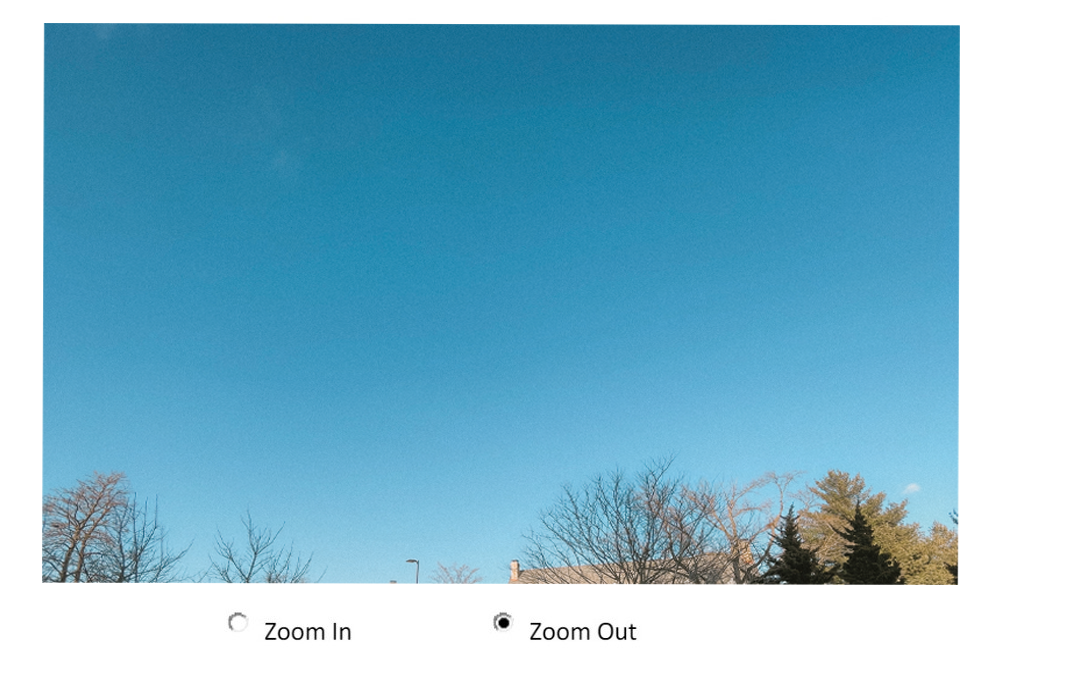
1) Add radio buttons below an image for users to click, and when clicking the image should become larger or smaller.
Tips: You can check the radio button by using Boolean 'checked' attribute. For example:
if (document.getElementById("ZoomIn").checked)
The below image is how it should look.
2) Make a photo slideshow using JavaScript.
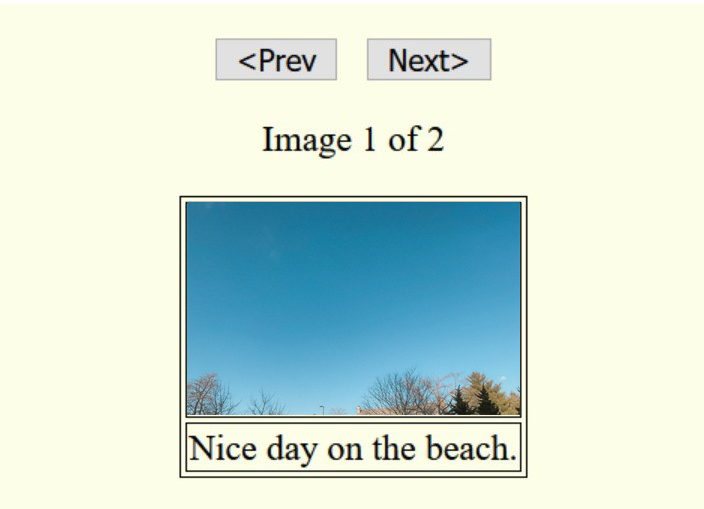
Make a photo slideshow that that contains 2 or more images. It should includes a previous button, next button, ex. "Image 1 of 2", and a brief description.
The image below is how it should look.
Zoom In Zoom Out
Step by Step Solution
There are 3 Steps involved in it
1 Expert Approved Answer
Step: 1 Unlock

Question Has Been Solved by an Expert!
Get step-by-step solutions from verified subject matter experts
Step: 2 Unlock
Step: 3 Unlock
 Study Help