







Question: in juypter notebook(python) use this image Write two functions: encode_text that does the following: takes an image array, a row, a column and a text
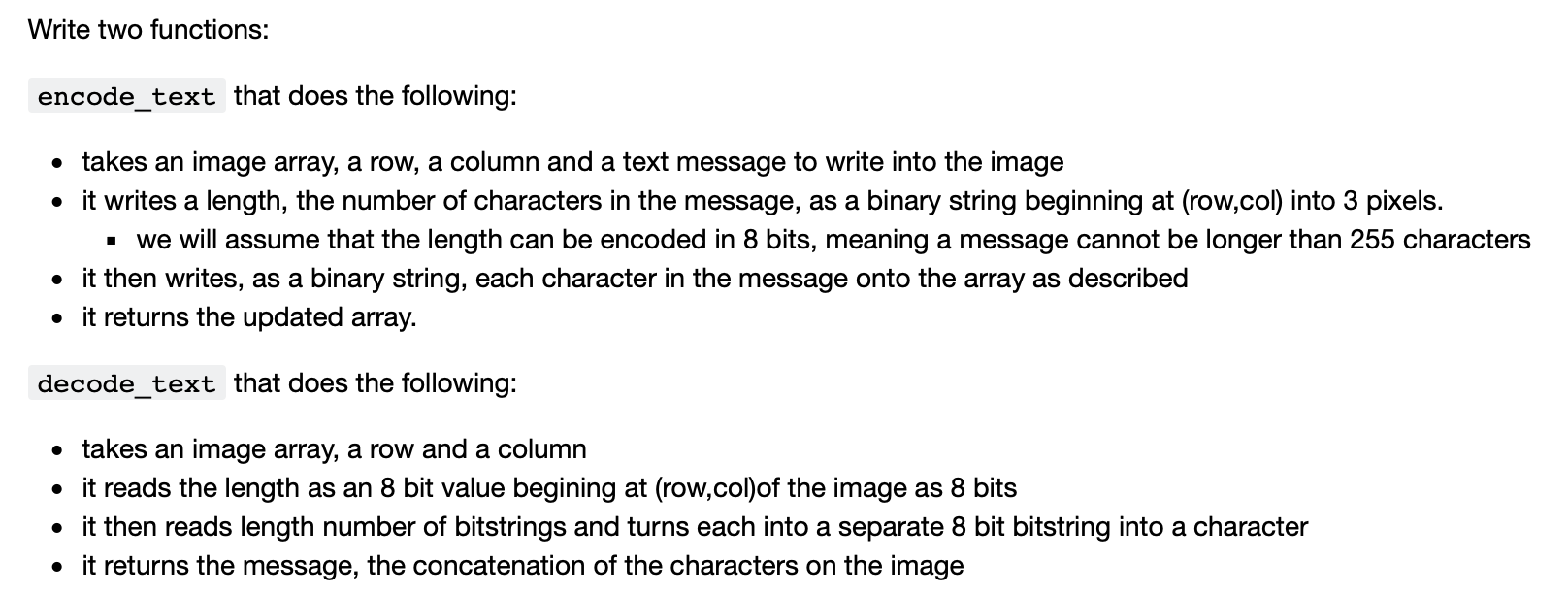 in juypter notebook(python)
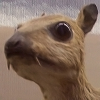 use this image
Write two functions: encode_text that does the following: takes an image array, a row, a column and a text message to write into the image it writes a length, the number of characters in the message, as a binary string beginning at (row,col) into 3 pixels. . We will assume that the length can be encoded in 8 bits, meaning a message cannot be longer than 255 characters it then writes, as a binary string, each character in the message onto the array as described it returns the updated array. decode_text that does the following: takes an image array, a row and a column it reads the length as an 8 bit value begining at (row,col)of the image as 8 bits it then reads length number of bitstrings and turns each into a separate 8 bit bitstring into a character it returns the message, the concatenation of the characters on the image Write two functions: encode_text that does the following: takes an image array, a row, a column and a text message to write into the image it writes a length, the number of characters in the message, as a binary string beginning at (row,col) into 3 pixels. . We will assume that the length can be encoded in 8 bits, meaning a message cannot be longer than 255 characters it then writes, as a binary string, each character in the message onto the array as described it returns the updated array. decode_text that does the following: takes an image array, a row and a column it reads the length as an 8 bit value begining at (row,col)of the image as 8 bits it then reads length number of bitstrings and turns each into a separate 8 bit bitstring into a character it returns the message, the concatenation of the characters on the image
Step by Step Solution
There are 3 Steps involved in it

Get step-by-step solutions from verified subject matter experts
 Study Help