



Question: In Linux: Task 10 Pipe the output of the df -h command to filter only the instances of tmpfs. Provide the command you used below.
In Linux:
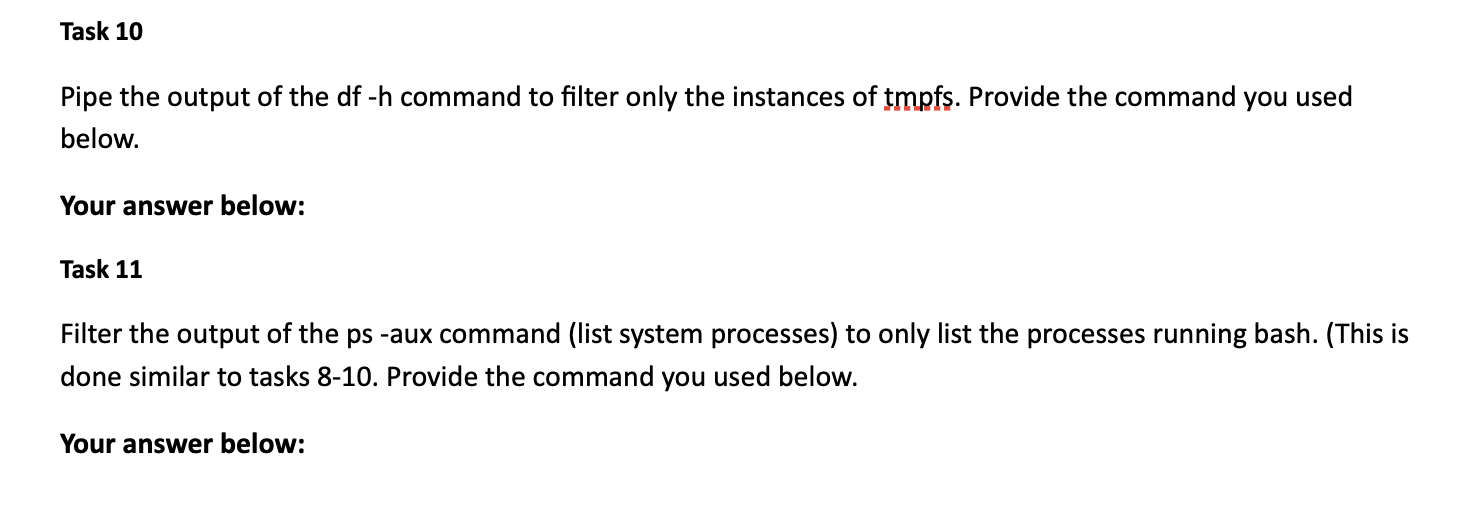
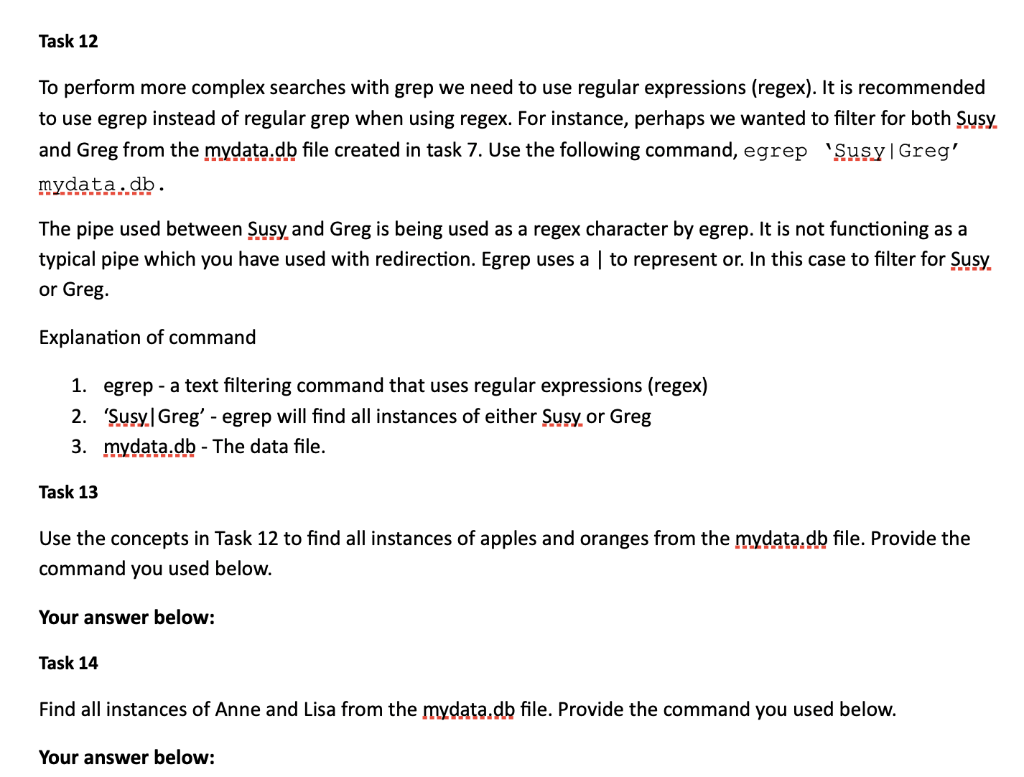
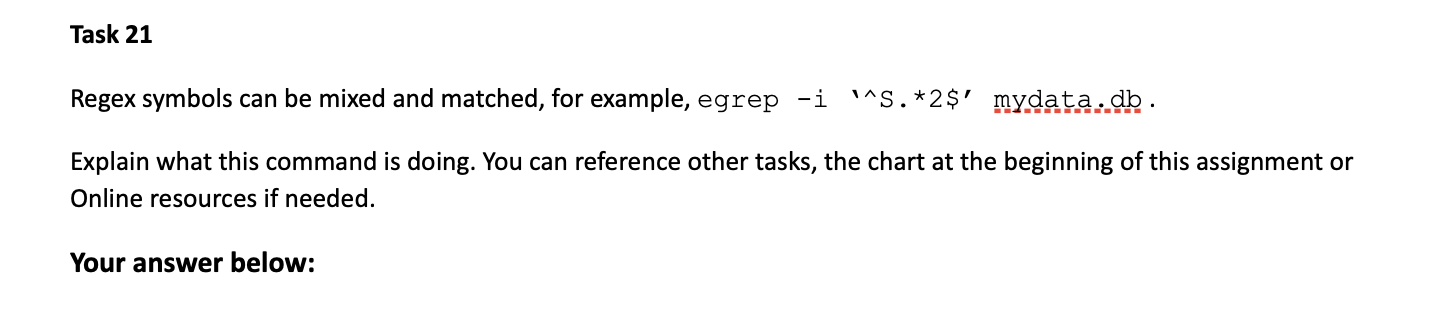
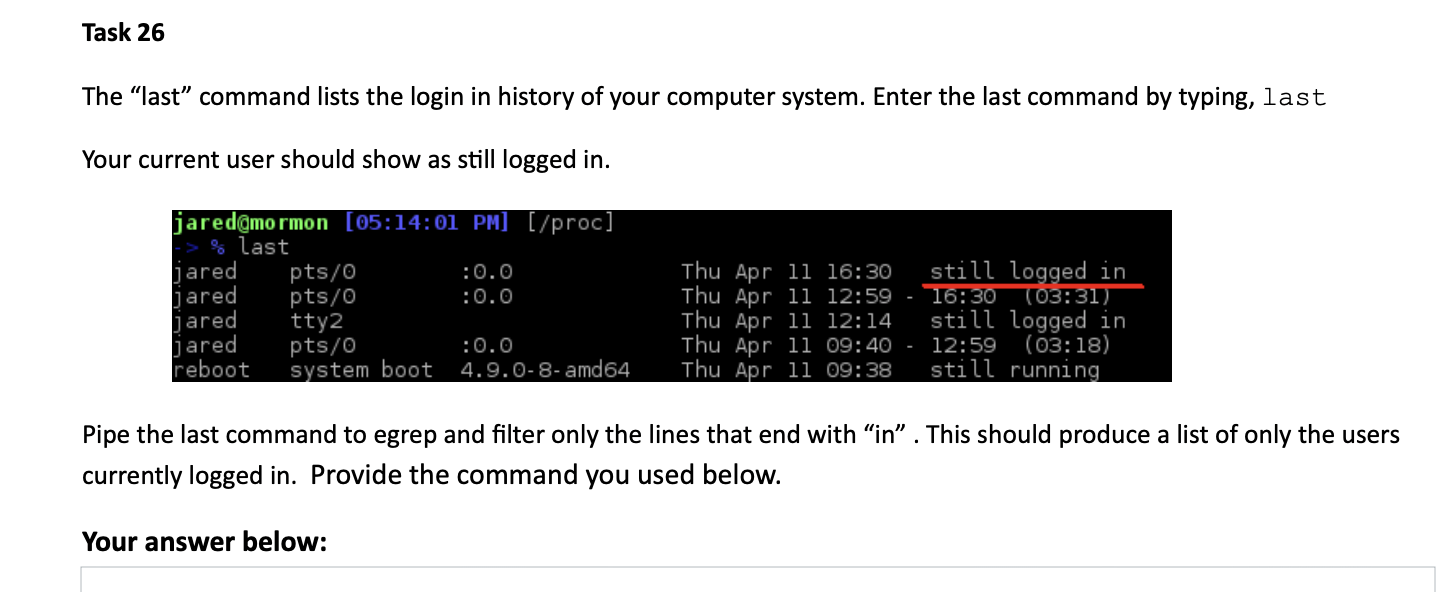

Task 10 Pipe the output of the df -h command to filter only the instances of tmpfs. Provide the command you used below. Your answer below: Task 11 Filter the output of the ps -aux command (list system processes) to only list the processes running bash. (This is done similar to tasks 8-10. Provide the command you used below. Your answer below: Task 12 To perform more complex searches with grep we need to use regular expressions (regex). It is recommended to use egrep instead of regular grep when using regex. For instance, perhaps we wanted to filter for both Susy. and Greg from the mydata.db file created in task 7. Use the following command, egrep 'Susy|Greg' mydata.db. The pipe used between Susy and Greg is being used as a regex character by egrep. It is not functioning as a typical pipe which you have used with redirection. Egrep uses a to represent or. In this case to filter for Susy. or Greg. Explanation of command 1. egrep - a text filtering command that uses regular expressions (regex) 2. 'Susy Greg' - egrep will find all instances of either Susy or Greg 3. mydata.db - The data file. Task 13 Use the concepts in Task 12 to find all instances of apples and oranges from the mydata.db file. Provide the command you used below. Your answer below: Task 14 Find all instances of Anne and Lisa from the mydata.db file. Provide the command you used below. Your answer below: Task 21 Regex symbols can be mixed and matched, for example, egrep -i .*2$' mydata.db. Explain what this command is doing. You can reference other tasks, the chart at the beginning of this assignment or Online resources if needed. Your answer below: Task 26 The last command lists the login in history of your computer system. Enter the last command by typing, last Your current user should show as still logged in. jared@mormon [05:14:01 PM] [/proc] % last jared pts/0 :0.0 jared pts/0 : 0.0 jared tty2 jared pts/0 :0.0 reboot system boot 4.9.0-8-amd64 Thu Apr 11 16:30 still logged in Thu Apr 11 12:59 - 16:30 T03:31) Thu Apr 11 12:14 still logged in Thu Apr 11 09:40 - 12:59 (03:18) Thu Apr 11 09:38 still running Pipe the last command to egrep and filter only the lines that end with in. This should produce a list of only the users currently logged in. Provide the command you used below. Your answer below: Task 27 From your home directory, pipe the Is command to grep to only list the directories and files that begin with D. Provide the command you used below. Your answer below: Task 28 Pipe the output of the ip addr" command to grep matching only lines containing the text "ibet". This line should contain your ip address. Provide the command you used below. Your answer below: Task 29 Use grep to output the text "nameserver from the /etc/resolv.conf file. This file lists your DNS servers. Provide the command you used below. Your answer below: Task 30 Provide a command that will show you how many instances of bash are in the /etc/passwd file? There are a few ways to do this. There is an option built into grep (see the man page or google) or you can pipe it to a command that will count it for you. Your answer below
Step by Step Solution
There are 3 Steps involved in it

Get step-by-step solutions from verified subject matter experts