







Question: in linux ubuntu [Running] - Oracle VM VirtualBox 1. List all the content of the home directory then remove any subdirectory in it 2. Go
![in linux ubuntu [Running] - Oracle VM VirtualBox 1. List all the](https://dsd5zvtm8ll6.cloudfront.net/si.experts.images/questions/2024/09/66efc1b01e6c0_71966efc1afa8fbc.jpg)
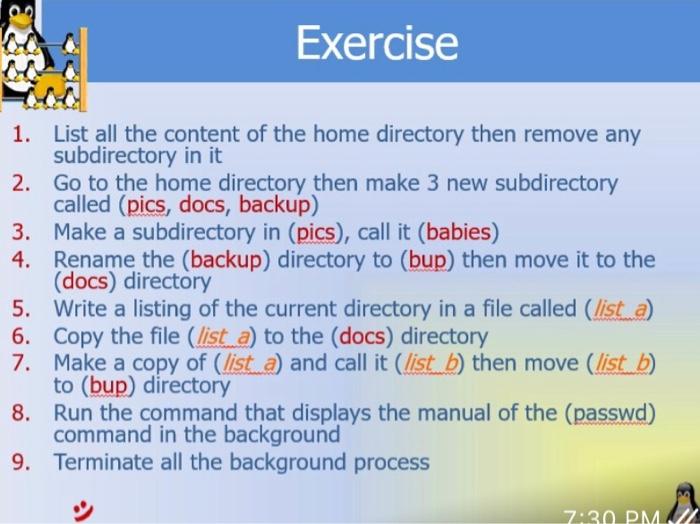
ubuntu [Running] - Oracle VM VirtualBox 1. List all the content of the home directory then remove any subdirectory in it 2. Go to the home directory then make 3 new subdirectory called (pics, docs, backup) 3. Make a subdirectory in (pics), call it (babies) 4. Rename the (backup) directory to (bup) then move it to the (docs) directory 5. Write a listing of the current directory in a file called (list a) 6. Copy the file (list a) to the (docs) directory 7. Make a copy of (list a) and call it (list b ) then move (list b ) to (bup) directory 8. Run the command that displays the manual of the (passwd) command in the background 9. Terminate all the background process
Step by Step Solution
There are 3 Steps involved in it

Get step-by-step solutions from verified subject matter experts
 Study Help