







Question: In MATlab 2D array indexing: Finding the center element of a square array Assign middleElement with the element in the center of squareArray. Assume squareArray
In MATlab
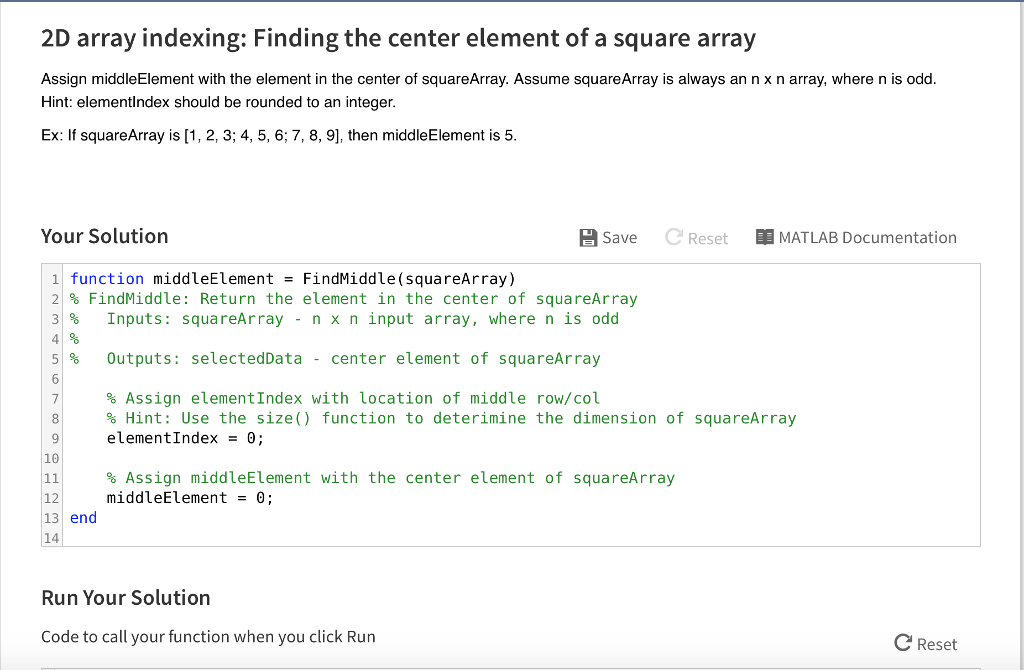
2D array indexing: Finding the center element of a square array Assign middleElement with the element in the center of squareArray. Assume squareArray is always an n times n array, where n is odd. Ex: If squareArray is [1, 2, 3; 4, 5, 6; 7, 8, 9], then middleElement is 5. function middleElement = FindMiddle(squareArray) % FindMiddle: Return the element in the center of squareArray % Inputs: squareArray - n times n input array, where n is odd % % Outputs: selectedData - center element of squareArray % Assign elementIndex with location of middle row/col elementIndex = 0; % Assign middleElement with the center element of squareArray middleElement = 0; end Run Your Solution Code to call your function when you click Run
Step by Step Solution
There are 3 Steps involved in it

Get step-by-step solutions from verified subject matter experts
 Study Help