







Question: in matlab code please! 5 Apply to a Real Image Now let's apply this stuff to a real image! For the problem we'll use the
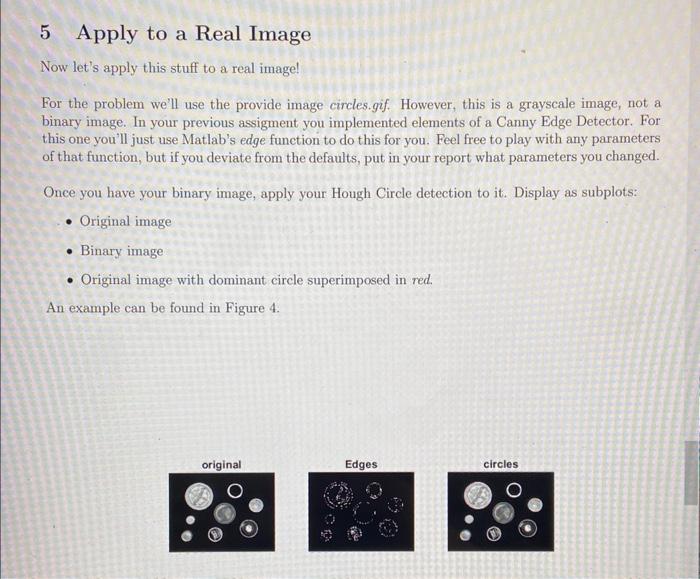
5 Apply to a Real Image Now let's apply this stuff to a real image! For the problem we'll use the provide image circles.gif. However, this is a grayscale image, not a binary image. In your previous assigment you implemented elements of a Canny Edge Detector. For this one you'll just use Matlab's edge function to do this for you. Feel free to play with any parameters of that function, but if you deviate from the defaults, put in your report what parameters you changed. Once you have your binary image, apply your Hough Circle detection to it. Display as subplots: - Original image - Binary image - Original image with dominant circle superimposed in red. An example can be found in Figure 4
Step by Step Solution
There are 3 Steps involved in it

Get step-by-step solutions from verified subject matter experts
 Study Help