







Question: In MATLAB Command Window and using format short, do the following in sequence. The output of each command must be displayed in the Command Window.
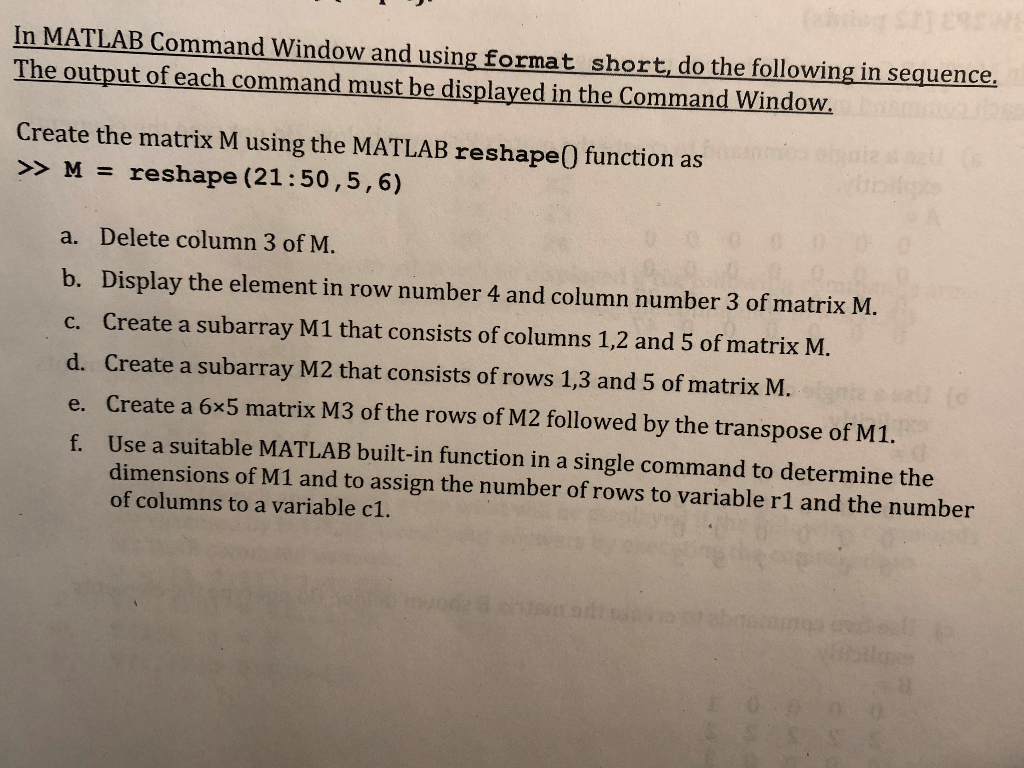
In MATLAB Command Window and using format short, do the following in sequence. The output of each command must be displayed in the Command Window. Create the matrix M using the MATLAB reshape0 function as >> M = reshape (21:50 , 5,6) a. Delete column 3 of M. b. Display the element in row number 4 and column number 3 of matrix M. c. Create a subarray M1 that consists of columns 1,2 and 5 of matrix M. d. Create a subarray M2 that consists of rows 1,3 and 5 of matrix M. e. Create a 6x5 matrix M3 of the rows of M2 followed by the transpose of M1. Use a suitable MATLAB built-in function in a single command to determine the dimensions of M1 and to assign the number of rows to variable r1 and the number of columns to a variable c1. f
Step by Step Solution
There are 3 Steps involved in it

Get step-by-step solutions from verified subject matter experts
 Study Help