



Question: In MATLAB, write codes of following steps please 1. Load lena.tif. a. Calculate and display Fourier Transform of the image. b. Add Gaussian noise to
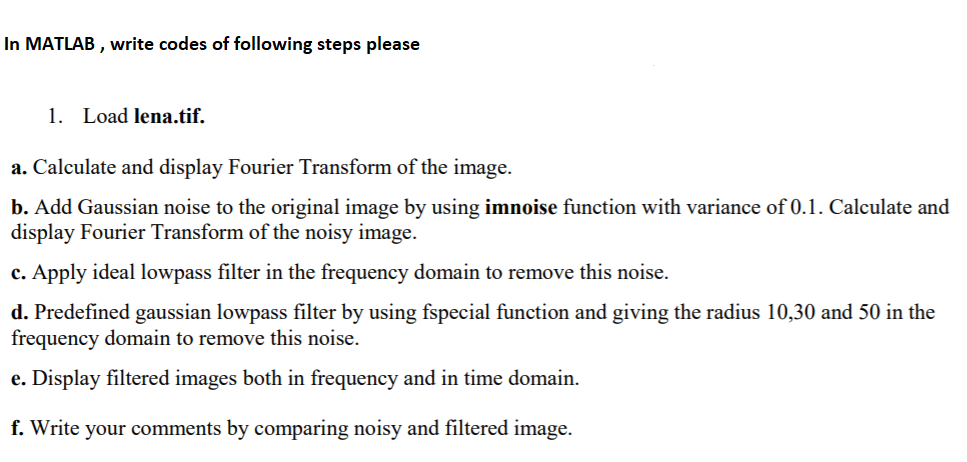
In MATLAB, write codes of following steps please 1. Load lena.tif. a. Calculate and display Fourier Transform of the image. b. Add Gaussian noise to the original image by using imnoise function with variance of 0.1. Calculate and display Fourier 1 c. Apply ideal lowpass filter in the frequency domain to remove this noise. d. Predefined gaussian lowpass filter by using fspecial function and giving the radius 10,30 and 50 in the frequency domain to remove this noise. e. Display filtered images both in frequency and in time domain f. Write your comments by comparing noisy and filtered image
Step by Step Solution
There are 3 Steps involved in it
1 Expert Approved Answer
Step: 1 Unlock

Question Has Been Solved by an Expert!
Get step-by-step solutions from verified subject matter experts
Step: 2 Unlock
Step: 3 Unlock