





Question: In Packet Tracer, create a local area network with four switches connected to a single router. 1. Use PT-Switch (six interfaces) or Switch 2950-24 (24
In Packet Tracer, create a local area network
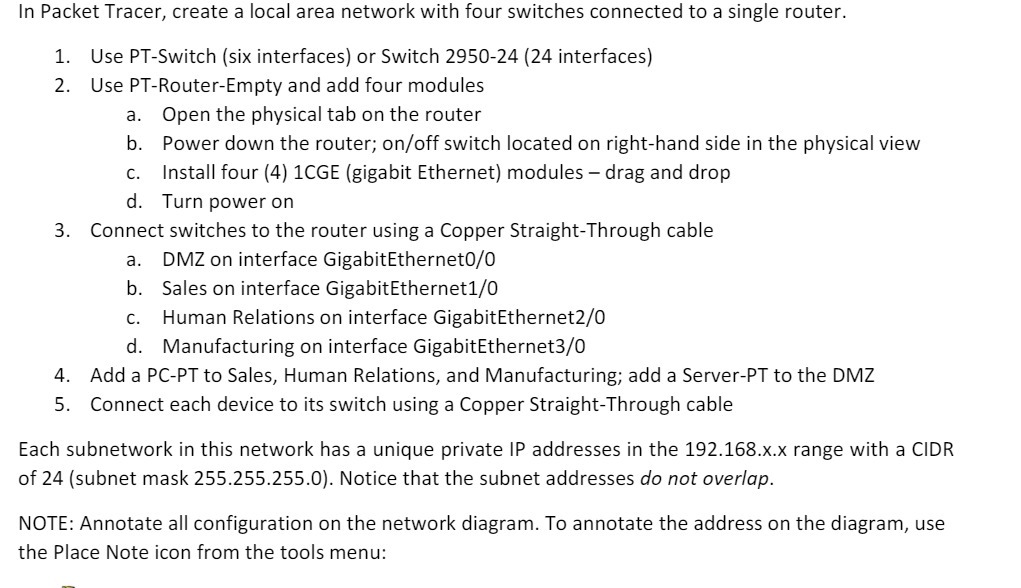
In Packet Tracer, create a local area network with four switches connected to a single router. 1. Use PT-Switch (six interfaces) or Switch 2950-24 (24 interfaces) 2. Use PT-Router-Empty and add four modules a. Open the physical tab on the router b. Power down the router; on/off switch located on right-hand side in the physical view c. Install four (4) 1CGE (gigabit Ethernet) modules - drag and drop d. Turn power on 3. Connect switches to the router using a Copper Straight-Through cable a. DMZ on interface GigabitEthernet0/0 b. Sales on interface GigabitEthernet1/0 c. Human Relations on interface GigabitEthernet2/0 d. Manufacturing on interface GigabitEthernet3/0 4. Add a PC-PT to Sales, Human Relations, and Manufacturing; add a Server-PT to the DMZ 5. Connect each device to its switch using a Copper Straight-Through cable Each subnetwork in this network has a unique private IP addresses in the 192.168.x.x range with a CIDR of 24 (subnet mask 255.255.255.0). Notice that the subnet addresses do not overlap. NOTE: Annotate all configuration on the network diagram. To annotate the address on the diagram, use the Place Note icon from the tools menu

Step by Step Solution

There are 3 Steps involved in it

1 Expert Approved Answer
Step: 1 Unlock blur-text-image

Question Has Been Solved by an Expert!

Get step-by-step solutions from verified subject matter experts

Step: 2 Unlock
Step: 3 Unlock

Students Have Also Explored These Related Mathematics Questions!