







Question: In part 1 you will be creating multiple functions to calculate the distance an object falls (on earth) in a specified number of seconds. All
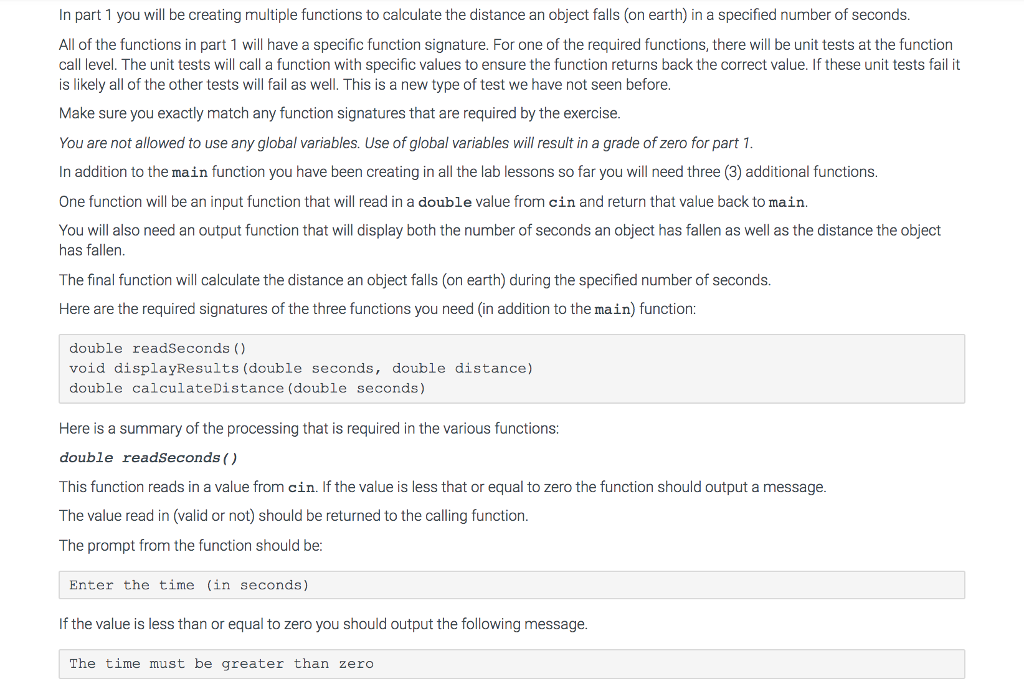
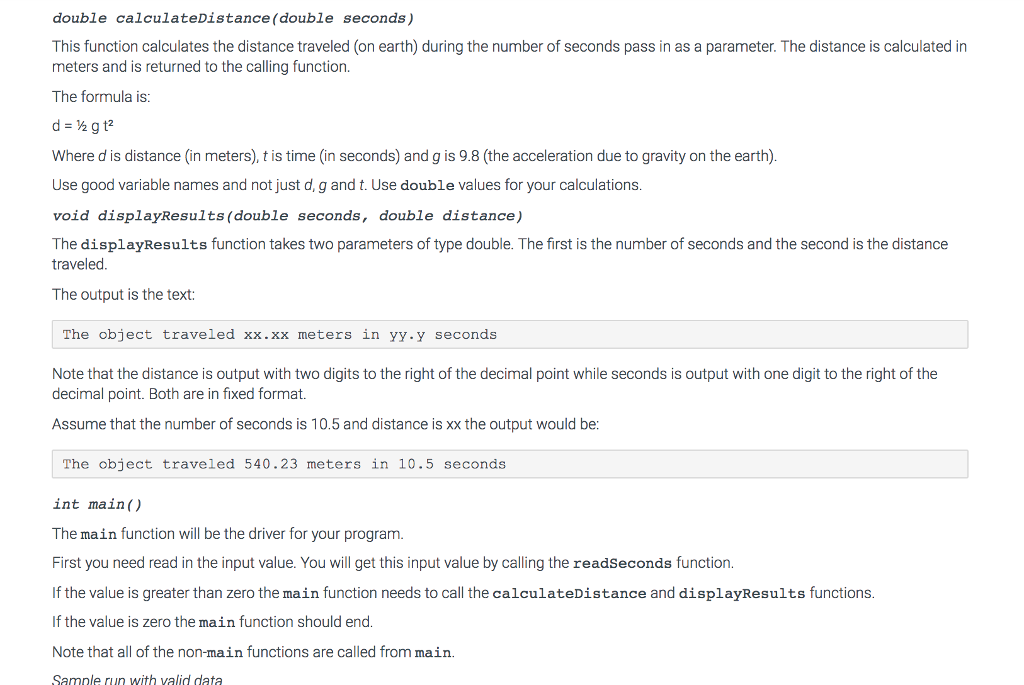
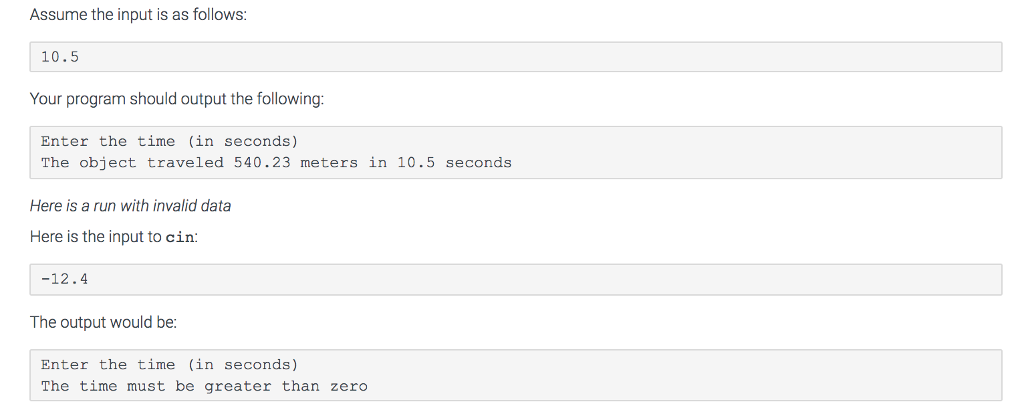
In part 1 you will be creating multiple functions to calculate the distance an object falls (on earth) in a specified number of seconds. All of the functions in part 1 will have a specific function signature. For one of the required functions, there will be unit tests at the function call level. The unit tests will call a function with specific values to ensure the function returns back the correct value. If these unit tests fail it is likely all of the other tests will fail as well. This is a new type of test we have not seen before. Make sure you exactly match any function signatures that are required by the exercise. You are not allowed to use any global variables. Use of global variables will result in a grade of zero for part 1 In addition to the main function you have been creating in all the lab lessons so far you will need three (3) additional functions. One function will be an input function that will read in a double value from cin and return that value back to main You will also need an output function that will display both the number of seconds an object has fallen as well as the distance the object has fallen. The final function will calculate the distance an object falls (on earth) during the specified number of seconds. Here are the required signatures of the three functions you need (in addition to the main) function double readSeconds ) void displayResults (double seconds, double distance) double calculateDistance (double seconds) Here is a summary of the processing that is required in the various functions: double readSeconds () This function reads in a value from cin. If the value is less that or equal to zero the function should output a message. The value read in (valid or not) should be returned to the calling function The prompt from the function should be: Enter the time (in seconds) If the value is less than or equal to zero you should output the following message. The time must be greater than zero
Step by Step Solution
There are 3 Steps involved in it

Get step-by-step solutions from verified subject matter experts
 Study Help