







Question: In Python 3 please There was a mistake in entering grades on Canvas. We need your help writing a Python script that can help us
 In Python 3 please
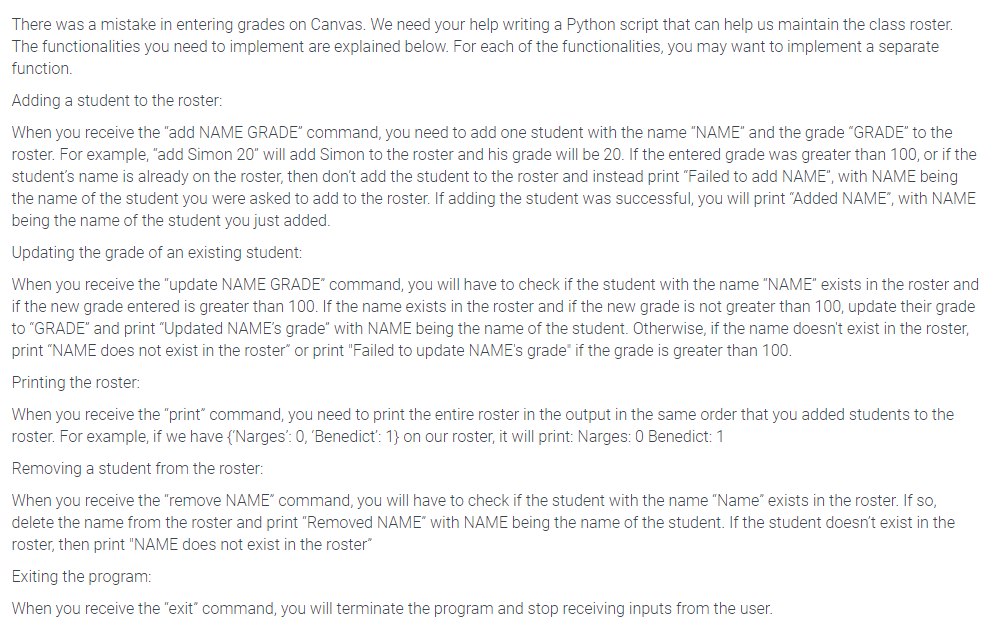
There was a mistake in entering grades on Canvas. We need your help writing a Python script that can help us maintain the class roster. The functionalities you need to implement are explained below. For each of the functionalities, you may want to implement a separate function. Adding a student to the roster: When you receive the "add NAME GRADE" command, you need to add one student with the name "NAME" and the grade "GRADE" to the roster. For example, "add Simon 20" will add Simon to the roster and his grade will be 20. If the entered grade was greater than 100, or if the student's name is already on the roster, then don't add the student to the roster and instead print "Failed to add NAME", with NAME being the name of the student you were asked to add to the roster. If adding the student was successful, you will print "Added NAME, with NAME being the name of the student you just added. Updating the grade of an existing student: When you receive the "update NAME GRADE' command you will have to check if the student with the name "NAME" exists in the roster and if the new grade entered is greater than 100. If the name exists in the roster and if the new grade is not greater than 100, update their grade to "GRADE" and print "Updated NAME's grade" with NAME being the name of the student. Otherwise, if the name doesn't exist in the roster, print "NAME does not exist in the roster" or print "Failed to update NAME's grade" if the grade is greater than 100. Printing the roster: When you receive the "print" command, you need to print the entire roster in the output in the same order that you added students to the roster. For example, if we have {Narges': 0, 'Benedict': 1} on our roster, it will print: Narges: 0 Benedict: 1 Removing a student from the roster: When you receive the "remove NAME" command, you will have to check if the student with the name "Name" exists in the roster. If so, delete the name from the roster and print "Removed NAME" with NAME being the name of the student. If the student doesn't exist in the roster, then print "NAME does not exist in the roster" Exiting the program: When you receive the "exit" command, you will terminate the program and stop receiving inputs from the user
Step by Step Solution
There are 3 Steps involved in it

Get step-by-step solutions from verified subject matter experts
 Study Help