







Question: In PYTHON Railway Safety Data (Import and Process). Recently, on February 3rd, 2023, a freight train operated by the Norfolk-Southern Railway (NS) derailed in East
In PYTHON
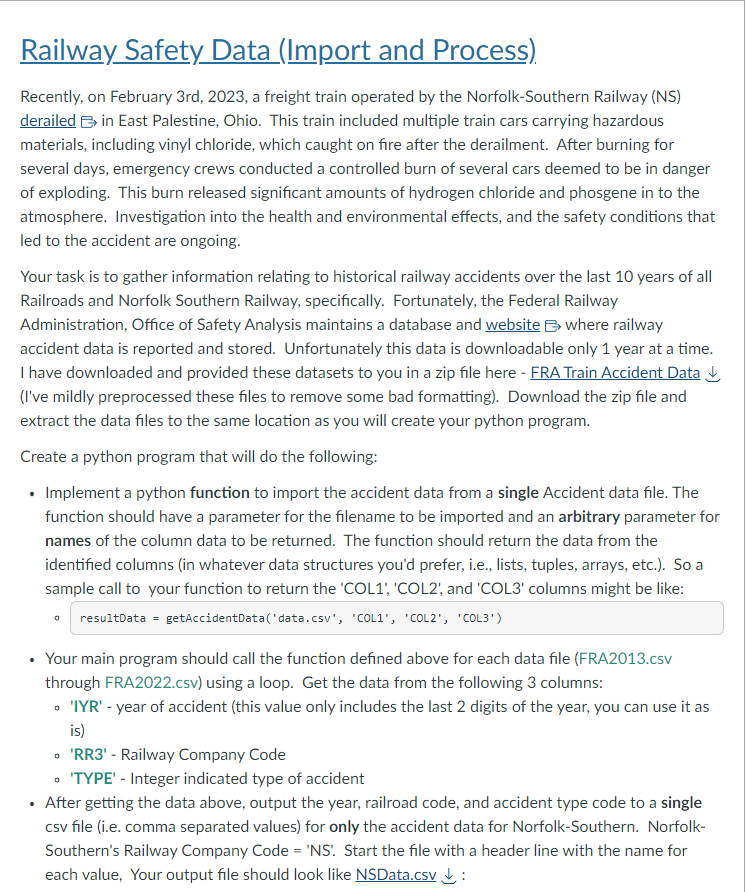
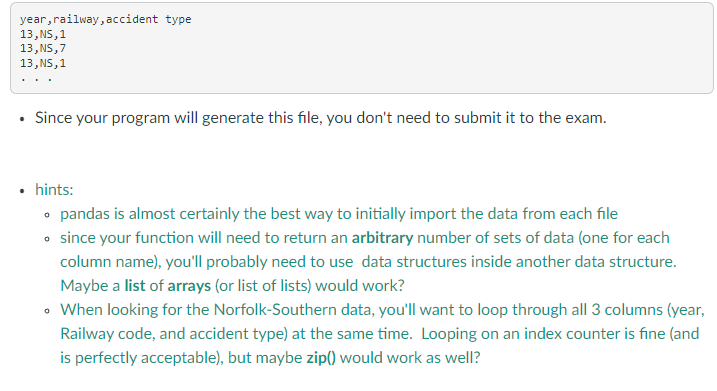
Railway Safety Data (Import and Process). Recently, on February 3rd, 2023, a freight train operated by the Norfolk-Southern Railway (NS) derailed in East Palestine, Ohio. This train included multiple train cars carrying hazardous materials, including vinyl chloride, which caught on fire after the derailment. After burning for several days, emergency crews conducted a controlled burn of several cars deemed to be in danger of exploding. This burn released significant amounts of hydrogen chloride and phosgene in to the atmosphere. Investigation into the health and environmental effects, and the safety conditions that led to the accident are ongoing. Your task is to gather information relating to historical railway accidents over the last 10 years of all Railroads and Norfolk Southern Railway, specifically. Fortunately, the Federal Railway Administration, Office of Safety Analysis maintains a database and website where railway accident data is reported and stored. Unfortunately this data is downloadable only 1 year at a time. I have downloaded and provided these datasets to you in a zip file here - FRA Train Accident Data (I've mildly preprocessed these files to remove some bad formatting). Download the zip file and extract the data files to the same location as you will create your python program. Create a python program that will do the following: - Implement a python function to import the accident data from a single Accident data file. The function should have a parameter for the filename to be imported and an arbitrary parameter for names of the column data to be returned. The function should return the data from the identified columns (in whatever data structures you'd prefer, i.e., lists, tuples, arrays, etc.). So a sample call to your function to return the 'COL1', 'COL2', and 'COL3' columns might be like: - resultData = getAccidentData('data.csv', 'COL1', 'COL2', 'COL3') - Your main program should call the function defined above for each data file (FRA2013.cSv through FRA2022.cSv) using a loop. Get the data from the following 3 columns: - 'IYR' - year of accident (this value only includes the last 2 digits of the year, you can use it as is) - 'RR3' - Railway Company Code - 'TYPE' - Integer indicated type of accident - After getting the data above, output the year, railroad code, and accident type code to a single csv file (i.e. comma separated values) for only the accident data for Norfolk-Southern. NorfolkSouthern's Railway Company Code = 'NS'. Start the file with a header line with the name for each value, Your output file should look like NSData.CSv : year, railway, accident type 13,NS,1 13,NS,7 13,NS,1 . - Since your program will generate this file, you don't need to submit it to the exam. - hints: - pandas is almost certainly the best way to initially import the data from each file - since your function will need to return an arbitrary number of sets of data (one for each column name), you'll probably need to use data structures inside another data structure. Maybe a list of arrays (or list of lists) would work? - When looking for the Norfolk-Southern data, you'll want to loop through all 3 columns (year, Railway code, and accident type) at the same time. Looping on an index counter is fine (and is perfectly acceptable), but maybe zip() would work as well
Step by Step Solution
There are 3 Steps involved in it

Get step-by-step solutions from verified subject matter experts
 Study Help