







Question: In python When you open a file, you can either open it for reading (that's what we've done so far) or for writing. To open
In python
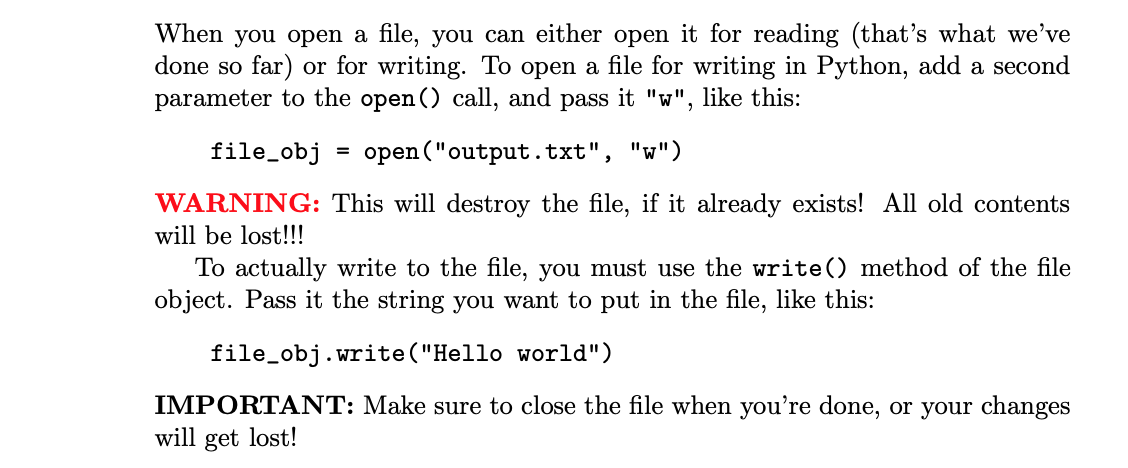
When you open a file, you can either open it for reading (that's what we've done so far) or for writing. To open a file for writing in Python, add a second parameter to the open() call, and pass it "W", like this: file_obj open("output.txt" "W") WARNING: This will destroy the file, if it already exists! All old contents will be lost!!! To actually write to the file, you must use the write() method of the file object. Pass it the string you want to put in the file, like this: file_obj.write("Hello world") IMPORTANT: Make sure to close the file when you're done, or your changes will get lost
Step by Step Solution
There are 3 Steps involved in it
1 Expert Approved Answer
Step: 1 Unlock

Question Has Been Solved by an Expert!
Get step-by-step solutions from verified subject matter experts
Step: 2 Unlock
Step: 3 Unlock
 Study Help