







Question: In the Main class, load in the 2 data files (Players.csv and Managers.csv) using Scanners. The files are stored as CSV (comma separated values) files.
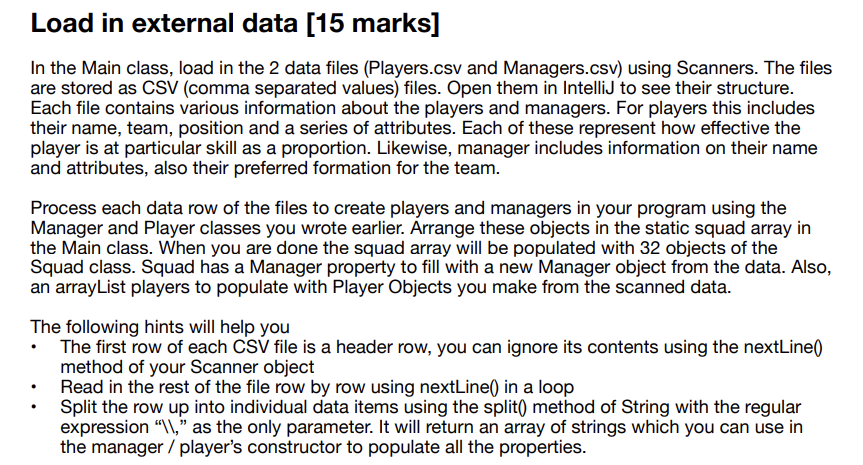
In the Main class, load in the 2 data files (Players.csv and Managers.csv) using Scanners. The files are stored as CSV (comma separated values) files. Open them in IntelliJ to see their structure. Each file contains various information about the players and managers. For players this includes their name, team, position and a series of attributes. Each of these represent how effective the player is at particular skill as a proportion. Likewise, manager includes information on their name and attributes, also their preferred formation for the team. Process each data row of the files to create players and managers in your program using the Manager and Player classes you wrote earlier. Arrange these objects in the static squad array in the Main class. When you are done the squad array will be populated with 32 objects of the Squad class. Squad has a Manager property to fill with a new Manager object from the data. Also, an arrayList players to populate with Player Objects you make from the scanned data. The following hints will help you - The first row of each CSV file is a header row, you can ignore its contents using the nextLine0 method of your Scanner object - Read in the rest of the file row by row using nextLine() in a loop - Split the row up into individual data items using the split) method of String with the regular expression "\\," as the only parameter. It will return an array of strings which you can use in the manager / player's constructor to populate all the properties
Step by Step Solution
There are 3 Steps involved in it

Get step-by-step solutions from verified subject matter experts
 Study Help