







Question: In the Packet List pane, select the first ARP frame listed and fill in the information displayed in the following column fields: Packet List
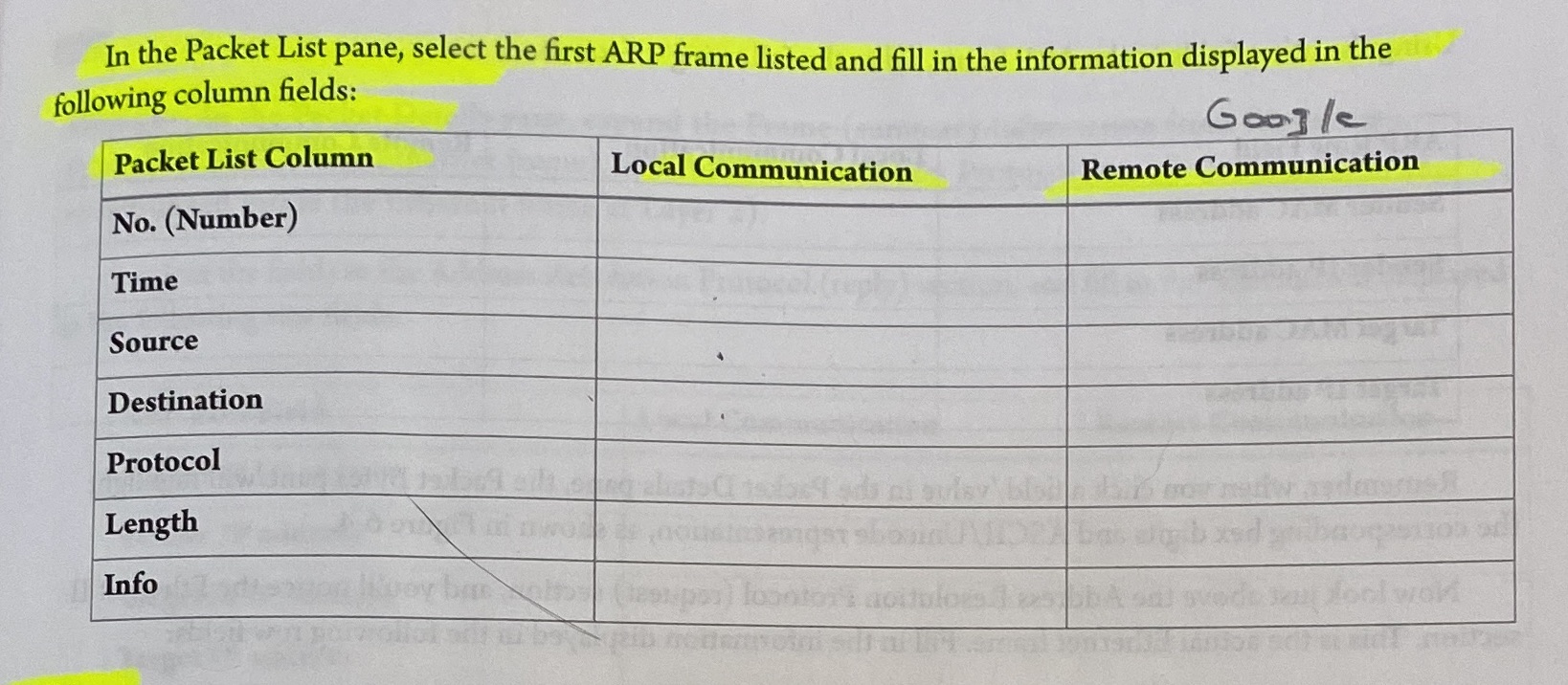
In the Packet List pane, select the first ARP frame listed and fill in the information displayed in the following column fields: Packet List Column No. (Number) Time Source Destination Protocol Length Info Local Communication Google Remote Communication
Step by Step Solution
There are 3 Steps involved in it
1 Expert Approved Answer
Step: 1 Unlock

Question Has Been Solved by an Expert!
Get step-by-step solutions from verified subject matter experts
Step: 2 Unlock
Step: 3 Unlock
 Study Help