







Question: In the Price per Region worksheet, create a Pivot Table in cell A 9 . This pivot table should compare the total sales price of
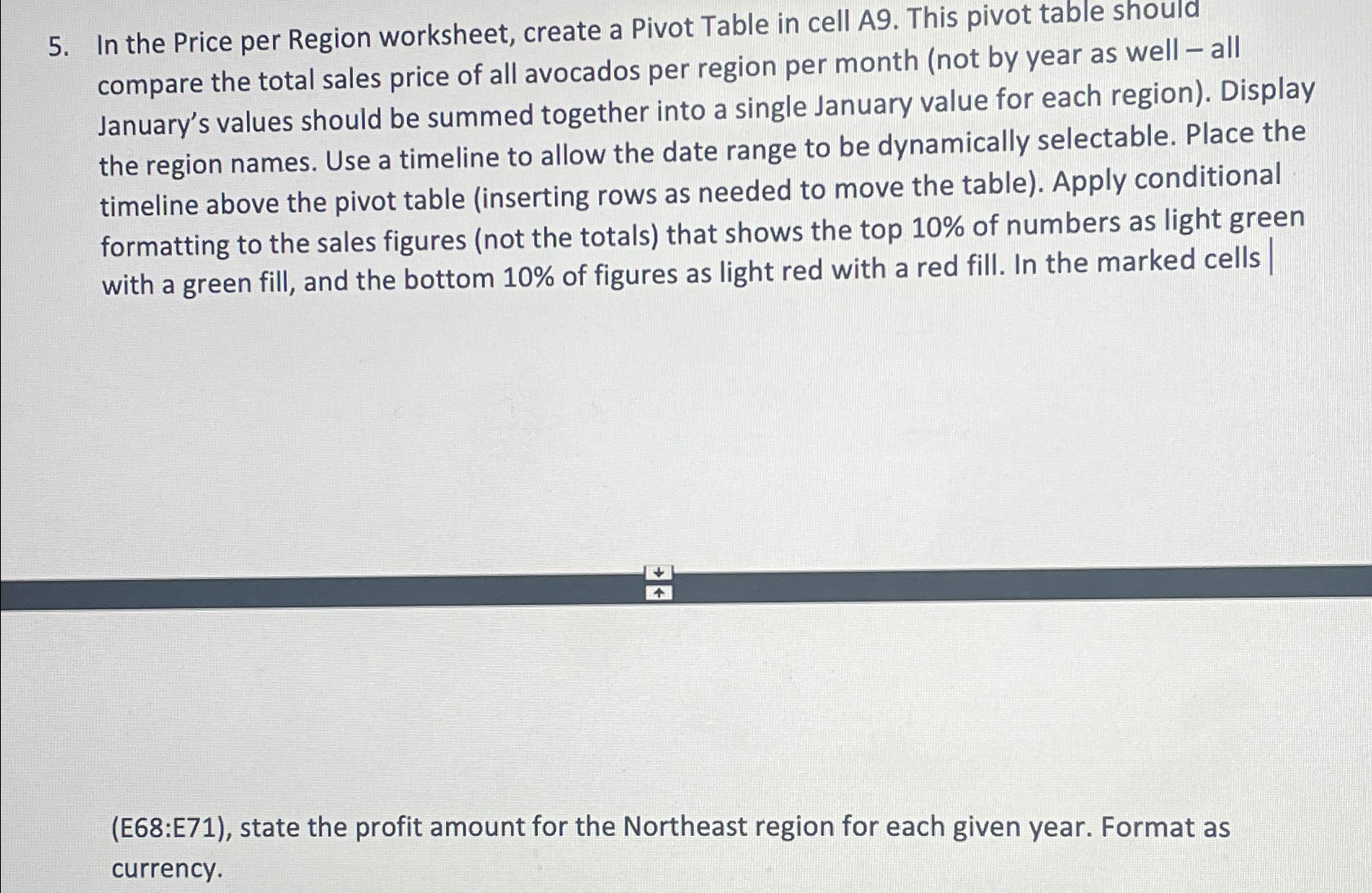
In the Price per Region worksheet, create a Pivot Table in cell A This pivot table should compare the total sales price of all avocados per region per month not by year as well all January's values should be summed together into a single January value for each region Display the region names. Use a timeline to allow the date range to be dynamically selectable. Place the timeline above the pivot table inserting rows as needed to move the table Apply conditional formatting to the sales figures not the totals that shows the top of numbers as light green with a green fill, and the bottom of figures as light red with a red fill. In the marked cells
E:E state the profit amount for the Northeast region for each given year. Format as currency.
Step by Step Solution
There are 3 Steps involved in it
1 Expert Approved Answer
Step: 1 Unlock

Question Has Been Solved by an Expert!
Get step-by-step solutions from verified subject matter experts
Step: 2 Unlock
Step: 3 Unlock
 Study Help